Food Labelling for Online Orders
Online food information depends on what is being sold: prepacked food, prepacked for direct sale, or non-prepacked takeaway food. The safest process is to classify each product, identify the mandatory information, mak…
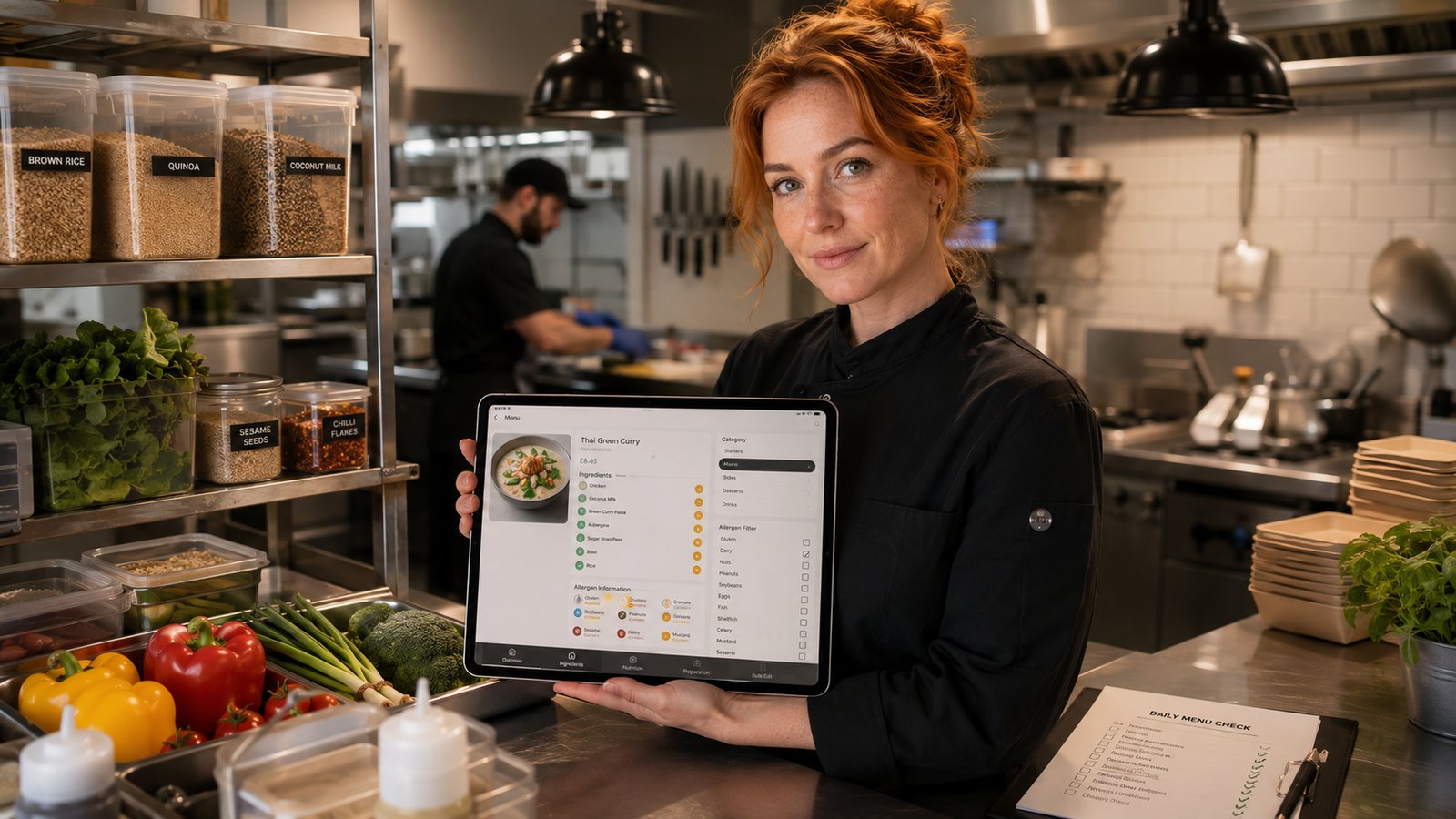
Online food information depends on what is being sold: prepacked food, prepacked for direct sale, or non-prepacked takeaway food. The safest process is to classify each product, identify the mandatory information, make it available at the correct stage and control every recipe or supplier change.
Classify the product before designing the screen
| Category | Typical takeaway example | Operational consequence |
|---|---|---|
| Prepacked | Manufacturer-packed bottle or sealed retail product | Full mandatory label information normally applies. |
| Prepacked for direct sale (PPDS) | Food packed on the same premises before the customer selects it | PPDS ingredient and allergen labelling rules may apply to in-person sale. |
| Non-prepacked | Meal prepared after an online order | Mandatory allergen information must still be supplied through the distance-selling process. |
Do not assume that every takeaway order is covered by the same “Natasha's Law” label. PPDS rules and distance-selling rules interact differently. For food ordered online or by phone, the business must ensure that required information is available free of charge before purchase and, where required, when the food is delivered.
Provide allergen information at two operational points
For non-prepacked food sold at a distance, the 14 regulated allergens used as ingredients must be communicated before the order is concluded and at delivery. Written information online is the strongest default because customers can review it before paying. Delivery-stage information can be provided through a label, receipt, menu reference or another reliable method that stays with the correct order.
Keep ingredient and allergen data connected
- Maintain an approved recipe and supplier specification for every item.
- Map allergens at ingredient level, including sauces, garnishes, oils and modifiers.
- Show which choices change the allergen profile.
- Do not allow a free-text note such as “no nuts” to overwrite the approved information.
- Use a controlled emergency process if a supplier substitutes an ingredient.
- Retest websites, apps, marketplaces, printed inserts and kitchen outputs after changes.
Present information so customers can use it
Place allergen access close to item selection and checkout, not only in a footer. Use plain names, readable text and accessible controls. Avoid broad badges such as “allergen free” unless the business can substantiate the complete claim, including cross-contact controls. Where verbal confirmation is part of the process, explain clearly how the customer can contact trained staff before ordering.
Handle prepacked products correctly
Prepacked items may require information such as the name of the food, ingredients with allergens emphasised, quantity, durability information, storage conditions, responsible business details, origin where required, instructions and nutrition information. The exact requirement depends on the product and nation. Do not recreate a manufacturer label from memory; use approved source information and keep the digital listing aligned with the physical product.
Control price and mandatory charges
Food information and price presentation are separate compliance tasks. Item prices and unavoidable fees should be clear before the customer commits. A mandatory packaging or service charge must not appear only at the end of checkout. Optional tips must remain genuinely optional.
Run a release checklist
- Classify each product.
- Approve recipe and supplier evidence.
- Verify allergens and mandatory product information.
- Test delivery-stage information.
- Test all modifiers and substitutions.
- Check mobile accessibility and print output.
- Record approver, version and publication time.
- Monitor complaints and failed synchronisation.
Practical next step
Choose ten high-volume items and build a product-information record showing category, ingredient source, allergens, digital display, delivery-stage method, approver and last review. Do not publish the next menu update until all ten pass an end-to-end test.
Related guides
- Business Planning and Finance — the main guide for the wider topic.
- Regulatory and Compliance — the broader guide that frames this implementation.
- Employment Law for Delivery Drivers — a closely related operational control to review alongside this page.
- Data Protection for Restaurant Customer Data — a closely related operational control to review alongside this page.
Sources and date checked
Guidance checked: 24 July 2026. Recheck official guidance, local requirements and supplier documentation before changing a live operation.
Operational, legal and platform requirements can change. Recheck official guidance and supplier documentation before altering a live service.
Related practical guides
 Business Planning and FinanceTotal Cost of Running Online OrderingThe total cost of online ordering includes software, payment, fulfilment, staff time, failures and supplier exit. A low headline monthly fee can …Read guide →Business Planning and FinanceService charge modelsA service charge can recover a genuine operating cost, but it must be described accurately, displayed transparently and kept separate from option…Read guide →Business Planning and FinancePrioritising investments by impactThe best digital investment is usually the smallest reversible change that resolves a material constraint. Prioritisation should compare measurab…Read guide →Business Planning and FinancePricing delivery to cover true costsA delivery fee should reflect the full fulfilment burden without hiding costs or pretending that every address is equally expensive. Use represen…Read guide →Business Planning and FinancePhased rollout strategiesA phased rollout reduces operational risk by limiting the number of customers, locations, channels or functions exposed at one time. It only work…Read guide →
 Business Planning and FinanceEmployment Law for Delivery DriversA contract that calls a driver “self-employed” does not settle their legal status. A takeaway should assess the real working arrangement, separat…Read guide →
Connect customer ordering with operations and profit
Use the wider guide library to check the menu, kitchen, fulfilment, payment and financial implications of each decision.
Browse all practical guides