A takeaway’s POS and kitchen systems form one operating chain. The till, online ordering channels, payment terminal, printers, kitchen displays and reporting tools must agree about what was ordered, what it costs, where it should be prepared and whether it has been completed. A modern interface cannot compensate for broken routing, duplicated menu data or weak fallback procedures.
This hub helps owners and operators map that chain before choosing equipment or changing suppliers. It also explains which decisions belong in the deeper guides on POS selection, kitchen display systems, menu management, reporting, hardware and reliability.
Map the order flow before selecting technology
- The customer or staff member creates an order.
- The system validates items, modifiers, availability, price and fulfilment method.
- Payment status is recorded without being confused with order acceptance.
- The order reaches one operational queue.
- Items are routed to the correct kitchen stations or printers.
- Staff prepare, check, pack and hand over the order.
- Refunds, amendments and cancellations remain traceable.
- Sales, fees, payouts and bank deposits can be reconciled.
Document the current flow for walk-in, telephone, direct online and marketplace orders. A supplier demonstration should use these real routes rather than a simplified sample menu.
Decide where each record is mastered
| Record | Possible source of truth | What must be controlled |
|---|---|---|
| Menu items and modifiers | POS, ordering platform or middleware | IDs, names, prices, tax treatment, station routing and availability |
| Order status | POS or order-management layer | Received, accepted, preparing, ready, completed and cancelled |
| Payment | Gateway, terminal or marketplace | Authorisation, settlement, refunds and disputes |
| Kitchen progress | KDS or kitchen printer workflow | Station ownership, timing, bumping, reprints and exceptions |
| Financial reporting | POS plus provider statements | Gross sales, fees, payouts, refunds and bank deposits |
A system can have several connected records, but it should not have several uncontrolled masters. Write down which system is allowed to create or change each field.
Choose the operating model, not the longest feature list
- Single-counter takeaway: fast order entry, clear modifiers, dependable printing and simple reconciliation may matter more than advanced table features.
- Delivery-led operation: postcode rules, driver handover, status visibility and channel capacity become more important.
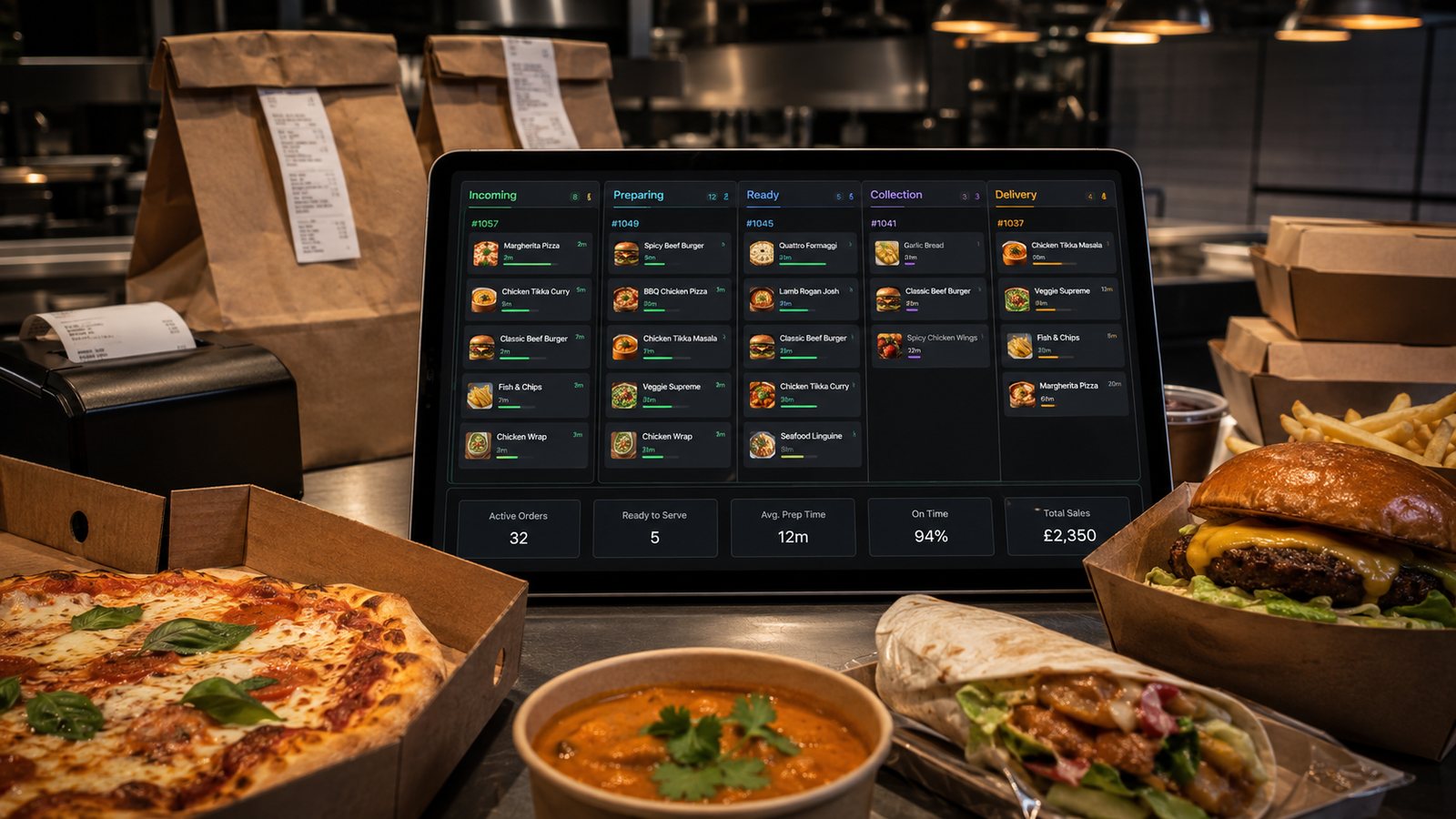
- Multi-station kitchen: item-level routing, shared timing and an expeditor view may justify a KDS.
- Multi-location group: controlled menu publishing, permissions, location reporting and reliable exports become essential.
Build kitchen output around work, not screens
Start with the physical stations: front counter, fryer, grill, preparation, packing and dispatch. Decide what each station must see, which modifiers need emphasis and who owns the final completeness check. A KDS can coordinate this work, but a printer may still be the better tool for a hot, wet or cramped station. Mixed setups are normal when each output has a defined role.
Plan for normal service and failure
Ask what happens when:
- the internet connection fails;
- a marketplace integration stops sending orders;
- a printer is offline;
- a KDS screen freezes;
- a card payment has an unknown outcome;
- menu changes fail to publish;
- the POS device is damaged;
- the supplier’s cloud service is unavailable.
The fallback should identify which channels remain open, how orders are numbered, where paper tickets are stored, who communicates with customers and how records are reconciled afterwards.
Use a controlled implementation sequence
- Map the current operation and failure points.
- Define required workflows and data fields.
- Shortlist systems using realistic demonstrations.
- Confirm hardware, network and support responsibilities.
- Build a representative menu with difficult modifiers.
- Test every channel, payment state and kitchen route.
- Train staff on normal and fallback procedures.
- Pilot during controlled service periods.
- Review errors, delays, refunds and staff workarounds.
- Expand only after the process is stable.
Questions to answer before signing
- Can all order-level and audit data be exported in a usable format?
- Which integrations are native, and which depend on another supplier?
- Who owns support when an order is missing between two systems?
- What continues to work offline?
- Which hardware models and operating-system versions are supported?
- How are menu, routing and software changes tested?
- What are the notice period, data-export process and exit costs?
Govern configuration after launch
Assign named owners for menu data, pricing, availability, kitchen routing, user access, hardware and integrations. Changes should have a reason, approver, effective time, test and rollback. This is especially important when several suppliers can alter the same order flow.
Measure operational outcomes
- orders requiring manual re-entry;
- missing or duplicated orders;
- modifier and packing errors;
- refunds caused by system or menu data;
- time spent resolving integration failures;
- orders completed outside the promised window;
- differences between sales, settlements and bank deposits;
- staff workarounds that bypass the intended process.
Use these measures to improve the operating model. Do not treat a lower screen timer as success if remakes, premature completion or customer complaints increase.
Practical next step: draw one complete Friday-evening order flow and mark every manual re-entry, duplicated record and single point of failure. Use that map as the basis for supplier evaluation and system improvement.
Related guides
- Kitchen Display Systems — a detailed next step for putting this guidance into practice.
- Menu Management in POS — a detailed next step for putting this guidance into practice.
- Payments — a closely related operational control to review alongside this page.
- Restaurant Apps — a closely related operational control to review alongside this page.
- Online Ordering — a connected decision that can change the recommended approach.
- Cross-Channel Operations — a connected decision that can change the recommended approach.