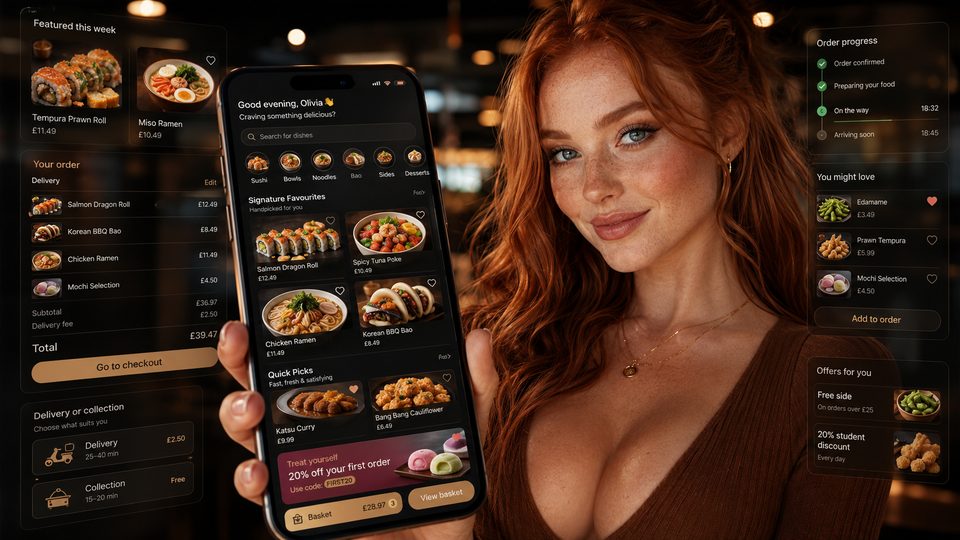
A restaurant app is an owned ordering interface, not a strategy by itself. It is valuable only when it improves a repeat customer journey and the takeaway can operate, maintain and market it reliably.
Start with the business case
A native app may suit a takeaway with meaningful repeat demand, a stable direct-ordering operation and a reason for customers to return to the icon. It is less persuasive when the website journey is weak, the menu changes are unreliable or the business expects an app-store listing to create discovery by itself.
Choose the product form deliberately
| Approach | Strength | Main caution |
|---|---|---|
| Mobile website | No installation and broad reach | Must still deliver a fast, reliable repeat journey |
| Progressive web app | Install-like web experience with one web codebase | Capabilities and installation experience vary by platform |
| White-label native app | Faster launch using a supplier product | Brand, integration, ownership and exit may be constrained |
| Custom native app | Maximum design and integration control | High delivery, maintenance and governance burden |
| Marketplace app | Demand and fulfilment infrastructure | Limited ownership and contract-dependent economics |
Build on operational foundations
- One governed menu source.
- Reliable prices, modifiers and availability.
- Realistic delivery and collection capacity.
- Payment and refund processes.
- Order routing to POS, KDS or printers.
- Support and fallback during app or integration failure.
Judge features by the order flow
Essential features reduce error and friction: menu browsing, valid modifiers, clear pricing, delivery-zone checks, capacity-aware slots, payment outcomes, order confirmation and account recovery. Loyalty, favourites and push notifications are useful only after the core order is dependable.
Control ownership and exit
Confirm who owns the Apple and Google developer accounts, app listing, source code where applicable, customer data, analytics configuration, signing keys, domains and integration credentials. A supplier-branded account can create a difficult migration even when the app appears to carry the restaurant’s logo.
Treat launch as an operational change
Use internal testing, a controlled customer pilot and gradual promotion. Train staff to identify app orders, correct errors, explain incentives and handle outages. Store-review requirements and platform policies change, so recheck the official Apple and Google guidance for every release.
Measure useful adoption
- Successful first orders after install.
- Repeat orders from the same cohort.
- Order errors and support contacts.
- Contribution after incentives and app costs.
- Active users defined by meaningful ordering behaviour.
- Migration and deletion requests completed correctly.
Practical decision
Do not build an app because competitors have one. Build or buy one when it has a clear job, the direct ordering operation is stable and the business can support the full lifecycle from store submission to eventual replacement.
Use an app-readiness gate
| Question | Evidence required |
|---|---|
| Is there repeat direct demand? | Cohort orders from customers who already use the owned channel |
| Is the core journey stable? | Successful orders, low support burden and reliable kitchen routing |
| Does the app add a specific benefit? | A tested repeat journey, loyalty or capability not delivered adequately by the website |
| Can the business maintain it? | Named product owner, supplier support, release process and budget |
| Can the business leave? | Control of accounts, data exports, credentials and migration terms |
Govern the full lifecycle
App ownership includes more than the initial build. Keep a release calendar, policy-review process, device test set, incident route and deprecation plan. Decide who approves data collection, push campaigns, loyalty changes and new permissions. Record supplier dependencies so a payment, menu or analytics change does not appear as an unexplained app failure.
Plan support before promotion
Customers need a route for failed login, missing orders, payment uncertainty, loyalty balance disputes and account deletion. Staff should know which problems they can resolve and which require the app supplier, ordering platform or payment provider. Measure the time and cost of that support as part of the app business case.
Related guides
- App Comparisons and Alternatives — a detailed next step for putting this guidance into practice.
- App Features and Functionality — a detailed next step for putting this guidance into practice.
- POS and Kitchen Systems — a closely related operational control to review alongside this page.
- Restaurant Marketing and Customer Retention — a closely related operational control to review alongside this page.
- Online Ordering — a connected decision that can change the recommended approach.
- Payments — a connected decision that can change the recommended approach.
Sources and recheck points
Guidance checked: 24 July 2026. Recheck official guidance and supplier documentation before changing a live process.