How to Set Up Digital Receipts
A digital receipt should give the customer a reliable record without creating a new privacy problem or weakening the restaurant’s accounting trail. The safest approach is to define the receipt’s purpose, content and d…
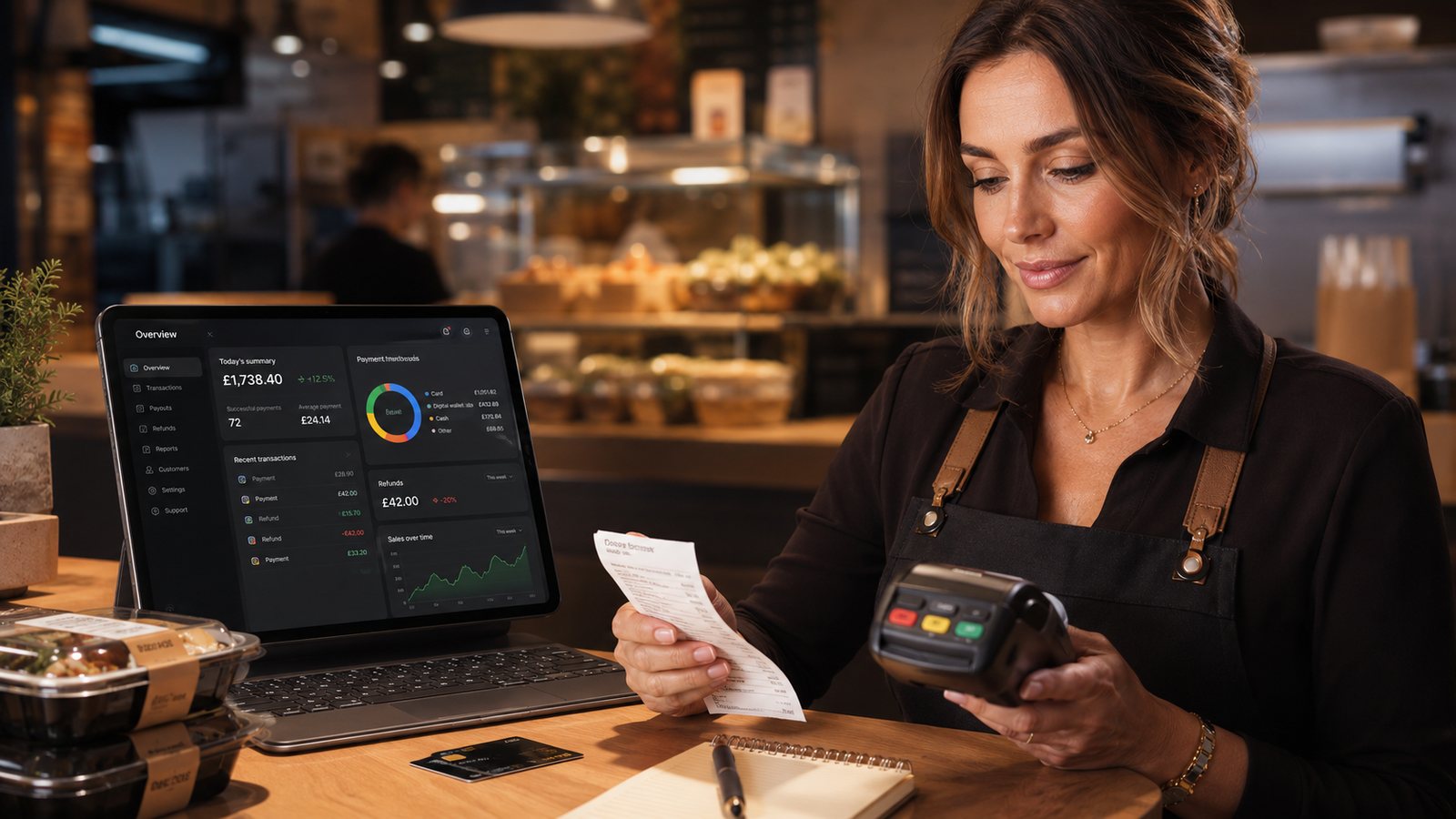
A digital receipt should give the customer a reliable record without creating a new privacy problem or weakening the restaurant’s accounting trail. The safest approach is to define the receipt’s purpose, content and delivery route before switching off paper or adding a marketing box.
Step 1: decide which document you are sending
Do not use “receipt”, “order confirmation” and “VAT invoice” interchangeably. Decide whether the customer needs:
- confirmation that an order was received;
- confirmation that it was accepted;
- a payment result;
- a customer receipt;
- a VAT invoice on request;
- a credit note or refund confirmation.
One message may contain several of these elements, but each status must be accurate. A payment-authorised message should not say that the kitchen has accepted the order unless the system knows that it has.
Step 2: define the minimum useful content
| Field | Why it matters |
|---|---|
| Business trading name and contact route | Lets the customer identify the seller and report a problem |
| Order number | Connects customer support, kitchen records and payment evidence |
| Order date and time | Supports handover, complaints and reconciliation |
| Delivery or collection | Explains the fulfilment promise |
| Item and modifier summary | Helps identify missing or incorrect items |
| Price breakdown and total | Shows food, discounts, delivery, optional charges and final amount |
| Payment method | Helps the customer identify where a refund will normally be returned |
| Status and promised time | Prevents an acknowledgement being mistaken for acceptance |
| Refund or correction information | Preserves the updated transaction history |
Show only the minimum payment detail needed for recognition. Do not include full card numbers, security codes or other authentication data.
Step 3: confirm the VAT-invoice route
A standard consumer receipt is not automatically a VAT invoice. Where the takeaway is VAT registered and a customer requests a VAT invoice, the system must support the correct information and invoice format.
HMRC allows simplified VAT invoices for qualifying supplies of £250 or less where the conditions are met. Different information is required for full or modified VAT invoices. Do not hard-code a single “VAT receipt” template without professional review of the business’s VAT position, retail scheme and order types.
Step 4: choose how the receipt is delivered
Email provides a durable copy and works well for direct orders. Make the sender recognisable, use a clear subject line and avoid attaching oversized files where a readable HTML message or secure link is sufficient.
SMS
An SMS can link to a receipt where the customer already supplied a mobile number for order updates. Keep the domain recognisable and do not expose order details in an insecure public link.
Customer account or order-status page
This avoids sending another message, but customers need a practical way to retrieve the record without remembering a password created during a one-off purchase.
Printed fallback
Keep a paper option for cash, collection, accessibility needs and service failure. A digital-receipt project should not remove the kitchen ticket or accounting records that operations still require.
Step 5: separate service communication from marketing
An email address given for an e-receipt is being used to provide the transaction record. That does not, by itself, mean the customer agreed to promotional emails.
If marketing is offered:
- make it a separate and clear choice;
- do not make receipt delivery conditional on marketing;
- record the wording, time and channel of the preference;
- provide an easy way to opt out;
- apply the relevant PECR and UK GDPR rules.
Step 6: make refunds and amendments visible
The original receipt should not be silently rewritten after a refund. Preserve a traceable sequence:
- original order and payment;
- amendment or complaint reference;
- refund or partial refund requested;
- refund submitted to the provider;
- customer communication;
- updated accounting record.
Do not promise the date on which the customer’s bank will display the credit unless the provider gives a reliable, current basis for that promise.
Step 7: test realistic scenarios
- guest checkout without an account;
- collection and delivery;
- cash and card;
- discount code;
- optional tip;
- partial refund;
- full refund;
- payment successful but order acceptance delayed;
- marketplace order where the platform controls the customer receipt;
- customer requesting a valid VAT invoice.
Step 8: protect access and retention
Receipt links should not expose another customer’s order by changing a predictable number. Limit the information shown, expire public links where appropriate, and provide a secure retrieval route for older records.
Keep the restaurant-side order, payment and accounting records for the required period even if the customer-facing link expires. Test exports before changing provider.
Launch checklist
- Receipt purpose and statuses documented.
- VAT template reviewed for the business’s actual position.
- One stable order reference shown.
- Price breakdown and total verified.
- No prohibited card data included.
- Marketing preference separated from receipt delivery.
- Refund and credit-note process tested.
- Accessibility and printed fallback checked.
- Retention and export confirmed.
Related guides
- Payments — the main guide for the wider topic.
- Receipts and Reconciliation — the broader guide that frames this implementation.
- How to Reconcile Online Orders, Payments and Refunds — a closely related operational control to review alongside this page.
- Record Keeping for Tax and Compliance — a closely related operational control to review alongside this page.
Official guidance checked
- HMRC: VAT invoice requirements and simplified invoices
- HMRC: electronic invoicing
- ICO: e-receipts and direct-marketing consent
- ICO: lawful bases and consent
Guidance checked: 24 July 2026. Confirm the VAT template, retention process and marketing setup for the individual business before launch.
Operational, legal and platform requirements can change. Recheck official guidance and supplier documentation before altering a live service.
Related practical guides
 PaymentsPCI DSS Compliance for RestaurantsPCI DSS is the payment-card industry security standard. It applies to organisations that store, process or transmit cardholder data, and it can a…Read guide →
 PaymentsMarketplace Payout IssuesA missing or reduced marketplace payout should be investigated as a reconciliation problem, not guessed from the bank balance. The difference may…Read guide →PaymentsHow to Measure Marketplace CommissionThe headline commission percentage is not the same as the total cost of a marketplace order. To measure the channel properly, use order-level sta…Read guide →
 PaymentsHow to Calculate Contribution Margin by Ordering ChannelContribution margin shows what remains after the costs that change with, or are avoidable because of, an order. It is useful for channel and pric…Read guide →PaymentsHandling Refunds for Online OrdersA refund process should be fast enough to treat the customer fairly and controlled enough to prevent duplicates, fraud and accounting gaps. The r…Read guide →PaymentsFraud Prevention for Online OrdersFraud prevention should combine payment-provider controls, secure staff access, proportionate order review and a documented response to suspiciou…Read guide →
Connect customer ordering with operations and profit
Use the wider guide library to check the menu, kitchen, fulfilment, payment and financial implications of each decision.
Browse all practical guides