Marketplace Menu Management
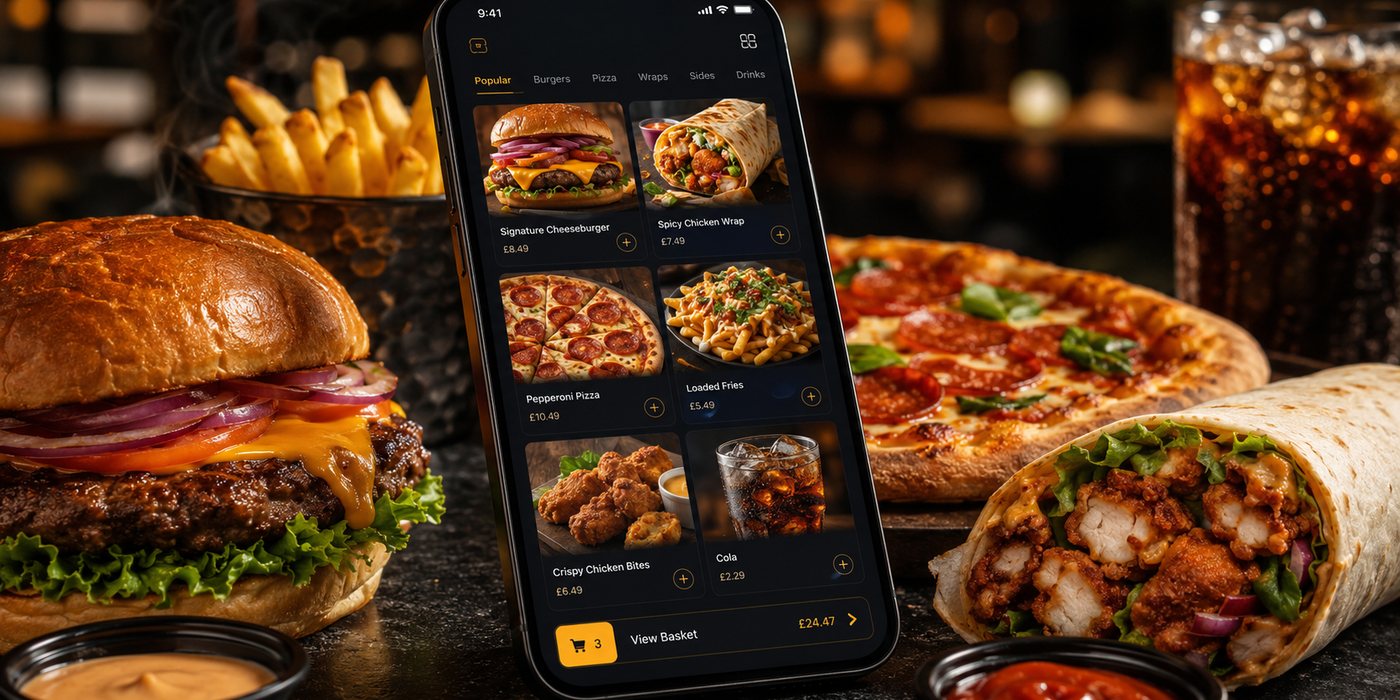
A marketplace menu is a live operating document. It controls what customers can buy, what the kitchen receives and what the business may later need to explain or refund. Treat it as a governed publication rather than…
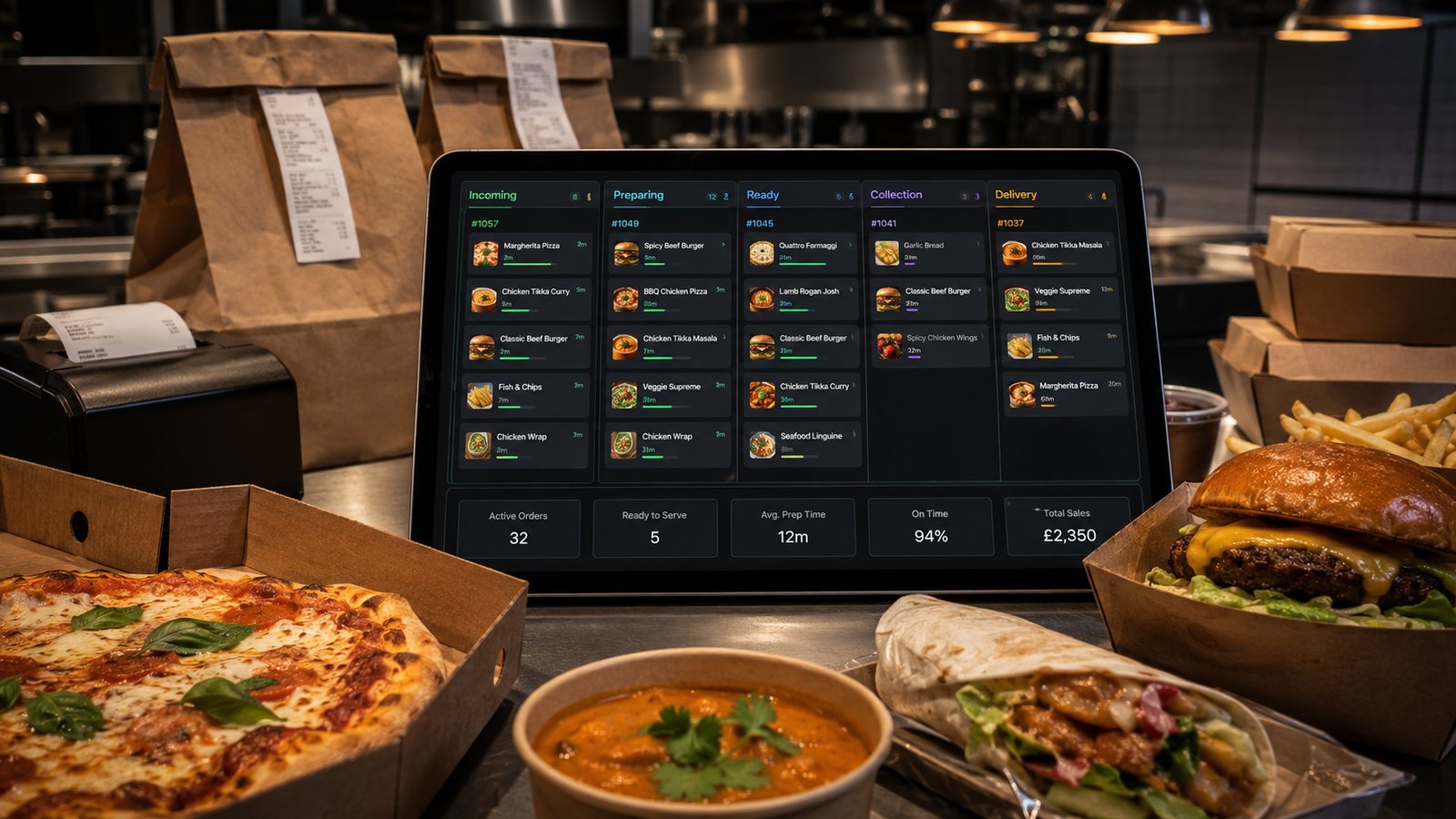
A marketplace menu is a live operating document. It controls what customers can buy, what the kitchen receives and what the business may later need to explain or refund. Treat it as a governed publication rather than a one-off upload.
Related guides
- Online Ordering — the main guide for the wider topic.
- Marketplace Operations — the broader guide that frames this implementation.
- Marketplace Commission Structures — a closely related operational control to review alongside this page.
- Marketplace Visibility and Ranking — a closely related operational control to review alongside this page.
Choose the source of truth
Decide which system owns:
- item names and descriptions;
- prices;
- tax and mandatory customer charges where relevant;
- categories and ordering sequence;
- modifier groups;
- allergen information;
- availability and sold-out status;
- images and promotional labels.
If the POS, direct website and marketplace all contain separate copies, assign an owner and a change log. A menu-sync integration reduces manual work only when mappings and exceptions are tested.
Design for the marketplace interface
Platforms may display categories, descriptions, modifiers and images differently. Review the customer-facing listing, not only the partner portal.
Check that:
- important categories appear in a logical order;
- item names make sense without staff explanation;
- descriptions distinguish similar dishes;
- required choices are genuinely required;
- optional extras are not preselected without a valid reason;
- minimum and maximum modifier selections work;
- the final basket reflects what the kitchen can produce.
Keep pricing clear
Marketplace pricing may differ from direct pricing, depending on the business model and agreement. Whatever approach is used, the customer should see accurate item prices and the total payable price, including mandatory charges, at the required stage of the journey.
Before changing prices:
- calculate contribution after all channel-specific costs;
- check the marketplace agreement and any parity or promotional terms;
- avoid unsupported “save” claims;
- make bundle contents and comparison prices clear;
- test VAT and receipt presentation with the relevant systems;
- confirm that the POS receives the correct selling price.
A higher marketplace price does not automatically repair poor contribution. It may reduce conversion, alter customer expectations or create complaints if the difference is unexplained or inconsistent.
Build modifiers around kitchen actions
A modifier should tell the kitchen exactly what changes. Avoid vague options such as “special request” where a structured choice is possible.
For each modifier group, verify:
- which items it applies to;
- whether a choice is required;
- how many choices are allowed;
- the price effect;
- the wording shown on the kitchen ticket;
- whether the combination is operationally valid;
- whether an allergen-related request needs a separate conversation.
Manage availability at item and modifier level
Marking a main item sold out may not be enough. The unavailable component may be a size, side, sauce, topping or drink included in several bundles.
A useful availability process includes:
- an opening check;
- a named owner during service;
- a fast sold-out action;
- confirmation that the change reached the customer view;
- restoration only after stock is physically available;
- a fallback for integration failure.
Do not accept an order and substitute an item without the customer's agreement. Where allergen or dietary suitability is uncertain, do not improvise a replacement.
Provide usable allergen information
For distance selling, allergen information must be available at the required stages. The marketplace listing is only one part of the process. The restaurant also needs current recipe information, staff access to it and a method of providing information when the food is supplied.
Check that:
- the 14 regulated allergens are identified where present as ingredients;
- menu changes trigger an allergen review;
- staff can answer queries using the current information;
- free-text notes are not treated as proof that a request can be fulfilled safely;
- the customer is encouraged to contact the business about an allergy where appropriate;
- the platform process does not create an unsupported “allergen-free” promise.
Use marketplace-only items and bundles carefully
A marketplace-only bundle can simplify ordering or improve basket value, but it adds another menu variant to maintain.
Before launch, confirm:
- the exact contents and permitted choices;
- the kitchen ticket layout;
- stock impact across other channels;
- allergen information for every component;
- whether the price claim is accurate;
- packaging and delivery suitability;
- how the bundle is paused when a component sells out.
Images and descriptions
Use current images that represent the item customers will receive. Avoid:
- stock photography unrelated to the actual dish;
- props or sides that appear included when they are not;
- old packaging or portion presentation;
- promotional text embedded in images that becomes out of date;
- descriptions that make health, ingredient or origin claims the business cannot substantiate.
Test before and after publication
Place test orders covering:
- a simple item;
- required and optional modifiers;
- a bundle;
- a sold-out component;
- collection and delivery;
- a promotion;
- an item with allergen information;
- an integration or printer failure.
Compare the customer basket, marketplace confirmation, POS or KDS ticket, kitchen output and receipt. A successful customer checkout is not enough if the kitchen receives incomplete information.
Weekly menu audit
- Review unavailable and rejected items.
- Check menu-related refunds and complaints.
- Compare marketplace and source-of-truth prices.
- Confirm descriptions, images and portion details.
- Test important modifiers.
- Review low-selling items before deleting them.
- Confirm that current promotions and significant conditions are accurate.
Official guidance checked
- Food Standards Agency: allergen guidance for food businesses
- Competition and Markets Authority: clear and accurate pricing
- ASA and CAP: promotional terms and significant conditions
Guidance checked: 24 July 2026. Platform capabilities and menu rules vary; verify the live customer view and current partner documentation.
Operational, legal and platform requirements can change. Recheck official guidance and supplier documentation before altering a live service.
Related practical guides
 Online OrderingOnline Ordering for New Takeaway BusinessesA new takeaway does not need a marketplace listing, ordering website, branded app and loyalty programme on its first day. It needs one dependable…Read guide →Online OrderingMulti-Location Restaurant Ordering Systems: What ChangesMoving from one takeaway location to several changes more than the number of kitchens. Identity, menu governance, pricing, capacity, support, pay…Read guide →Online OrderingMarketplace Visibility and RankingMarketplace visibility can affect order volume, but restaurants rarely know the full logic behind search, recommendation and sponsored placement.…Read guide →
 Online OrderingMarketplace Commission StructuresMarketplace cost is rarely one simple percentage. The total depends on the provider, contract, delivery model, promotions, payment treatment, ref…Read guide →
 Online OrderingHow to Handle Allergens OnlineA safe online allergen process connects approved recipes, supplier specifications, menu data, trained staff, kitchen controls and delivery-stage …Read guide →Online OrderingHow to Design Checkout for TakeawayA takeaway checkout should confirm a clear order, a realistic fulfilment promise and a transparent total price with as little unnecessary effort …Read guide →
Connect customer ordering with operations and profit
Use the wider guide library to check the menu, kitchen, fulfilment, payment and financial implications of each decision.
Browse all practical guides