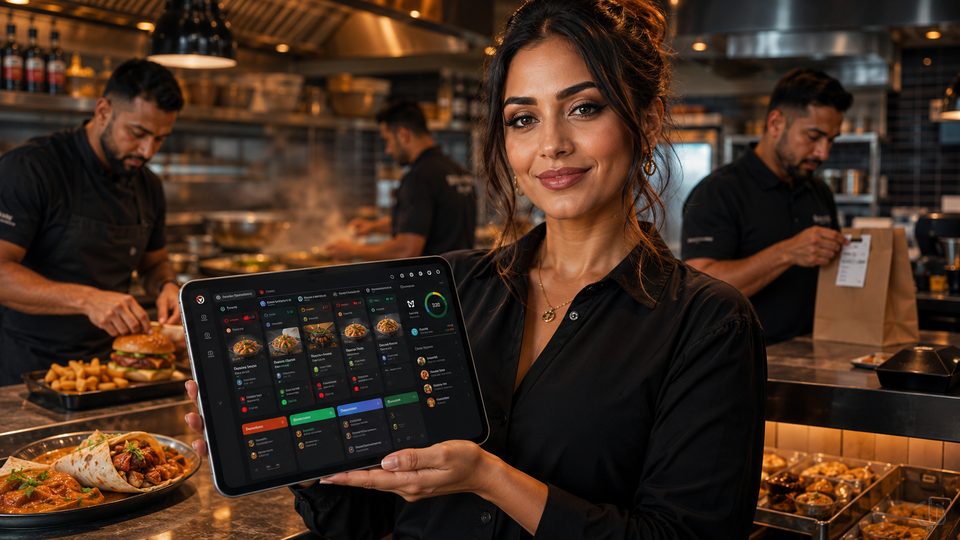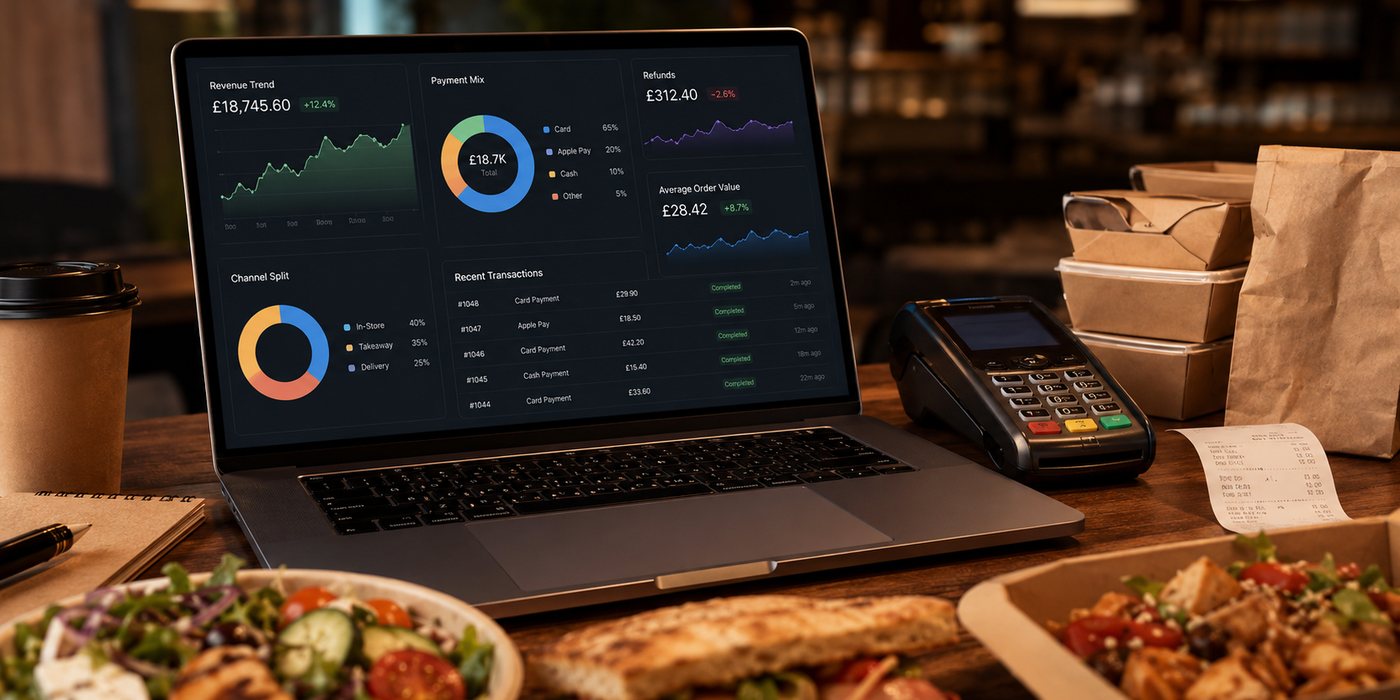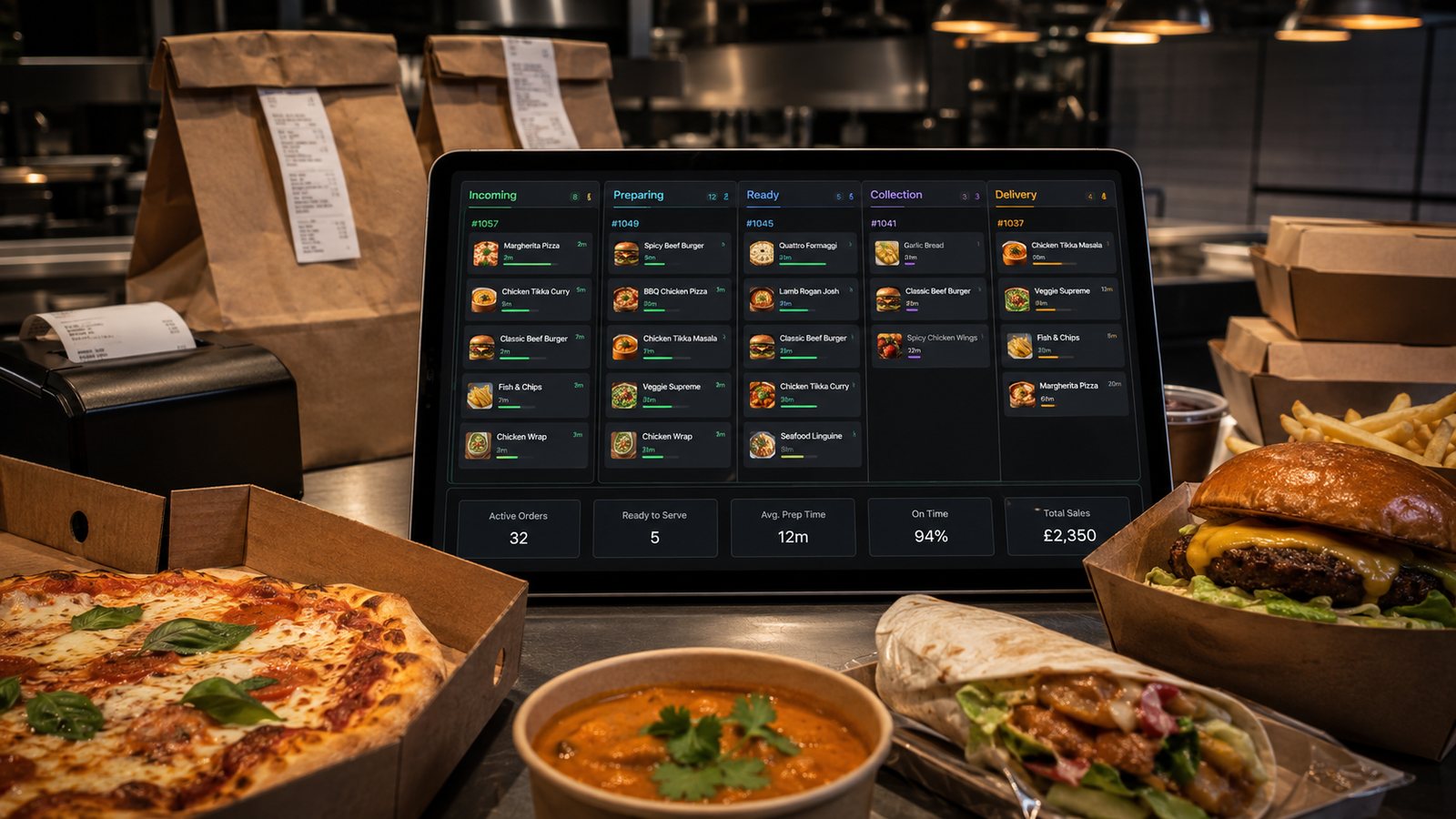
A POS system is not simply a till. For a takeaway, it can control menu data, order routing, kitchen tickets, payments, discounts, refunds, staff access and reporting. Choosing the wrong system can create more manual work even when the interface looks modern.
This hub explains the main selection and setup decisions, then directs deeper work into integration, hardware, menu management, kitchen systems and fallback.
Start with the operating model
Document:
- locations and tills;
- walk-in, telephone, direct and marketplace channels;
- delivery and collection;
- kitchen stations;
- menu size and modifier complexity;
- payment methods;
- drivers and dispatch;
- accounting and reporting requirements;
- internet and outage constraints.
The best POS for a single collection counter may be unsuitable for a multi-location operation with several marketplaces and kitchen stations.
Define the required order flow
- Order is created in the correct channel.
- Price, tax, modifiers and availability are validated.
- Payment status is confirmed.
- Order enters one operational queue.
- Kitchen output reaches the correct station.
- Status updates reach customer and driver where relevant.
- Refunds and amendments remain traceable.
- Sales, fees and payouts can be reconciled.
Ask the supplier to demonstrate the complete flow using the restaurant’s realistic menu and failure cases.
Cloud-based and locally dependent systems
| Consideration | Questions |
|---|---|
| Internet dependency | What still works when the connection fails? |
| Updates | Who schedules and tests software changes? |
| Remote access | Can managers view and change settings securely? |
| Local devices | Which printers, displays and terminals depend on a local controller? |
| Data ownership | Can order-level and audit data be exported? |
| Support | Is support available during evening and weekend service? |
“Cloud-based” does not mean the restaurant can operate without hardware, local networking or a fallback plan.
Integration requirements
List each integration and its direction:
- direct ordering;
- marketplace aggregation;
- payment gateway and terminals;
- KDS and printers;
- menu and availability;
- driver or delivery system;
- loyalty;
- accounting;
- reporting and data warehouse.
“Integrates with” is not enough. Confirm which fields and actions are supported, how errors are surfaced, who supports the connection and what happens during an outage.
Hardware plan
- Till screens and stands.
- Receipt and kitchen printers.
- KDS screens and bump controls.
- Payment terminals.
- Cash drawers.
- Routers, switches and backup connectivity.
- Spare paper, cables and replacement devices.
Use supported hardware and confirm interfaces, power, network and environmental limits. Consumer devices can be unsuitable for heat, grease and continuous service.
Menu and configuration setup
Before importing the full menu, establish:
- stable item and modifier IDs;
- source of truth;
- price and tax mapping;
- availability rules;
- station routing;
- receipt and kitchen names;
- allergen-information responsibility;
- discount permissions;
- effective dates for changes.
Test a representative subset before loading every item.
Staff roles and permissions
| Role | Typical access |
|---|---|
| Front counter | Create orders, take permitted payments, limited corrections |
| Kitchen | View and progress orders, no unnecessary customer or financial data |
| Shift manager | Void, refund within limits, capacity controls, reports |
| Owner or finance | Configuration, exports, high-value refunds, settlement reporting |
| Supplier support | Time-limited and logged remote access |
Controlled pilot
- Build a test menu with real modifiers.
- Run walk-in, telephone, direct and marketplace orders.
- Test card, cash, refund and failed payment.
- Test sold-out items and price changes.
- Test kitchen routing and reprints.
- Disconnect the internet and one printer.
- Run end-of-day and reconciliation reports.
- Export the data.
- Train staff on normal and fallback processes.
Total cost
Compare:
- licences by till, location or order volume;
- hardware purchase or rental;
- payment processing;
- integration fees;
- installation and menu setup;
- support level;
- replacement equipment;
- contract and termination costs;
- migration and data export;
- staff time and operational disruption.
Exit and fallback
Before signing, confirm:
- data ownership and export format;
- notice period and termination fees;
- hardware ownership;
- access after cancellation;
- menu and customer-data migration;
- how operations continue during supplier failure.
Selection checklist
- Operating model documented.
- Critical workflows demonstrated.
- Integration scope confirmed in writing.
- Hardware and network plan approved.
- Permissions and audit trail tested.
- Full cost compared.
- Fallback tested.
- Export and exit tested before commitment.
Match the system to the takeaway type
Different operations may prioritise different capabilities:
- Collection-led counter: fast till entry, clear queue and card-present reliability.
- Delivery-led takeaway: zones, driver handover, address control and dispatch status.
- Complex menu: modifier logic, station routing and availability.
- High marketplace volume: aggregation, duplicate protection and statement reconciliation.
- Multi-location group: central menu governance with controlled local exceptions.
- Seasonal or event operation: portable hardware, temporary connectivity and rapid setup.
Do not buy a multi-site enterprise package for prestige if the operation will use only a small part of it. Equally, do not choose a basic till that cannot represent the real menu and channels.
Data migration
Plan migration for:
- menu items and modifier IDs;
- prices and tax mapping;
- customer accounts and marketing preferences;
- gift cards or stored value;
- loyalty balances;
- historic orders and refunds;
- staff accounts and permissions;
- accounting references.
Clean the data before import. Do not move obsolete items, duplicate customers and old staff access into the new system merely because migration is available.
Training and go-live control
Train staff by role and scenario, not by a single supplier demonstration. Include:
- normal order entry;
- complex modifiers;
- refunds and voids within authority;
- sold-out updates;
- printer and KDS failure;
- internet outage;
- end-of-shift reconciliation;
- escalation contacts.
For go-live, define who can pause channels, who approves rollback and how orders accepted in both systems will be reconciled.
Post-launch review
Review after the first service, first busy weekend and first settlement cycle. Check:
- lost or duplicated orders;
- staff workarounds;
- menu errors;
- payment mismatches;
- late tickets;
- refund permissions;
- report and bank reconciliation;
- support responsiveness.
Related guides
- POS and Kitchen Systems — the main guide for the wider topic.
- How to Choose a Restaurant POS System — a detailed next step for putting this guidance into practice.
- POS Systems for Different Takeaway Types — a detailed next step for putting this guidance into practice.
- POS Hardware and Accessories — a closely related operational control to review alongside this page.
- Receipt Printers and Hardware — a closely related operational control to review alongside this page.