How to Choose a Restaurant POS System
Choose a POS system by testing how it handles the takeaway’s real order flow, not by counting features on a sales page. The system should reduce manual re-entry, keep the kitchen in control and preserve reliable finan…
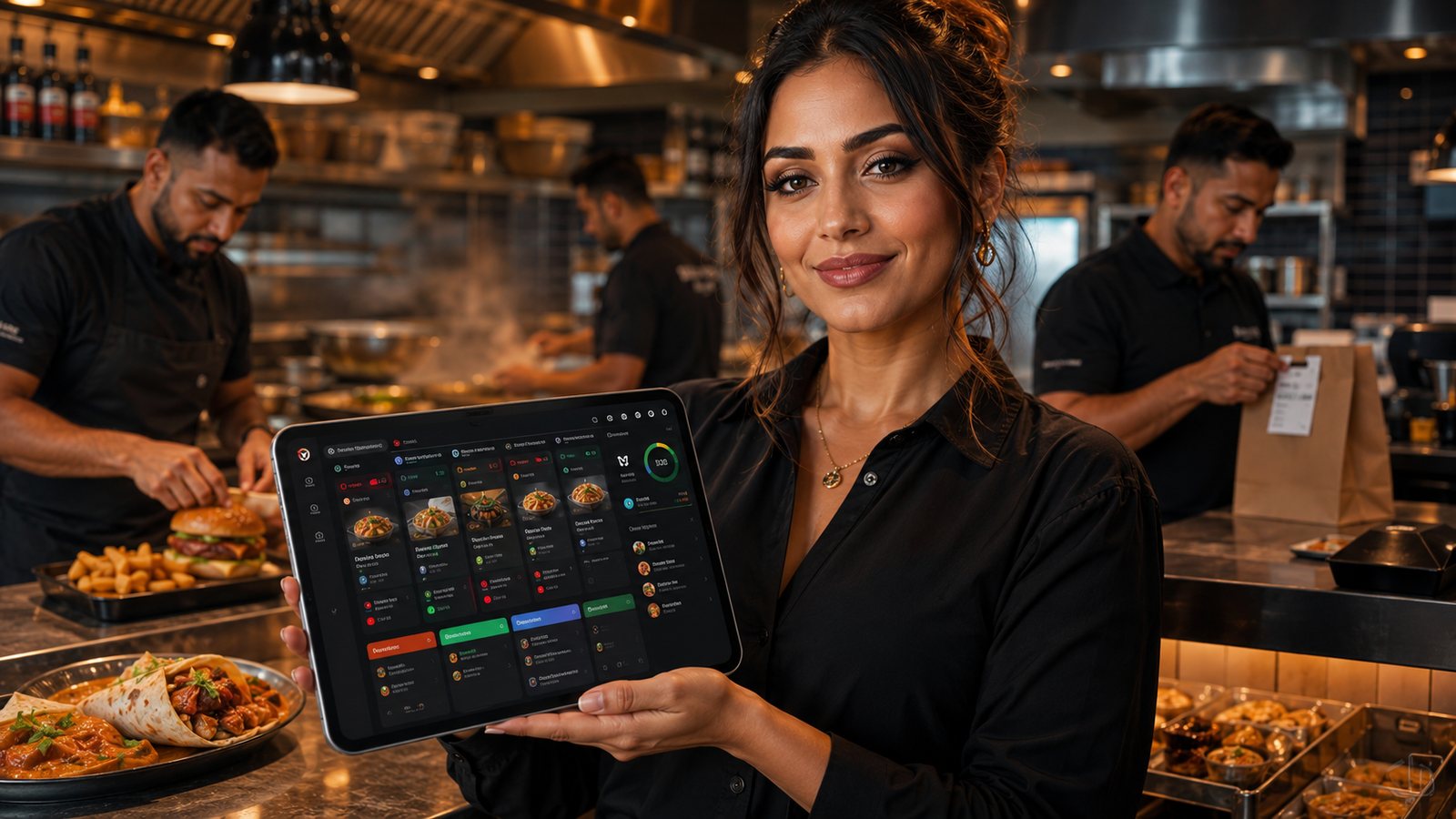
Choose a POS system by testing how it handles the takeaway’s real order flow, not by counting features on a sales page. The system should reduce manual re-entry, keep the kitchen in control and preserve reliable financial records.
Step 1: write the non-negotiable workflows
Describe the exact process for:
- walk-in and telephone orders;
- direct website or app orders;
- each marketplace;
- collection and delivery;
- cash, card and online payment;
- menu changes and sold-out items;
- refunds and order amendments;
- busy periods;
- internet or printer failure;
- end-of-day reconciliation.
Label each requirement essential, desirable or unnecessary. This prevents a visually attractive feature from replacing a critical operational control.
Related guides
- POS and Kitchen Systems — the main guide for the wider topic.
- POS System Selection and Setup — the broader guide that frames this implementation.
- Restaurant POS Integration Guide — a closely related operational control to review alongside this page.
- POS Systems for Different Takeaway Types — a closely related operational control to review alongside this page.
Step 2: decide the source of truth
Ask whether the POS will own:
- menu items and modifiers;
- prices and tax mapping;
- availability;
- order status;
- customer accounts;
- loyalty;
- financial reporting.
If another system owns a field, confirm the direction and timing of synchronisation.
Step 3: test integrations in detail
| Claim | Evidence to request |
|---|---|
| “Marketplace integration” | Supported providers, order fields, modifiers, refunds, status and availability |
| “Online ordering integration” | Payment outcome, kitchen routing, duplicate protection and customer updates |
| “Accounting integration” | Gross sales, VAT categories, fees, refunds and export detail |
| “Payment integration” | Amount transfer, terminal status, refunds, reconciliation and fallback |
| “Open API” | Actual documentation, access conditions, rate limits and support responsibility |
Step 4: assess kitchen operation
- Can orders route to multiple stations?
- Are modifiers readable?
- Can staff identify delivery and collection quickly?
- Can preparation times and caps change during service?
- How are reprints and remakes controlled?
- What happens if a KDS screen or printer fails?
Step 5: assess hardware and connectivity
Confirm supported:
- screens and operating systems;
- printers and connection types;
- payment terminals;
- cash drawers;
- barcode scanners where relevant;
- routers and network requirements;
- spare-device process.
Do not assume any USB or network printer will work because the connector fits.
Step 6: check security and permissions
- Individual staff accounts.
- Role-based permissions.
- Multi-factor authentication for administration where available.
- Refund approval limits.
- Audit log for voids and configuration changes.
- Supported software and update policy.
- Controlled supplier remote access.
Step 7: compare total cost
Request a written schedule covering:
- software licences;
- hardware;
- installation;
- training;
- menu import;
- integrations;
- payment processing;
- support;
- replacement equipment;
- contract changes;
- termination and data export.
Compare the same operating scenario across suppliers.
Step 8: run a realistic demonstration
Provide the supplier with test cases rather than allowing a generic presentation:
- complex modifier order;
- item sold out after one channel remains open;
- payment successful but integration delayed;
- partial refund;
- split kitchen routing;
- Friday peak with throttling;
- printer offline;
- marketplace payout reconciliation;
- data export.
Step 9: check support and ownership
- Support hours and response targets.
- Who supports each integration.
- Escalation during live service.
- Data ownership and export.
- Hardware ownership.
- Contract notice and renewal.
- Migration help at exit.
Step 10: pilot before full rollout
Use one location, till or channel where practical. Define success signals:
- no manual re-entry for intended channels;
- accurate menu and modifier routing;
- stable payment and refund process;
- acceptable order times;
- daily reconciliation completed;
- staff can use fallback procedures;
- usable data export.
Scoring framework
| Area | Suggested decision question |
|---|---|
| Operational fit | Can the system run the real menu and peak workflow? |
| Integration | Are critical fields and failure states supported? |
| Reliability | What continues during internet, device or supplier failure? |
| Control | Are permissions, audit logs and reconciliation adequate? |
| Cost | What is the full three-year cost under realistic volume? |
| Exit | Can the restaurant retrieve data and migrate without being trapped? |
The best choice is the system that meets the essential workflows with the lowest acceptable operational and supplier risk—not necessarily the system with the longest feature list.
Check references properly
Ask to speak with businesses that resemble the takeaway in menu complexity, channel mix and trading hours. Useful questions include:
- What fails most often?
- How quickly is live-service support reached?
- Which integrations required extra work?
- How are menu changes managed?
- What unexpected costs appeared?
- How easy is it to export data?
- Would they choose the same system again?
A supplier-selected reference is useful evidence, but not proof that every feature works in the proposed setup.
Contract red flags
- Feature promises not included in the written order form.
- Undefined integration or installation scope.
- Automatic renewal without a clear reminder process.
- Long commitment before a working pilot.
- Data export available only at an unspecified cost.
- Support exclusions during peak trading hours.
- Hardware that becomes unusable after termination.
- Payment processing tied to the POS without a clear full-cost comparison.
Final shortlist decision
For the last two or three suppliers, produce one page containing:
- essential requirements met and not met;
- known workarounds;
- three-year illustrative cost using the same assumptions;
- main operational risk;
- main supplier dependency;
- pilot result;
- exit position.
Record why the selected system was chosen. This creates a baseline for the post-launch review and prevents the decision becoming “the salesperson was convincing”.
Operational, legal and platform requirements can change. Recheck official guidance and supplier documentation before altering a live service.
Related practical guides
 POS and Kitchen SystemsPrinter Setup and TroubleshootingA printer failure during service can hide orders, delay one kitchen station or create duplicate tickets. Troubleshooting should follow a fixed se…Read guide →
 POS and Kitchen SystemsOnline Menu Design MistakesAn online menu is part catalogue, part order form and part kitchen instruction. A design can look attractive while still causing abandoned basket…Read guide →POS and Kitchen SystemsKitchen Printers vs Customer ReceiptsKitchen tickets and customer receipts may originate from the same order, but they serve different users and should not be treated as the same doc…Read guide →
 POS and Kitchen SystemsKitchen Display System GuideA kitchen display system can improve visibility and order control, but only when it fits the kitchen’s workflow. Buying screens before mapping st…Read guide →POS and Kitchen SystemsKDS for Multi-Station KitchensIn a multi-station kitchen, a KDS must coordinate separate teams without losing the order as a whole. The fryer, grill, preparation section and d…Read guide →POS and Kitchen SystemsKDS Setup and ConfigurationKDS configuration is an operational project, not a screen-installation task. The system must translate menu data into station work, show realisti…Read guide →
Connect customer ordering with operations and profit
Use the wider guide library to check the menu, kitchen, fulfilment, payment and financial implications of each decision.
Browse all practical guides