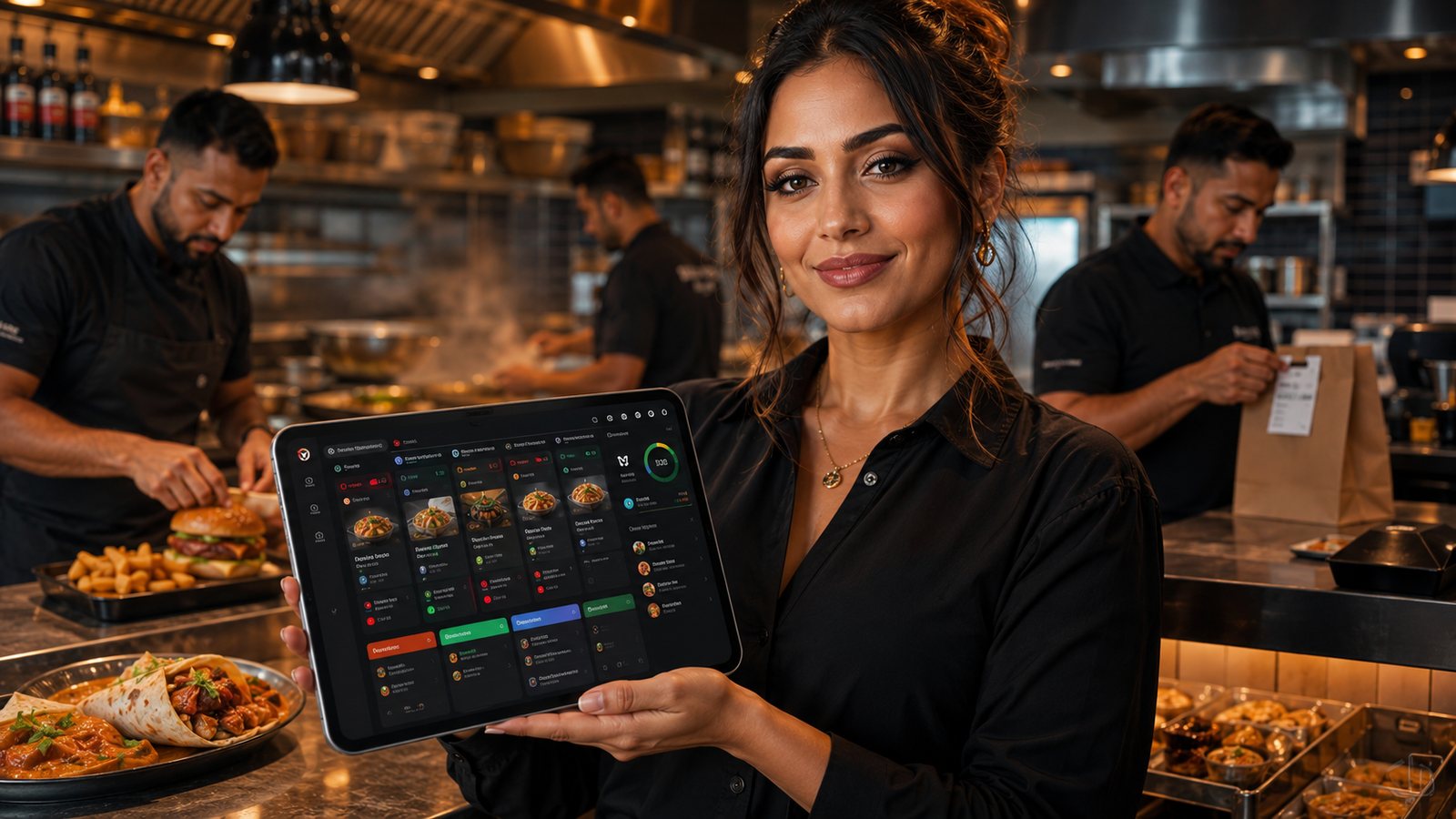
A kitchen display system (KDS) replaces or supplements paper tickets with live order screens. Its value is not the screen itself. The value comes from accurate item routing, visible modifiers, shared timing and a controlled handover from preparation to packing.
This hub explains the main KDS decisions and separates them into three practical guides: choosing whether a KDS is appropriate, configuring the system and operating it across several kitchen stations.
When a KDS is worth considering
A KDS becomes more useful when the kitchen has one or more of these conditions:
- orders arrive from several channels;
- items must be divided between fryer, grill, preparation and packing;
- modifiers are frequently missed on paper tickets;
- staff need a shared view of order age and promised time;
- the business needs consistent status updates;
- paper tickets are being lost, duplicated or completed out of sequence.
A KDS is not automatically the best solution for every takeaway. A small counter with one preparation area may achieve a simpler and more resilient process with a well-configured printer and clear ticket layout.
What a KDS must control
| Function | Operational question |
|---|---|
| Order intake | Do all relevant channels enter one queue without duplicate entry? |
| Routing | Does each item appear at every station that must act on it? |
| Modifiers | Are critical changes visible without hiding ordinary details? |
| Timing | Does the timer support the real preparation sequence rather than reward premature completion? |
| Bumping | Who can complete, recall or transfer an item or order? |
| Assembly | Can the packer see whether every component is ready? |
| Fallback | What happens when a screen, controller, network or integration fails? |
The four layers of a reliable KDS
1. Clean menu data
Every sellable item and modifier needs a stable identifier, kitchen name, station assignment and availability rule. If the menu is inconsistent, the KDS will display the inconsistency faster rather than solve it.
2. Correct routing
Routing should match physical work. A meal may need components at several stations and a final view at the pass. Test bundles, half-and-half products, sides, drinks, packaging notes and special instructions.
3. Shared operating rules
Define what accepted, preparing, ready and completed mean. Staff should not bump an order simply to improve a timer. The status should describe reality.
4. Resilient hardware and network
Use supported devices, protected power, secure mounting and dependable connectivity. Keep a fallback route to printing or a controlled paper process.
Choose the next guide
- Kitchen Display System Guide: assess benefits, limitations, KDS versus printers, placement and total cost.
- KDS Setup and Configuration: build routing, timing, permissions, testing and fallback.
- KDS for Multi-Station Kitchens: coordinate fryer, grill, preparation, packing and expediting.
Common warning signs
- staff still call every modifier across the kitchen;
- the same order appears twice;
- stations bump items before they are finished;
- orders show ready while a component is missing;
- timers are red throughout the shift and no longer guide action;
- menu changes alter routing unexpectedly;
- there is no practised response to a blank screen.
Selection criteria
| Criterion | Evidence to request |
|---|---|
| POS and channel integration | Live demonstration using real modifiers, cancellations and duplicate-message controls |
| Station routing | Item-level and component-level mapping, including bundles |
| Hardware support | Supported screen, controller and operating-system list |
| Offline and fallback | Documented behaviour and tested recovery |
| Reporting | Order-event export and clear definitions of timing metrics |
| Change management | Test environment, version history and rollback process |
Govern the KDS after launch
Assign ownership for routing, timing, station layout, permissions and device support. Review changes after menu releases, kitchen reconfiguration and supplier updates. A small routing change can affect every order, so configuration should not be edited casually during service.
Do not expose unnecessary data
Kitchen screens should display the minimum information required for preparation and handover. Avoid full payment details, complete customer contact records or internal complaint notes. Use order references and controlled delivery information appropriate to the station.
Practical next step: observe one peak service and list every point where staff need to ask where an order is, whether an item is complete or which station owns the next action. Those gaps define the KDS requirements.
Related guides
- POS and Kitchen Systems — the main guide for the wider topic.
- KDS for Multi-Station Kitchens — a detailed next step for putting this guidance into practice.
- KDS Setup and Configuration — a detailed next step for putting this guidance into practice.
- System Reliability and Fallback — a closely related operational control to review alongside this page.
- Menu Management in POS — a closely related operational control to review alongside this page.