Kitchen Display System Guide
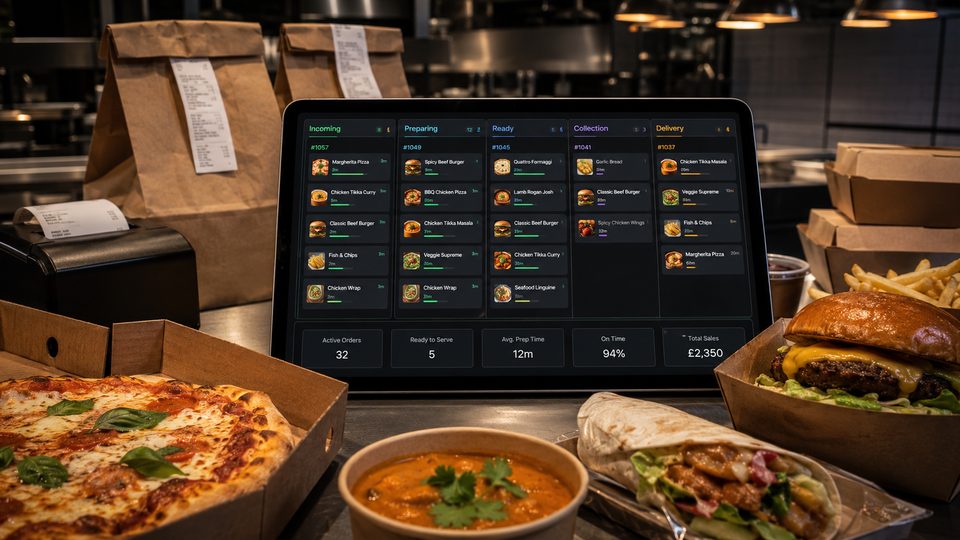
A kitchen display system can improve visibility and order control, but only when it fits the kitchen’s workflow. Buying screens before mapping stations, modifiers and fallback usually replaces paper problems with digi…
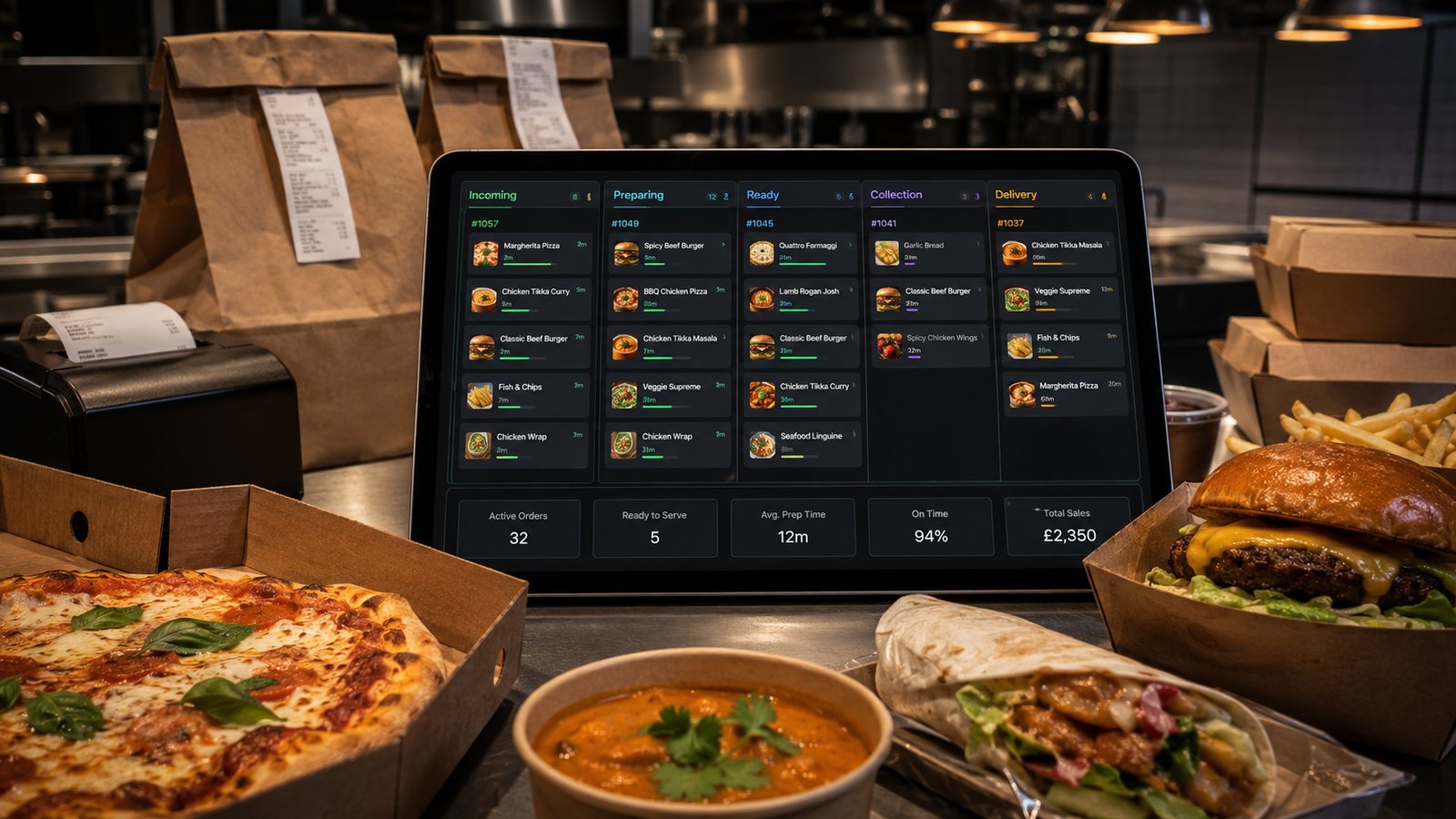
A kitchen display system can improve visibility and order control, but only when it fits the kitchen’s workflow. Buying screens before mapping stations, modifiers and fallback usually replaces paper problems with digital problems.
What a KDS can improve
- one queue for direct, marketplace, telephone and counter orders;
- clear item and modifier display;
- station-specific routing;
- order-age and promised-time visibility;
- shared progress between preparation and packing;
- fewer lost or unreadable tickets;
- better evidence when investigating delays and remakes.
These benefits depend on configuration and staff behaviour. A KDS cannot correct an inaccurate menu, unrealistic preparation times or an overloaded kitchen.
KDS versus thermal or impact printers
| Consideration | KDS | Printer |
|---|---|---|
| Live status | Can show and update progress | Static ticket unless another ticket is printed |
| Order age | Visible timer and priority rules | Depends on ticket order and manual marking |
| Modifiers | Can highlight and group details | Depends on layout and print quality |
| Heat, grease and moisture | Requires suitable enclosure and placement | Impact printers can suit harsh kitchen areas |
| Network dependency | Usually higher | Varies by connection and local controller |
| Fallback | Needs a print or paper procedure | Needs spare hardware and manual numbering |
| History | Can retain searchable order events | Physical ticket only unless POS records the event |
A mixed design may be sensible: screens for active workflow and a printer for a station that needs a durable physical ticket or contingency output.
Map stations and handovers
For each station, record:
- which items it prepares;
- which modifiers change the work;
- what must start immediately and what can wait;
- how staff indicate a delay or unavailable component;
- who decides the whole order is ready;
- what information should not be displayed unnecessarily.
The expeditor or packing view should show the complete order, including drinks, sauces, sides and packaging instructions. Station screens can show less information, but not so little that staff lose context.
Placement and hardware
- Keep screens visible without blocking movement or extraction.
- Avoid heat, steam, splashes and direct grease exposure.
- Use secure mounts and protected cabling.
- Choose touch, bump-bar or keyboard control based on gloves, moisture and cleaning.
- Provide enough brightness and text size for the viewing distance.
- Confirm device, operating-system and browser support with the supplier.
Measure the full cost
Include:
- screens, mounts and controllers;
- bump bars or input devices;
- network and power work;
- software licences per screen or site;
- integration and configuration;
- training and menu-routing setup;
- spares, replacement and support;
- fallback printing;
- future locations or stations.
Run a realistic pilot
- Configure a representative menu with difficult modifiers and bundles.
- Route orders from every active channel.
- Test items that appear at several stations.
- Test delayed, cancelled and amended orders.
- Test sold-out items and menu changes.
- Disconnect one screen, printer and network route.
- Run a controlled peak with normal staffing.
- Review missed modifiers, premature bumping and packing errors.
Decision test
A KDS is a strong candidate when it removes a defined source of errors or coordination work. It is a weak purchase when the business cannot describe the routing, statuses and fallback it expects the system to enforce.
Limitations to recognise
- A KDS cannot create capacity that the kitchen does not have.
- Timers are not reliable if orders are accepted with unrealistic promise times.
- Colour coding loses value when every condition is urgent.
- Automatic status messages can mislead customers if staff bump orders early.
- Integration gaps may still require a marketplace tablet or secondary printer.
- Historical timing data can be distorted by training, pauses, forgotten orders and premature completion.
Support and exit questions
- Who supports the POS-to-KDS connection?
- Is support available during evenings and weekends?
- Can configuration and order-event data be exported?
- What happens if a subscription ends?
- Which devices must be replaced after software updates?
- Can one screen or site be moved to a replacement device without supplier intervention?
Review after implementation
Compare missed modifiers, remakes, packing omissions, order-age distribution and staff communication before and after the pilot. Speak to the kitchen team. If staff create parallel paper notes or keep orders active simply to remember them, the design needs adjustment.
Practical next step: compare a KDS, printer and mixed setup against the same order-flow map. Choose the simplest design that gives the kitchen reliable visibility and recovery.
Related guides
- POS and Kitchen Systems — the main guide for the wider topic.
- Kitchen Display Systems — the broader guide that frames this implementation.
- KDS Setup and Configuration — a closely related operational control to review alongside this page.
- KDS for Multi-Station Kitchens — a closely related operational control to review alongside this page.
Operational, legal and platform requirements can change. Recheck official guidance and supplier documentation before altering a live service.
Related practical guides
 POS and Kitchen SystemsPrinter Setup and TroubleshootingA printer failure during service can hide orders, delay one kitchen station or create duplicate tickets. Troubleshooting should follow a fixed se…Read guide →
 POS and Kitchen SystemsOnline Menu Design MistakesAn online menu is part catalogue, part order form and part kitchen instruction. A design can look attractive while still causing abandoned basket…Read guide →POS and Kitchen SystemsKitchen Printers vs Customer ReceiptsKitchen tickets and customer receipts may originate from the same order, but they serve different users and should not be treated as the same doc…Read guide →
 POS and Kitchen SystemsKDS for Multi-Station KitchensIn a multi-station kitchen, a KDS must coordinate separate teams without losing the order as a whole. The fryer, grill, preparation section and d…Read guide →POS and Kitchen SystemsKDS Setup and ConfigurationKDS configuration is an operational project, not a screen-installation task. The system must translate menu data into station work, show realisti…Read guide →POS and Kitchen SystemsInternet Connectivity for Takeaway OperationsTakeaway connectivity should be designed around continuity, not headline download speed. Online ordering, payment terminals, POS synchronisation,…Read guide →
Connect customer ordering with operations and profit
Use the wider guide library to check the menu, kitchen, fulfilment, payment and financial implications of each decision.
Browse all practical guides