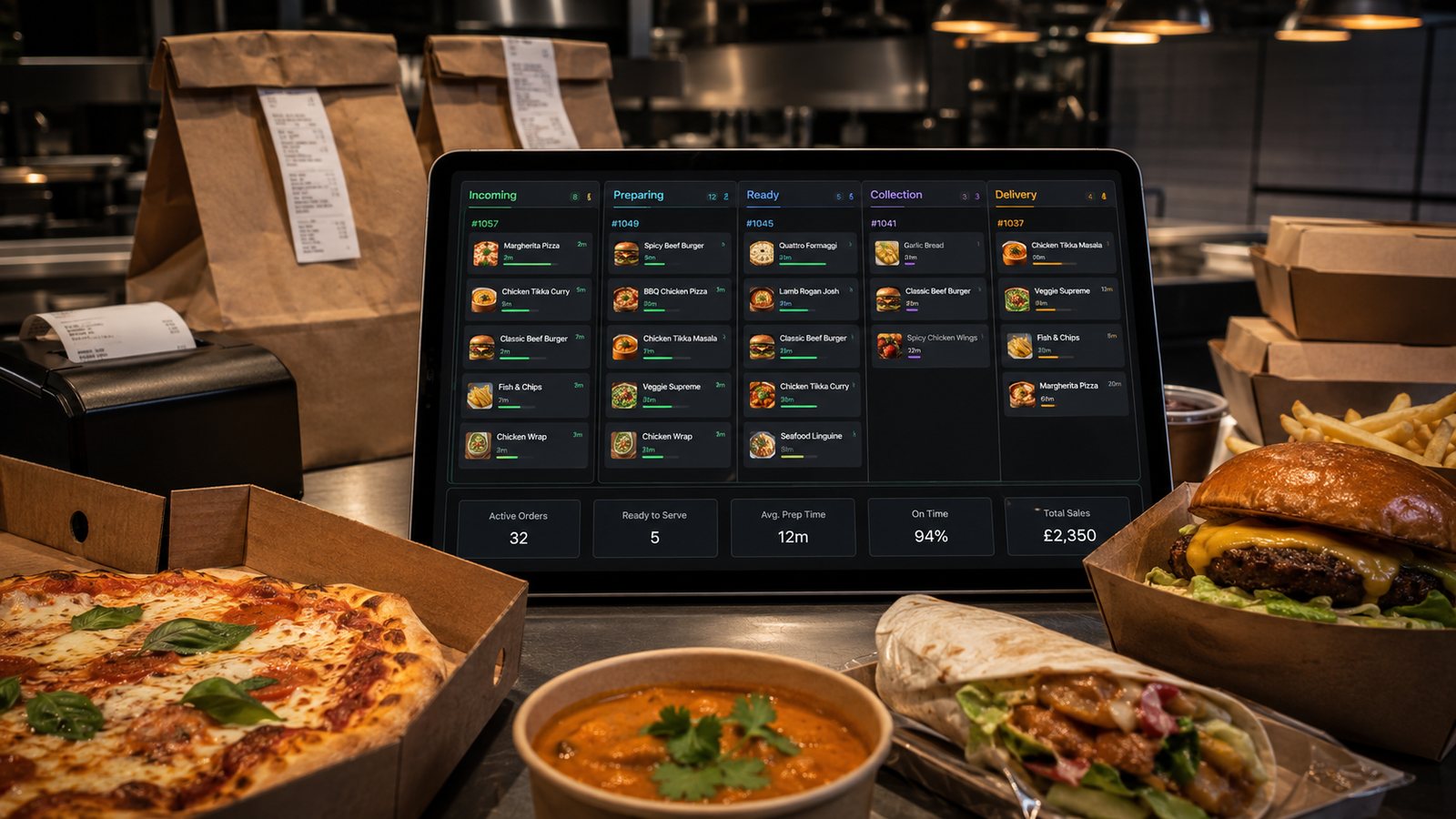
Multi-channel ordering becomes difficult when several customer journeys feed separate devices, separate menus and separate promises into one kitchen. The objective is not to make every channel identical. It is to create one controlled operating view of demand, capacity, order status and financial follow-up.
Related guides
- Cross-Channel Operations — the main guide for the wider topic.
- Accepting Orders from Multiple Sources — a detailed next step for putting this guidance into practice.
- Kitchen Workflow for Multi-Channel Orders — a detailed next step for putting this guidance into practice.
- Channel-Specific Operations — a closely related operational control to review alongside this page.
- Operational Efficiency — a closely related operational control to review alongside this page.
Map every order source before changing the system
| Source | How the order arrives | Who owns the next action | Common failure |
|---|---|---|---|
| Direct website | POS, KDS, printer, tablet or email | Named front-of-house or kitchen role | Payment succeeds but the order is not acknowledged |
| Marketplace | Platform tablet, printer or integration | Named device owner or central queue | Tablet is muted, offline or accepted late |
| Telephone | Manual POS entry or paper ticket | Call handler | Address, modifier or promised time is recorded incorrectly |
| Walk-in | Till or handwritten order | Counter team | Queue is not included in digital capacity decisions |
| Advance or catering | Pre-order system, email or manual booking | Shift manager | Future workload is invisible during prep planning |
For each source, document the device, sound or visual alert, acceptance rule, kitchen destination, status updates, refund route and fallback.
Choose one operational source of truth
The source of truth may be the POS, KDS, an order aggregator or a disciplined manual control board. The right choice depends on the systems already in use and the reliability of integrations.
It should show, or allow staff to determine:
- all accepted orders;
- promised collection or delivery time;
- current preparation status;
- modifiers and allergen-related customer information;
- delivery or collection method;
- payment and refund status where relevant;
- which channel owns customer communication.
If no system can provide one view, create a clear manual reconciliation step rather than pretending that separate queues are integrated.
Tablet and device management
Where separate tablets remain necessary:
- label each device by channel;
- use fixed charging positions and power supplies;
- check connection, volume and paper at opening;
- assign a named role to respond to alerts;
- prevent personal apps and notifications from obscuring orders;
- keep login recovery and provider support details accessible;
- test every device after network or software changes.
A tablet wall can work for a small operation, but only when responsibility is explicit. The number of devices should not exceed what the shift can monitor reliably.
Order aggregation: useful, but not automatic safety
An aggregator can reduce manual re-entry and bring several channels into one queue. Before relying on it, test:
- menu and modifier mapping;
- sold-out updates and price changes;
- acceptance and rejection behaviour;
- preparation-time updates;
- duplicate-order prevention;
- refund and cancellation status;
- what happens during an outage;
- how unsupported channel features are displayed.
An integration should not silently discard information. If a marketplace note, allergen field or scheduled-order time does not map cleanly, staff need a visible exception process.
Use one capacity model across channels
The kitchen cannot safely promise the same preparation time on every channel if each system estimates demand independently. Build a common capacity rule based on workload rather than order count alone.
Consider:
- items and preparation stations required;
- large or complex baskets;
- collection handover capacity;
- driver availability and delivery-zone pressure;
- advance orders already committed;
- walk-in and telephone demand;
- staffing and equipment constraints.
Decide which action is taken first when capacity is reached: lengthen times, close distant zones, pause selected items, reduce promotional activity or pause a channel. The decision should be made before the peak.
Prioritisation should be transparent
Do not automatically prioritise a channel because it charges more or generates louder alerts. Use promised time, food quality, customer impact and operational sequence.
A practical queue normally considers:
- orders already accepted and their promised times;
- items that must start earlier because of preparation time;
- collection customers who may arrive at a stated time;
- driver arrival and route constraints;
- large advance orders planned into the shift.
If a channel receives different treatment, the rule should be intentional and reflected in the promise shown to the customer.
Prevent double handling and duplicate orders
- Use a unique order reference that remains visible from acceptance to handover.
- Avoid manually re-entering integrated orders unless the process clearly marks the copy.
- Do not print the same order from both the platform and the aggregator without a defined duplicate check.
- Record cancelled and refunded orders without removing the audit trail.
- Use bag labels or receipts that identify channel, order number and handover method.
Plan the outage process
For each critical system, define:
- how staff recognise that it has failed;
- whether the channel should be paused;
- how new orders are recorded manually;
- how customers are contacted;
- how duplicate payment or duplicate fulfilment is prevented;
- how the queue is reconciled when service returns.
Keep the fallback simple enough to use during a busy shift. A long document stored in the office is not an operational fallback.
Reconcile channels every day
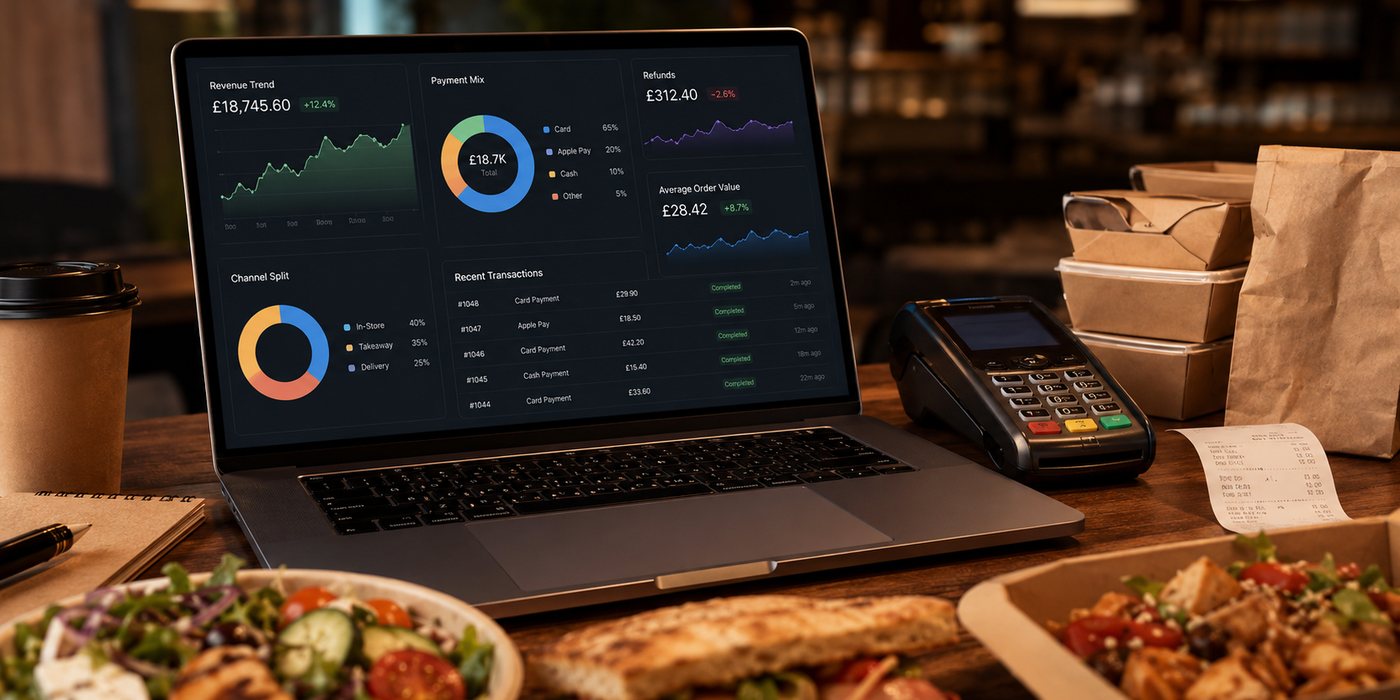
At close or at a defined daily checkpoint, compare:
- accepted, rejected and cancelled orders;
- POS and marketplace totals;
- refunds and remakes;
- cash and card differences;
- missing or duplicate orders;
- promotional funding and platform adjustments;
- issues that require provider support.
Repeated differences usually indicate a process or integration problem rather than a one-off accounting nuisance.
Implementation checklist
- Map every order source and responsible role.
- Choose the operational source of truth.
- Test all menu, status and cancellation mappings.
- Set one cross-channel capacity rule.
- Document device ownership and opening checks.
- Create a short outage procedure.
- Run a realistic peak-period test.
- Review daily reconciliation and error reasons.
A multi-channel operation is successful when staff can see what has been promised, the kitchen can control the queue and the business can explain every order and payment afterwards.