Kitchen Workflow for Multi-Channel Orders
A multi-channel kitchen needs one production queue built around promised completion, station workload and food readiness. The order source should remain visible, but it should not become the only rule for priority.
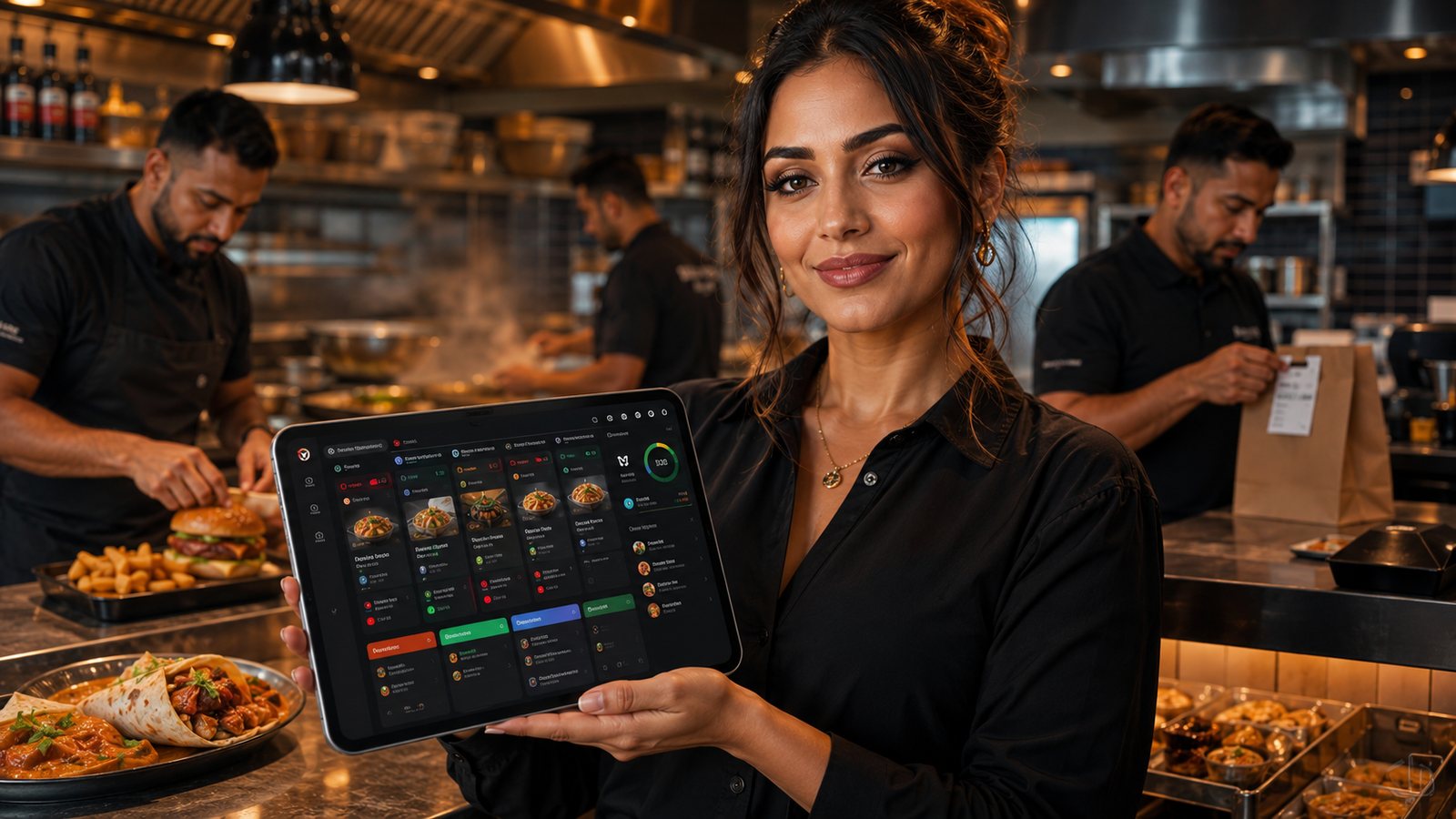
A multi-channel kitchen needs one production queue built around promised completion, station workload and food readiness. The order source should remain visible, but it should not become the only rule for priority.
Map the physical workflow
Follow an order through intake, station routing, preparation, assembly, quality check, packing and handover. Mark where information changes medium—from screen to printer, from POS to KDS, or from packing ticket to driver label. Every transfer is a possible loss of modifiers, allergen instructions, bag count or timing information.
Use one production record
The kitchen should receive a stable order ID, source, fulfilment type, promised time, item and modifier detail, station instructions and operational flags. Preserve the original source number for reconciliation, but avoid running a handwritten docket and a separate digital ticket for the same order unless duplicate output is explicitly marked and controlled.
Prioritise by commitment and readiness
| Signal | How it affects priority |
|---|---|
| Promised completion time | Provides the primary customer commitment. |
| Preparation profile | Long-lead components may need to start earlier. |
| Driver or collection readiness | Should influence finishing, not force unsafe acceleration. |
| Station bottleneck | Prevents one overloaded station from blocking the whole order unnoticed. |
| Food quality window | Coordinates hot, cold and fragile components near handover. |
| Allergen escalation | Requires the approved process and must never be rushed past checks. |
Configure station routing
Route each item and modifier to the station that must act on it. Test combos, half-and-half products, meal deals, substitutions and items requiring several stations. The pass or expeditor needs a complete order view even when stations see only their components. Configuration changes should be versioned and tested with representative baskets before release.
Define the expeditor role
- Monitor the order against its promise.
- Coordinate components from different stations.
- Resolve missing or ambiguous tickets.
- Stop unsafe or unauthorised substitutions.
- Confirm completeness and bag count.
- Release the order to collection or delivery handover.
In a small kitchen, the role may rotate, but it must still be explicit during busy periods. Without it, each station can appear productive while complete orders wait unfinished.
Control order status
Do not mark an order ready when only cooking is complete. Ready should mean checked, packed, labelled and available for the correct handover route. Prevent premature KDS bumping by limiting permissions, offering recall and measuring orders that are reopened or manually corrected.
Coordinate digital, telephone and walk-in demand
All accepted orders belong in the production queue. A customer standing at the counter should receive an honest time rather than an invisible priority. A marketplace driver waiting early should not automatically displace earlier commitments. The shift lead may change sequencing to protect food quality and reduce wasted journeys, but the reason should be operational and reviewable.
Design a peak-state workflow
Agree green, amber and red controls before service. Amber may extend promises, stop complex customisation or reduce slots. Red may pause channels or products. The kitchen should not discover the red state only after screens are full. Use queue depth, bottleneck workload and packing capacity as triggers, not a single total order count.
Test fallback
Run a controlled exercise for KDS failure, printer failure and integration delay. The fallback must preserve order IDs, modifiers, allergens, source, payment state and promised time. After recovery, reconcile manual records and prevent delayed messages from generating duplicate production.
Review the right measures
- Order time by stage, not only total time.
- Promise accuracy by source and fulfilment type.
- Reopened or corrected tickets.
- Missing-item and wrong-modifier causes.
- Time food waits after completion.
- Driver and collection waiting.
Related guides
- Cross-Channel Operations — the main guide for the wider topic.
- Multi-Channel Order Management — the broader guide that frames this implementation.
- Accepting Orders from Multiple Sources — a closely related operational control to review alongside this page.
Operational, legal and platform requirements can change. Recheck official guidance and supplier documentation before altering a live service.
Related practical guides
 Cross-Channel OperationsWalk-In Orders with Digital SystemsWalk-in customers make the queue visible, but they still share the same kitchen, stock and capacity as remote orders. Counter service should be f…Read guide →Cross-Channel OperationsTelephone Orders Alongside DigitalTelephone orders can remain valuable for accessibility, complex enquiries and customers who prefer human help. The operational requirement is to …Read guide →Cross-Channel OperationsStaffing for Digital OrdersDigital demand creates an invisible queue and new control work. Staff the workload at intake, kitchen, packing, handover, support and reconciliat…Read guide →Cross-Channel OperationsReducing Kitchen Load from Online OrdersReduce digital workload by controlling product complexity, preparation, batching, capacity and information quality. Do not solve an overloaded ki…Read guide →
 Restaurant Marketing and Customer RetentionHow to Measure Repeat Order RateRepeat-order rate is only meaningful when the customer identity, eligible population and observation period are stated. A percentage without thos…Read guide →
 Delivery ManagementPackaging Costs and Margin ImpactMeasure packaging by usable order configuration and failure cost, not only by the supplier price of an individual container.Read guide →
Connect customer ordering with operations and profit
Use the wider guide library to check the menu, kitchen, fulfilment, payment and financial implications of each decision.
Browse all practical guides