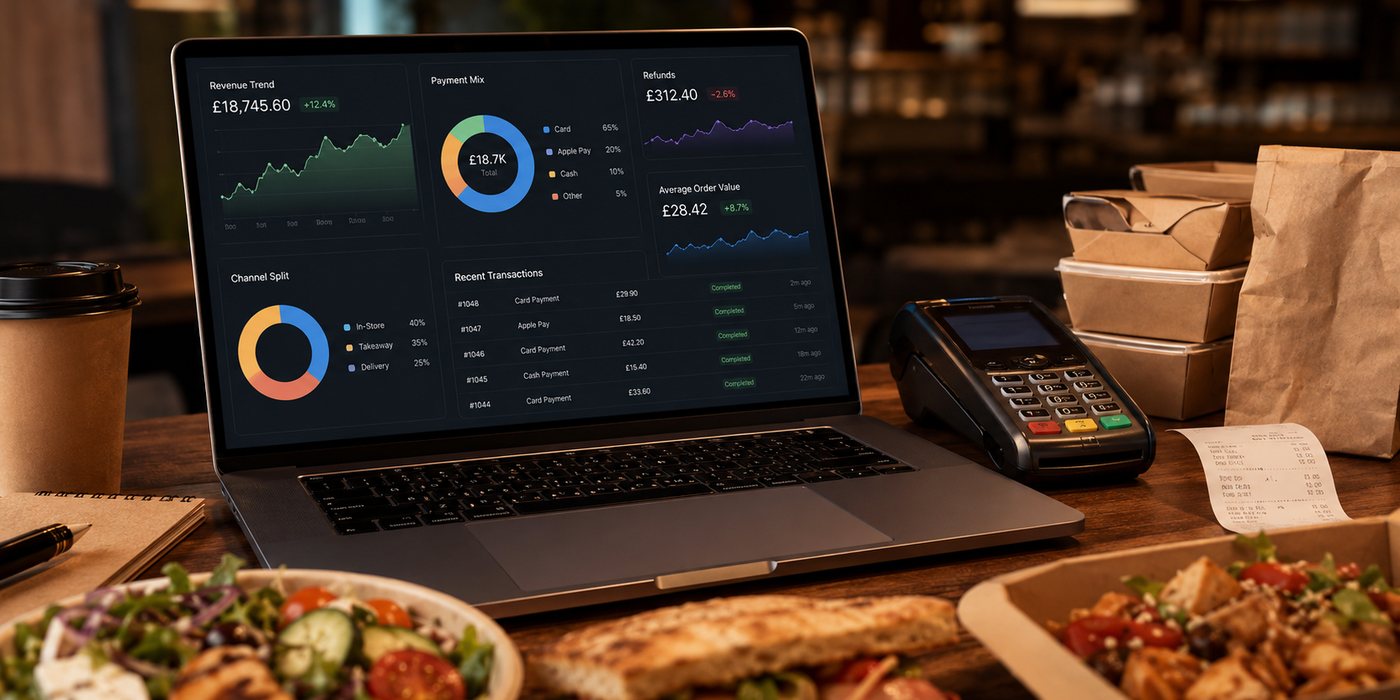
This hub explains how to plan the full financial lifecycle of a takeaway app and directs each budgeting question to the right decision.
Use this section as a budgeting map
| Question | Best route |
|---|---|
| What belongs in the total cost? | Takeaway App Cost Guide |
| Why do quotations differ? | How Much Does a Takeaway App Cost? |
| What is proportionate for our operating model? | App Budget for Different Business Sizes |
| Should we choose a supplier platform or bespoke build? | White-Label vs Custom Apps |
| Is an app justified at all? | App Comparisons and Alternatives |
Separate the app from the wider ordering operation
The app is only one interface. Its cost may depend on the ordering backend, website, payment gateway, POS, KDS, messaging, loyalty and delivery services. Record which costs already exist, which will increase and which are duplicated during migration.
Create a controlled cost ledger
- One-off delivery and migration.
- Recurring platform and support.
- Usage-based third-party services.
- Internal product, marketing and customer-service time.
- Incentives and promotion funding.
- Failure, refund and support burden.
- Export, dual running and retirement.
Measure value after operational costs
Do not compare app revenue with the software invoice. Use contribution after food, packaging, payment, delivery, discounts and the app’s operating costs. Separate orders that genuinely shifted from a marketplace from customers who would have ordered directly anyway.
Budget for governance
Someone must approve menu releases, access permissions, campaigns, loyalty changes, app-store submissions and incident responses. If no employee or supplier role owns these tasks, the budget is incomplete even when the code is fully priced.
Review assumptions regularly
Supplier pricing, app-store requirements and business volumes change. Keep a dated assumptions sheet and review it before renewal, expansion or a major feature release. The purpose is not to predict three years perfectly, but to make changes visible before they become sunk costs.
Practical decision
Approve expenditure in stages: readiness work, pilot, measured expansion and only then advanced features. This preserves an exit route and produces evidence for every larger commitment.
Maintain a budgeting evidence pack
Keep supplier proposals, assumptions, architecture diagrams, account ownership, test results, renewal dates and export samples together. Finance, operations and the product owner should review the same evidence. This prevents a subscription renewal being approved without understanding integration or exit dependence.
Use renewal as a decision point
Before renewal, compare actual app orders, repeat contribution, support burden, release quality and roadmap delivery against the original case. Renewal should not be automatic simply because customers have installed the app. Consider repair, renegotiation, replatforming or retirement.
Keep cost ownership visible
Assign each line to finance, operations, product, marketing or the supplier. Record the renewal date and cancellation notice. This prevents small subscriptions, message charges and integration add-ons from becoming invisible. Review unused services and duplicate tools after every major release.
Use one comparable quotation format
Require every supplier to complete the same cost and ownership schedule. This prevents a low headline subscription being compared with a proposal that already includes migration, testing and support. Record exclusions rather than assuming they are included.
Related guides
- Restaurant Apps — the main guide for the wider topic.
- App Budget for Different Business Sizes — a detailed next step for putting this guidance into practice.
- How Much Does a Takeaway App Cost? — a detailed next step for putting this guidance into practice.
- App Launch and Adoption — a closely related operational control to review alongside this page.
- White-Label vs Custom Apps — a closely related operational control to review alongside this page.
- Business Planning and Finance — a connected decision that can change the recommended approach.
Sources and date checked
Guidance checked: 24 July 2026. Recheck supplier pricing, platform terms and regulatory guidance before acting.