App Budget for Different Business Sizes
Business size is only a rough guide to app budget. Ordering complexity, number of locations, integration risk and the ability to maintain the product matter more than turnover alone.
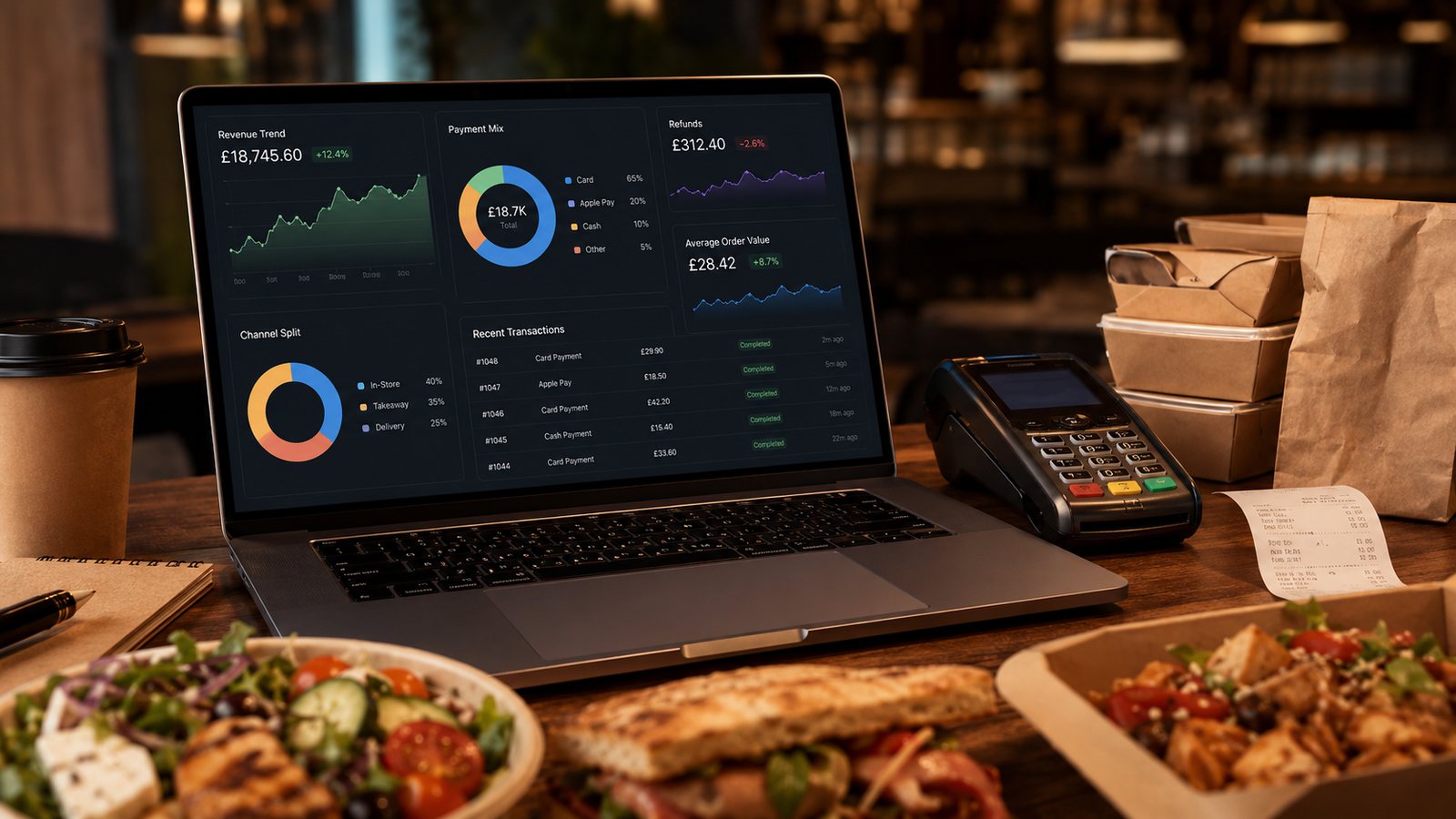
Business size is only a rough guide to app budget. Ordering complexity, number of locations, integration risk and the ability to maintain the product matter more than turnover alone.
Budget by operating model
| Business | Reasonable priority | Avoid |
|---|---|---|
| Single-site takeaway | Stable mobile ordering, simple loyalty, reliable support and website fallback | Large custom build before repeat demand is proven |
| Small local chain | Shared customer account, location-aware menu, central governance and local controls | Assuming every location operates identically |
| Growing multi-location group | Integration monitoring, permissions, data warehouse/export and release governance | Custom features without a product owner |
| Franchise or mixed ownership | Clear data roles, brand controls, local campaign permissions and settlement rules | One account structure imposed without contractual clarity |
Use budget gates, not prestige tiers
A small business can justify a strong app if it has repeat demand and a clear operational model. A larger group can waste money if it has fragmented menu data and no owner for releases. Move through gates: readiness, pilot, expansion and optimisation.
Single-site budget priorities
- A reliable ordering backend and mobile website fallback.
- Accurate menu, modifiers, availability and delivery zones.
- Payment, refund and order-confirmation handling.
- Supplier support during trading hours.
- Simple reporting on first and repeat app orders.
- Exportable customer, loyalty and order data.
Defer expensive personalisation, complex tiers and custom integrations unless the core journey proves its value.
Small-chain budget priorities
Chains need more than duplicated single-site screens. Budget for location selection, local availability, shared or separate loyalty, central permissions, release testing and location-level reporting. Include the operational cost of keeping multiple menus aligned.
Protect the maintenance budget
Do not spend the full allocation on launch. Reserve money and staff capacity for support, store-policy changes, security updates, device testing, analytics corrections and supplier changes. A product that cannot be maintained becomes a customer-service liability.
Use a staged approval
| Gate | Approve only when |
|---|---|
| Readiness | Owned ordering and kitchen routing are stable |
| Pilot | Representative customers can complete and recover from an order |
| Expansion | Repeat use and contribution are acceptable |
| Advanced features | A measured problem justifies the additional complexity |
| Rebuild | Repair or replatforming has been compared fairly |
Practical next step
Allocate the first budget to the smallest dependable product and the evidence needed for the next decision. Do not choose a larger scope simply because the business has several locations.
Adjust for complexity, not labels
A single location with highly configurable meals, several delivery zones and multiple payment routes can require more work than a simple three-site chain. Use a complexity score covering menu, fulfilment, integration, customer accounts, promotions and reporting before applying a business-size budget.
Keep a contingency with rules
Reserve contingency for documented risks rather than an undefined percentage. Release it only for approved integration discoveries, platform-policy changes or critical defects. New ideas should return to the product backlog and compete with existing priorities instead of consuming contingency automatically.
Review the budget after real trading
Compare the first three months with the assumptions: active users, successful orders, support contacts, release defects, supplier response and internal staff time. A larger business should not expand the app automatically to every location. Expand only where local menu, staffing and fulfilment are ready and the first locations provide dependable evidence.
Related guides
- Restaurant Apps — the main guide for the wider topic.
- Takeaway App Cost and Budgeting — the broader guide that frames this implementation.
- Takeaway App Cost Guide — a closely related operational control to review alongside this page.
- How Much Does a Takeaway App Cost? — a closely related operational control to review alongside this page.
Operational, legal and platform requirements can change. Recheck official guidance and supplier documentation before altering a live service.
Related practical guides
 Restaurant AppsWhite-Label Restaurant Apps: Pros and ConsA white-label app can shorten delivery time, but the important trade-off is not branding versus code. It is the supplier operating model, ownersh…Read guide →
 Restaurant AppsTakeaway App Cost GuideA takeaway app has no single meaningful price. The useful question is what the business must pay to launch, operate, support, market and eventual…Read guide →
 Restaurant AppsProgressive Web Apps for TakeawaysA progressive web app can provide an install-like web ordering experience while retaining a web distribution model. It should be chosen for the r…Read guide →Restaurant AppsHow to Plan a Restaurant App LaunchPlan an app launch through operational readiness, store submission, controlled customer testing and measurable adoption. Do not let a marketing d…Read guide →Restaurant AppsHow Much Does a Takeaway App Cost?The price depends less on the number of screens than on the ordering system, integrations, ownership, support and change burden behind them.Read guide →Restaurant AppsGetting Customers to Download and Use the AppPromote an app to customers for whom it solves a real repeat-order problem, then measure successful use rather than raw downloads.Read guide →
Connect customer ordering with operations and profit
Use the wider guide library to check the menu, kitchen, fulfilment, payment and financial implications of each decision.
Browse all practical guides