How to Plan a Restaurant App Launch
Plan an app launch through operational readiness, store submission, controlled customer testing and measurable adoption. Do not let a marketing date force an unsafe release.
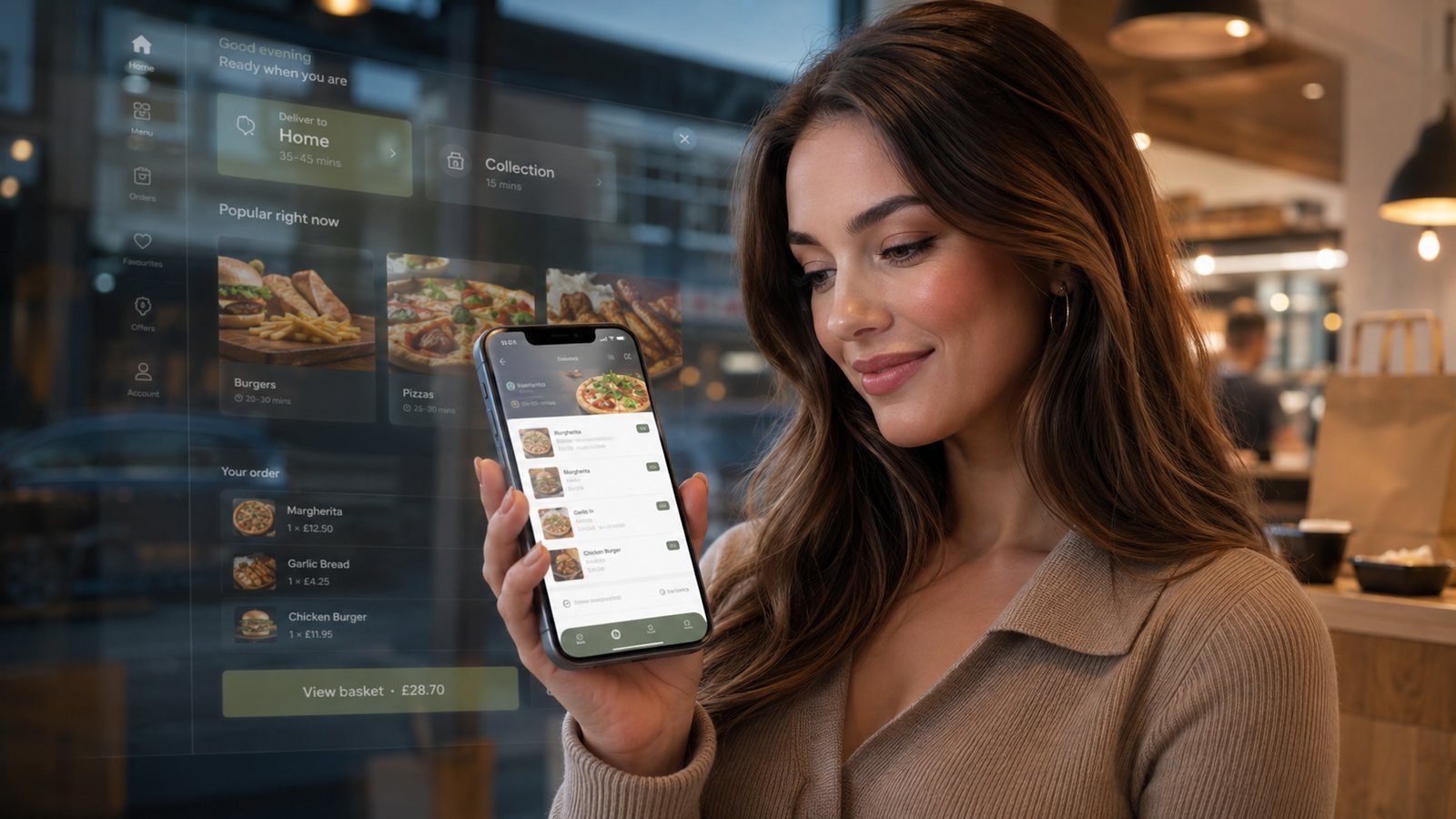
Plan an app launch through operational readiness, store submission, controlled customer testing and measurable adoption. Do not let a marketing date force an unsafe release.
Step 1: define launch scope and owner
Name the locations, customers, devices and fulfilment methods included. Appoint one launch owner and separate owners for menu, payments, operations, support, privacy and promotion.
Step 2: secure business ownership
- Apple and Google developer accounts.
- App listing and publisher identity.
- Domain and support email.
- Privacy policy and data map.
- Analytics and notification accounts.
- Integration credentials and export rights.
Step 3: complete operational acceptance tests
Test representative devices and networks, but also the full restaurant flow: menu change, sold-out item, complex modifier, delivery boundary, collection slot, decline, unknown payment outcome, kitchen output, refund, customer support and system outage.
Step 4: prepare store submission
Review current Apple and Google requirements, provide accurate data-handling disclosures and make reviewer access available where needed. Policies and review expectations change. Keep contingency in the schedule and do not promise a public date before approval.
Step 5: run a soft launch
Use staff and a small invited customer group. Limit promotion and capacity. Record every support contact and order exception. Extend the pilot if the sample has not exercised peak periods, delivery, refunds and repeat ordering.
Step 6: train staff
- Recognise app orders.
- Explain the customer benefit accurately.
- Handle account and promotion questions.
- Escalate payment or allergen concerns.
- Pause capacity or promotion when required.
- Use the fallback route during an outage.
Step 7: release in stages
Expand by location, audience or promotion intensity. Keep rollback available for the app version, integration and campaign. Monitor successful orders, errors, support, kitchen load, refunds and contribution.
Step 8: conduct a launch review
Decide what must be fixed before broader promotion, what can enter the normal backlog and whether the app’s original business case is supported by real use.
Set explicit go/no-go criteria
| Area | Go evidence | No-go example |
|---|---|---|
| Orders | Representative orders reach the correct operation | Payment can succeed without a recoverable order record |
| Menu | Prices, modifiers, availability and allergens are governed | Critical changes require an unknown supplier queue |
| Support | Named owner and tested escalation | No route for account or refund problems |
| Stores | Accurate listing, disclosures and reviewer access | Ownership or policy information is incomplete |
| Capacity | Promotion and slots have safe limits | Launch depends on unrestricted demand |
Build a launch calendar with dependencies
Work backwards from the desired public period, but separate controllable tasks from store review and supplier dependencies. Include time for rejection, fixes, resubmission and staff retesting. Keep printed materials and major promotions flexible until the live store destinations are confirmed.
Prepare customer migration and coexistence
If an earlier app, website loyalty account or ordering channel exists, define login, balance, favourite and marketing-preference treatment. Keep a maintained website route for customers who cannot install or update. Explain clearly when a feature exists only in the new app.
Run a launch command centre
During the controlled release, maintain one issue log with customer impact, owner, workaround and decision. Review order success, delayed events, support, kitchen load and promotion funding several times during the first service periods. Pause expansion when a critical issue cannot be contained.
Related guides
- Restaurant Apps — the main guide for the wider topic.
- App Launch and Adoption — the broader guide that frames this implementation.
- Getting Customers to Download and Use the App — a closely related operational control to review alongside this page.
- App Retention and Engagement — a closely related operational control to review alongside this page.
Sources and recheck points
Guidance checked: 24 July 2026. Recheck official guidance and supplier documentation before changing a live process.
Operational, legal and platform requirements can change. Recheck official guidance and supplier documentation before altering a live service.
Related practical guides
 Restaurant AppsWhite-Label Restaurant Apps: Pros and ConsA white-label app can shorten delivery time, but the important trade-off is not branding versus code. It is the supplier operating model, ownersh…Read guide →
 Restaurant AppsTakeaway App Cost GuideA takeaway app has no single meaningful price. The useful question is what the business must pay to launch, operate, support, market and eventual…Read guide →
 Restaurant AppsProgressive Web Apps for TakeawaysA progressive web app can provide an install-like web ordering experience while retaining a web distribution model. It should be chosen for the r…Read guide →Restaurant AppsHow Much Does a Takeaway App Cost?The price depends less on the number of screens than on the ordering system, integrations, ownership, support and change burden behind them.Read guide →Restaurant AppsGetting Customers to Download and Use the AppPromote an app to customers for whom it solves a real repeat-order problem, then measure successful use rather than raw downloads.Read guide →Restaurant AppsEssential Features of a Restaurant Ordering AppAn essential app feature is one without which a customer cannot place a clear, payable and operationally achievable order—or the business cannot …Read guide →
Connect customer ordering with operations and profit
Use the wider guide library to check the menu, kitchen, fulfilment, payment and financial implications of each decision.
Browse all practical guides