Progressive Web Apps for Takeaways
A progressive web app can provide an install-like web ordering experience while retaining a web distribution model. It should be chosen for the required capabilities, not because it is presented as a universally cheap…
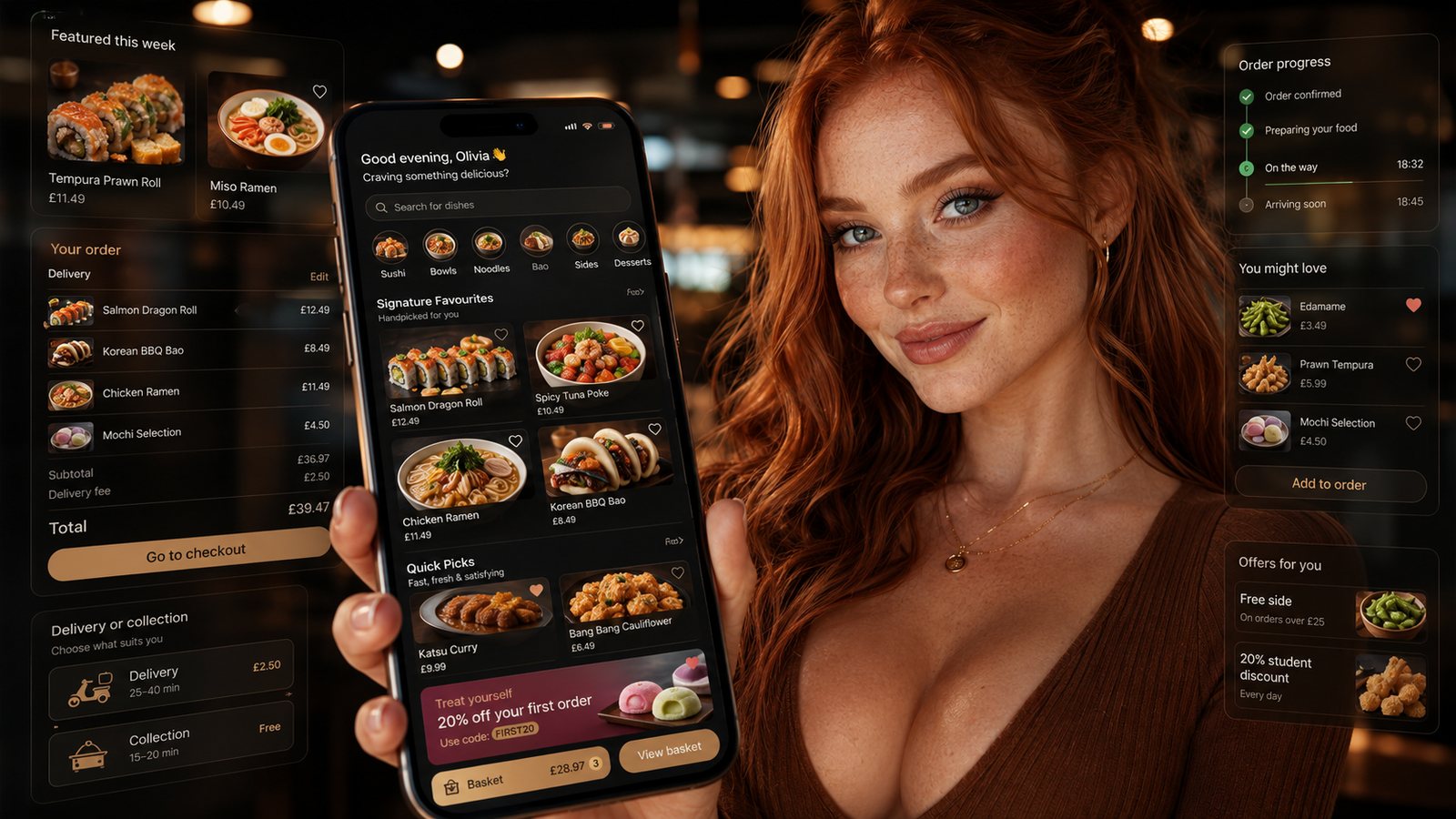
A progressive web app can provide an install-like web ordering experience while retaining a web distribution model. It should be chosen for the required capabilities, not because it is presented as a universally cheaper native app.
What a PWA changes
A PWA is delivered through the web and can use features such as an installable experience, service worker and app-like navigation where supported. The exact installation, notification and background capabilities vary by browser and operating system, so test the target customer devices rather than relying on a feature checklist.
Where it can fit a takeaway
- The business wants one maintained web product.
- Most value comes from fast repeat web ordering.
- A store listing is not central to customer discovery.
- Required device capabilities are modest.
- The business can explain installation without making it mandatory.
Where native may remain stronger
A native app may be justified where platform integration, background behaviour or device-specific capabilities are essential and proven. Even then, check whether those capabilities materially improve ordering rather than merely demonstrating technology.
Offline does not mean offline ordering
A PWA can cache selected interface assets and previously loaded information, but a live order normally still needs current menu, capacity, payment and acceptance. Do not let a cached screen present stale availability as current. Design clear offline and reconnection states.
Test installation and return journeys
- First visit from search, QR code and social link.
- Add-to-home-screen or browser installation where available.
- Return from the icon and ordinary browser bookmark.
- Updates after a new release.
- Weak connection and stale cache.
- Notification permission and opt-out where used.
Compare cost honestly
A shared web codebase can reduce some duplicated development, but the product still needs design, integration, security, accessibility, performance, testing, hosting and support. Compare the complete lifecycle and customer-acquisition plan.
Keep the website useful without installation
Customers should be able to order through the ordinary web experience unless the business has a compelling, accessible reason otherwise. Installation should improve convenience, not become a gate.
Specify the capability rather than the label
“PWA” does not guarantee the same installation, notification, background or device behaviour on every browser and operating system. Write the required customer journey and test it on the devices that matter. Keep essential ordering functions available through the ordinary website even when installation is not offered or accepted.
Design caching and updates safely
Offline caching can improve resilience for static assets, but stale menus, prices or availability can create operational risk. Define which content may be cached, how the app detects a new version and how staff can force an update after a critical menu or compliance change. Never queue a food order offline without a clear confirmation process and duplicate protection.
Test the return journey
- First visit from search, social or a QR code.
- Optional installation without blocking ordering.
- Home-screen launch and deep links.
- Login and account recovery.
- Notification permission requested only in context.
- App update after a menu or checkout change.
- Removal, browser-data clearing and reinstallation.
Plan ownership and measurement
Confirm who controls the domain, manifest, service worker, notification service, analytics and hosting. Compare successful repeat orders, support burden and lifecycle cost with the existing website and a native alternative.
Related guides
- Restaurant Apps — the main guide for the wider topic.
- White-Label vs Custom Apps — the broader guide that frames this implementation.
- Custom-Built Restaurant Apps — a closely related operational control to review alongside this page.
- White-Label Restaurant Apps: Pros and Cons — a closely related operational control to review alongside this page.
Sources and recheck points
Guidance checked: 24 July 2026. Browser support changes, so verify the required capabilities on current target devices.
Operational, legal and platform requirements can change. Recheck official guidance and supplier documentation before altering a live service.
Related practical guides
 Restaurant AppsWhite-Label Restaurant Apps: Pros and ConsA white-label app can shorten delivery time, but the important trade-off is not branding versus code. It is the supplier operating model, ownersh…Read guide →
 Restaurant AppsTakeaway App Cost GuideA takeaway app has no single meaningful price. The useful question is what the business must pay to launch, operate, support, market and eventual…Read guide →Restaurant AppsHow to Plan a Restaurant App LaunchPlan an app launch through operational readiness, store submission, controlled customer testing and measurable adoption. Do not let a marketing d…Read guide →Restaurant AppsHow Much Does a Takeaway App Cost?The price depends less on the number of screens than on the ordering system, integrations, ownership, support and change burden behind them.Read guide →
 Restaurant AppsGetting Customers to Download and Use the AppPromote an app to customers for whom it solves a real repeat-order problem, then measure successful use rather than raw downloads.Read guide →Restaurant AppsEssential Features of a Restaurant Ordering AppAn essential app feature is one without which a customer cannot place a clear, payable and operationally achievable order—or the business cannot …Read guide →
Connect customer ordering with operations and profit
Use the wider guide library to check the menu, kitchen, fulfilment, payment and financial implications of each decision.
Browse all practical guides