Takeaway App Cost Guide
A takeaway app has no single meaningful price. The useful question is what the business must pay to launch, operate, support, market and eventually replace a dependable ordering channel.
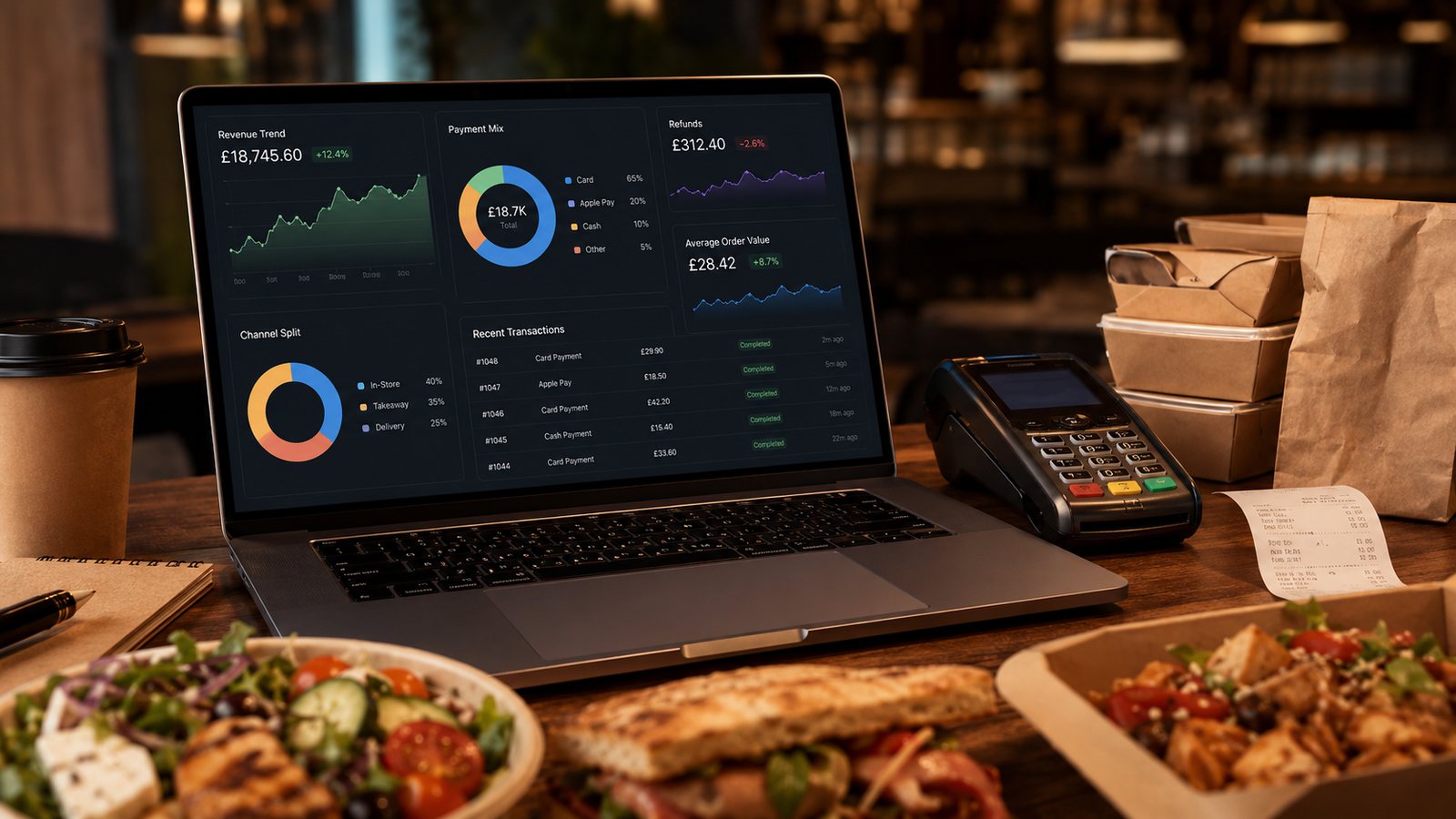
A takeaway app has no single meaningful price. The useful question is what the business must pay to launch, operate, support, market and eventually replace a dependable ordering channel.
Start with the job the app must perform
Do not request quotations until the business case is written in operational terms. A single-site takeaway may need faster repeat ordering and reliable loyalty. A small chain may also need location selection, shared accounts, menu governance and consolidated reporting. Features that do not support a defined job belong in a later backlog, not in the launch price.
- State the customer problem and the operating result expected.
- List the channels that will remain alongside the app.
- Define required POS, KDS, payment, delivery and loyalty integrations.
- Name the staff owner for menu changes, campaigns, support and releases.
- Set a stop rule if repeat use or contribution does not justify the ongoing cost.
Separate four cost layers
| Layer | Include | Common omission |
|---|---|---|
| Product and setup | Discovery, configuration, design, development, testing and store submission | Internal staff time and data preparation |
| Platforms and integrations | Ordering backend, payment gateway, POS/KDS, analytics, messaging and delivery connections | Middleware, mapping changes and failed-sync support |
| Operation and maintenance | Hosting, supplier subscription, monitoring, security updates, operating-system changes and customer support | Release testing and emergency fixes |
| Adoption and exit | Launch communication, incentives, staff training, migration, data export and retirement | Cost of moving accounts, loyalty balances and customers |
Compare white-label and custom on the same basis
A white-label quotation may appear lower because the supplier already operates the product, while a custom quotation may expose more delivery work at the start. Compare the same period and scope. Ask who owns the developer accounts, app listing, customer data, domains, credentials and integration configuration. A low monthly price can be expensive if exports, support or exit are restricted.
Build a three-year decision model
Use a model with one-off, monthly, usage-based and optional costs. Keep assumptions visible rather than presenting an invented market average. Test at least a cautious, expected and high-volume scenario.
| Input | How to model it |
|---|---|
| Orders through the app | Use realistic channel shift, not total business orders |
| Contribution per order | After food, packaging, payment, delivery and discount costs |
| Acquisition and incentive cost | Separate first order from genuinely repeat customers |
| Support and maintenance | Include supplier fees and internal staff time |
| Replacement risk | Include export, dual running and customer migration |
Ask for a quotation that can be verified
Require a line-by-line quotation, assumptions, exclusions, service levels and change rates. Ask the supplier to demonstrate the exact menu, payment, refund and kitchen flows rather than a generic sales demo. Record what happens if an integration fails or a store submission is delayed.
Practical next step
Create one cost sheet for the current website, a white-label option and a custom option. Compare them against the same three-year operating scenario. Do not approve an app simply because the setup fee fits the budget.
Control changes after contract signature
Create a change register that records the request, business reason, affected systems, quotation, acceptance test and rollback. Small changes to modifiers, payment status or location logic can affect several suppliers. Require written approval before work begins and keep a current configuration export.
Use acceptance evidence
Do not mark delivery complete when screens match a design. Acceptance should include representative orders, failed payments, refunds, sold-out items, multiple locations, customer support and data export. Record unresolved limitations and who owns each fix. This evidence protects the operating budget from repeated payment for the same requirement.
Related guides
- Restaurant Apps — the main guide for the wider topic.
- Takeaway App Cost and Budgeting — the broader guide that frames this implementation.
- How Much Does a Takeaway App Cost? — a closely related operational control to review alongside this page.
- App Budget for Different Business Sizes — a closely related operational control to review alongside this page.
Sources and date checked
Guidance checked: 24 July 2026. Recheck supplier pricing, platform terms and regulatory guidance before acting.
Operational, legal and platform requirements can change. Recheck official guidance and supplier documentation before altering a live service.
Related practical guides
 Restaurant AppsWhite-Label Restaurant Apps: Pros and ConsA white-label app can shorten delivery time, but the important trade-off is not branding versus code. It is the supplier operating model, ownersh…Read guide →
 Restaurant AppsProgressive Web Apps for TakeawaysA progressive web app can provide an install-like web ordering experience while retaining a web distribution model. It should be chosen for the r…Read guide →Restaurant AppsHow to Plan a Restaurant App LaunchPlan an app launch through operational readiness, store submission, controlled customer testing and measurable adoption. Do not let a marketing d…Read guide →
 Restaurant AppsHow Much Does a Takeaway App Cost?The price depends less on the number of screens than on the ordering system, integrations, ownership, support and change burden behind them.Read guide →Restaurant AppsGetting Customers to Download and Use the AppPromote an app to customers for whom it solves a real repeat-order problem, then measure successful use rather than raw downloads.Read guide →Restaurant AppsEssential Features of a Restaurant Ordering AppAn essential app feature is one without which a customer cannot place a clear, payable and operationally achievable order—or the business cannot …Read guide →
Connect customer ordering with operations and profit
Use the wider guide library to check the menu, kitchen, fulfilment, payment and financial implications of each decision.
Browse all practical guides