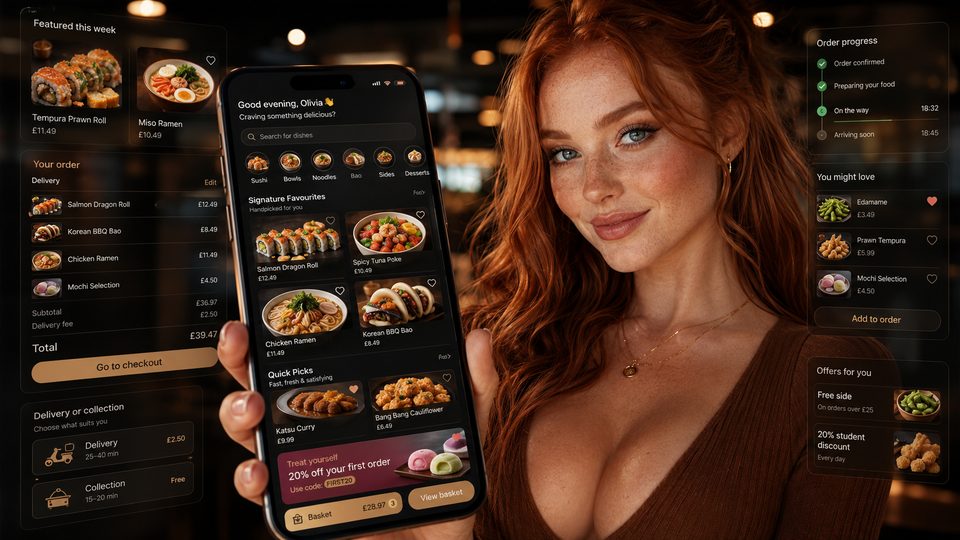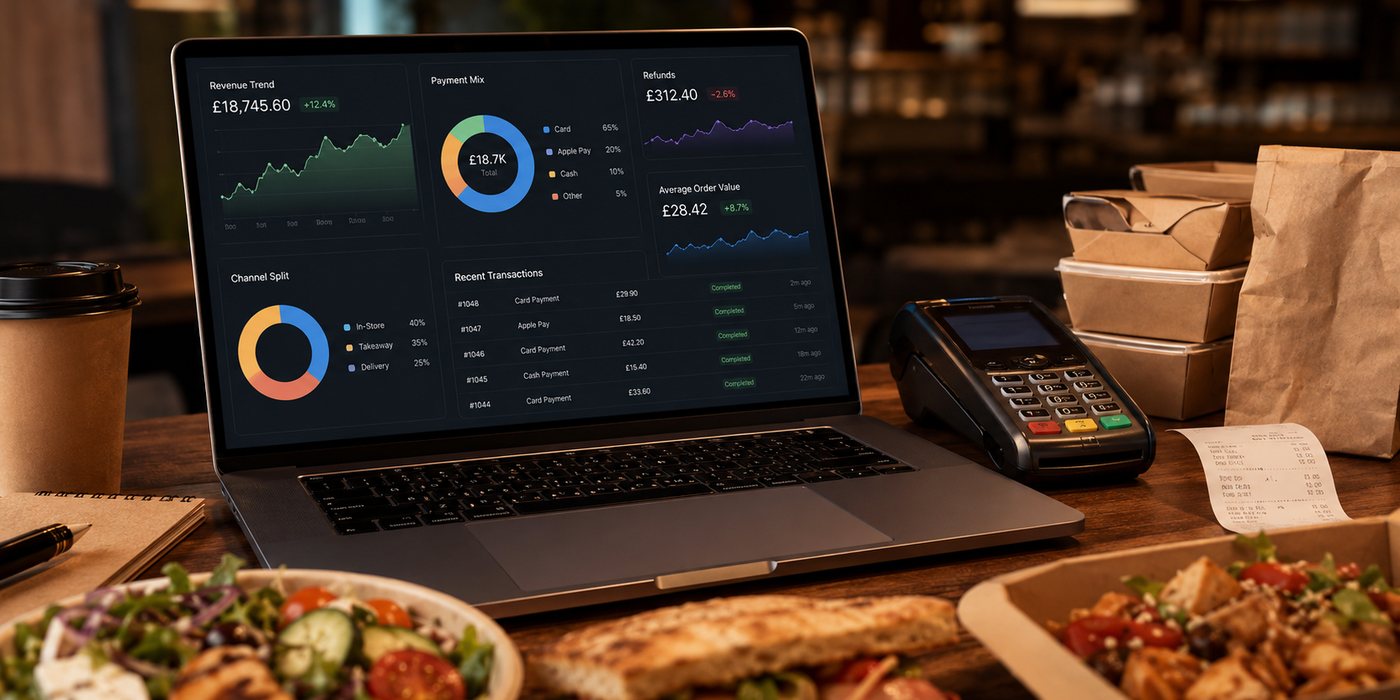
Organise app features by the work they must perform: create an accurate order, operate it safely, support repeat use and give staff enough control to manage exceptions.
Use a feature hierarchy
| Layer | Purpose | Examples |
|---|---|---|
| Core ordering | Create a valid basket and promise | Menu, modifiers, zones, slots, payment, confirmation |
| Operational control | Keep the order truthful after checkout | Availability, status, refund, support, fallback |
| Repeat convenience | Reduce effort for returning customers | Favourites, reorder, saved preferences |
| Engagement | Give a relevant reason to return | Loyalty and proportionate notifications |
| Administration | Let staff govern the product | Menu, promotions, permissions, reports, audit |
Prioritise failure handling
A feature is incomplete if it works only in the happy path. Delivery-zone detection must handle an unclear address. Saved payment must handle a decline. Reordering must revalidate price, availability, modifiers and allergens rather than cloning an old basket blindly.
Connect customer and kitchen language
The app can use clear customer wording, but the order output must preserve the exact items and options needed by the kitchen. Test names, quantities, modifiers, special instructions and routing together.
Keep advanced features conditional
Recommendations, scheduled reminders and in-app messaging can help, but they add data, consent, support and testing responsibilities. Introduce them only when the core order flow is stable and the expected customer benefit is explicit.
Specify administration with the customer feature
- Who can switch an item off?
- How quickly does the change reach every channel?
- Can a promotion be stopped immediately?
- Who sees failed payments or stuck orders?
- Is there an audit trail?
- Can the data be exported if the supplier changes?
Feature acceptance checklist
- Write the customer outcome.
- Map required data and integration.
- Define staff ownership.
- Test success and failure cases.
- Measure operational effect.
- Document fallback and removal.
Add non-functional requirements
A feature list is incomplete without expectations for reliability, speed, accessibility, security, monitoring and support. “Accept card payments” should include what the customer sees after a decline, timeout or unknown outcome. “Show order status” should define who owns each status and what happens when an integration event is delayed.
Write acceptance criteria from real orders
| Feature | Acceptance evidence |
|---|---|
| Menu and modifiers | Representative complex orders reach the correct kitchen station |
| Delivery zones | Boundary, inaccessible and temporarily closed areas behave as configured |
| Payments | Success, decline, duplicate tap and unknown outcome are handled safely |
| Loyalty | Earn, redeem, refund and expiry rules reconcile correctly |
| Notifications | Service and marketing messages use separate controls and accurate events |
Prioritise administration and evidence
Every customer-facing capability needs an owner and a usable control. The business must be able to pause a promotion, mark an item unavailable, limit a delivery slot, investigate an order and export relevant records. Ask the supplier to demonstrate these tasks with restricted staff permissions and an audit trail.
Control feature growth
Maintain a backlog with the customer problem, operational owner, expected value, risk and success measure. Remove or defer features that add permissions, support burden or kitchen complexity without evidence of benefit. A smaller reliable release is stronger than a large catalogue of partially integrated functions.
Related guides
- Restaurant Apps — the main guide for the wider topic.
- Advanced App Features — a detailed next step for putting this guidance into practice.
- App Administration Features — a detailed next step for putting this guidance into practice.
- App Comparisons and Alternatives — a closely related operational control to review alongside this page.
- App Launch and Adoption — a closely related operational control to review alongside this page.
Sources and recheck points
Guidance checked: 24 July 2026. Recheck current platform and data-use policies before release.