Essential Features of a Restaurant Ordering App
An essential app feature is one without which a customer cannot place a clear, payable and operationally achievable order—or the business cannot correct that order safely.
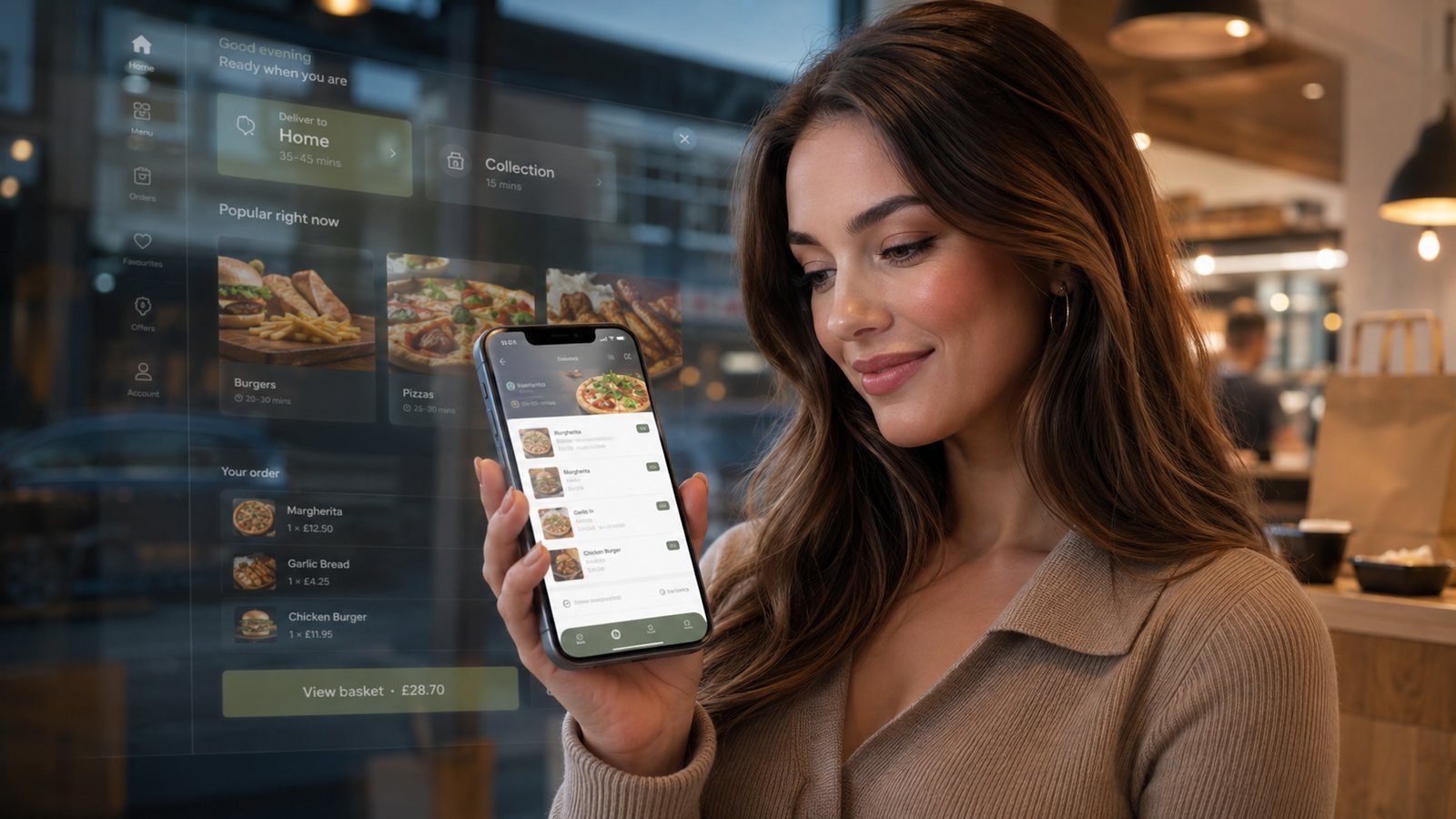
An essential app feature is one without which a customer cannot place a clear, payable and operationally achievable order—or the business cannot correct that order safely.
1. A governed menu
The app must show current items, prices, descriptions, modifiers and availability from an owned source of truth. Search and filters should help only where the catalogue justifies them. Dietary and allergen information must follow the business’s controlled data and kitchen process.
2. Valid basket construction
- Required and optional modifiers are unambiguous.
- Invalid combinations cannot be submitted.
- Quantity and special instructions have sensible limits.
- The basket shows item-level and order-level charges clearly.
- Reorders are revalidated against the current menu.
3. Fulfilment and capacity checks
The customer should know whether delivery or collection is available, the applicable area and minimum, and the realistic time before payment. Time slots must reflect kitchen and delivery capacity rather than a static list.
4. Reliable payment outcomes
The app should distinguish decline, processing, success and unknown outcome. It must prevent casual duplicate payment attempts and give staff enough references to reconcile the order, payment and refund.
5. Truthful confirmation and status
A payment receipt is not necessarily an accepted order. The customer needs a clear order reference, fulfilment details and status controlled by the actual operation. “On the way” should not appear before handover to the driver.
6. Account access without forced registration
Allow a proportionate route for guest ordering where the model supports it. For accounts, provide secure sign-in, recovery and deletion or data-rights handling. Do not make marketing consent a condition of ordering.
7. Support and correction
Show how to report a missing item, delivery issue, payment problem or allergen concern. Define which changes are possible at each order stage and what happens outside normal hours.
8. Business controls
- Availability and capacity control.
- Order and refund visibility.
- Role-based permissions.
- Audit history.
- Promotion stop control.
- Data export and supplier support route.
Test before calling a feature complete
Run real devices, weak connections, out-of-zone addresses, unavailable products, complex modifiers, failed payments, app updates and business-side outages. A feature list is not proof of operational readiness.
Add reliability and recovery to every essential feature
A feature is not complete when it works only on the happy path. The menu needs stale-data detection. Delivery checks need a controlled response when the postcode service fails. Payment needs a safe unknown-outcome screen. Order status needs delayed-event handling. Account access needs recovery and deletion routes.
Define administrative ownership
| Customer capability | Required business control |
|---|---|
| Menu and modifiers | Publish, schedule, withdraw and audit changes |
| Delivery and collection | Zones, minimums, slots, pauses and exceptions |
| Promotions and loyalty | Funding, eligibility, limits, refund and expiry rules |
| Notifications | Template ownership, consent state, frequency and stop controls |
| Accounts | Support, access, export and deletion workflow |
Include accessibility and device diversity
Test text size, keyboard and screen-reader paths where relevant, contrast, error messages and small screens. Do not make a map, swipe action or colour-only status the sole route to essential information. Test lower-cost devices and weaker networks used by real customers.
Use a launch gate
Classify defects by customer harm and operational effect. Do not launch with unresolved failures that can lose an order, misstate allergens, charge without confirmation or send an order to the wrong fulfilment path. Lower-risk cosmetic defects can enter a controlled backlog.
Related guides
- Restaurant Apps — the main guide for the wider topic.
- App Features and Functionality — the broader guide that frames this implementation.
- App Administration Features — a closely related operational control to review alongside this page.
- Advanced App Features — a closely related operational control to review alongside this page.
Sources and recheck points
Guidance checked: 24 July 2026. Recheck official guidance and supplier documentation before changing a live process.
Operational, legal and platform requirements can change. Recheck official guidance and supplier documentation before altering a live service.
Related practical guides
 Restaurant AppsWhite-Label Restaurant Apps: Pros and ConsA white-label app can shorten delivery time, but the important trade-off is not branding versus code. It is the supplier operating model, ownersh…Read guide →
 Restaurant AppsTakeaway App Cost GuideA takeaway app has no single meaningful price. The useful question is what the business must pay to launch, operate, support, market and eventual…Read guide →
 Restaurant AppsProgressive Web Apps for TakeawaysA progressive web app can provide an install-like web ordering experience while retaining a web distribution model. It should be chosen for the r…Read guide →Restaurant AppsHow to Plan a Restaurant App LaunchPlan an app launch through operational readiness, store submission, controlled customer testing and measurable adoption. Do not let a marketing d…Read guide →Restaurant AppsHow Much Does a Takeaway App Cost?The price depends less on the number of screens than on the ordering system, integrations, ownership, support and change burden behind them.Read guide →Restaurant AppsGetting Customers to Download and Use the AppPromote an app to customers for whom it solves a real repeat-order problem, then measure successful use rather than raw downloads.Read guide →
Connect customer ordering with operations and profit
Use the wider guide library to check the menu, kitchen, fulfilment, payment and financial implications of each decision.
Browse all practical guides