App Administration Features
The administration system is where the business keeps the customer promise truthful. It deserves the same scrutiny as the public app.
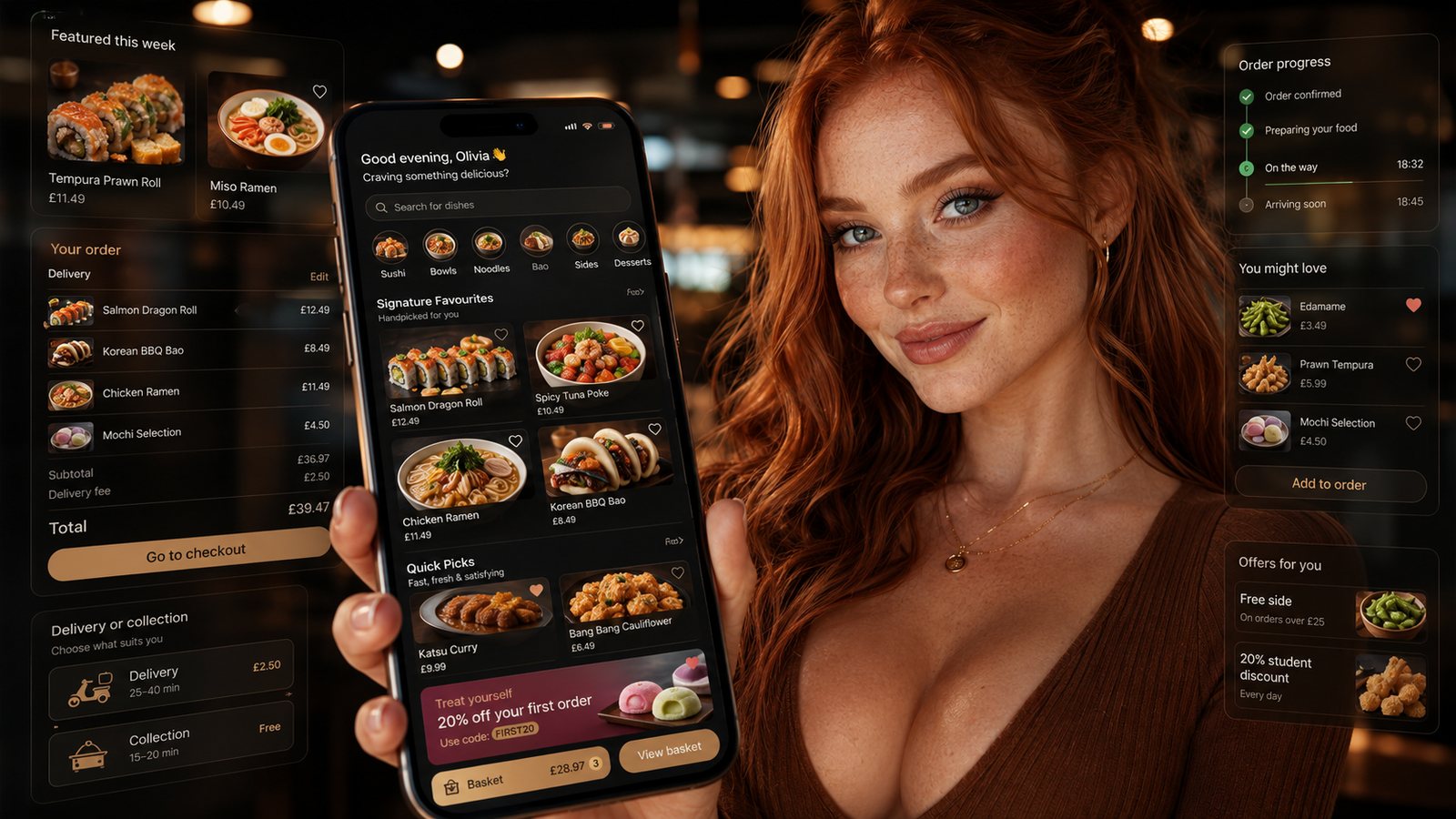
The administration system is where the business keeps the customer promise truthful. It deserves the same scrutiny as the public app.
Menu and availability control
Staff need a clear source of truth, scheduled changes, immediate sold-out control and visibility of failed publishing. Changes should show who made them, when and which channels accepted them.
Order operations
- One order reference across app, payment and kitchen systems.
- Clear accepted, rejected, preparing, ready and completed states.
- Controlled correction and cancellation by stage.
- Visibility of payment and refund status without exposing card details.
- Exception queue for stuck or duplicated orders.
Capacity and fulfilment settings
Administration should allow authorised staff to adjust slots, preparation times, zones and channel availability without changing unrelated settings. Emergency controls need confirmation and a visible audit record.
Promotion governance
A promotion builder should define eligibility, dates, channels, products, usage limits, stacking and funding. Staff need a stop control and a preview of the customer-facing significant conditions.
Customer and marketing controls
Separate service data from marketing preferences. Give access only to roles that need it. Provide export, correction, suppression and deletion workflows without allowing ungoverned spreadsheet copies.
Reporting and exports
| Report | Minimum useful dimensions |
|---|---|
| Orders | Channel, fulfilment, status, location and time |
| Payments | Provider reference, outcome, refund and settlement |
| Promotions | Eligibility, funded value and contribution |
| Customers | Repeat behaviour without overstating identity |
| Operations | Ready time, waiting, errors and complaints |
Permissions and audit
Use named accounts, least privilege, strong authentication and prompt removal of leavers. High-risk actions such as bank-detail, refund, export and promotion changes should be especially controlled.
Supplier questions
- Can data and configuration be exported?
- How are failed changes shown?
- Which actions have an audit trail?
- What is the emergency support route?
- How are updates tested and rolled back?
- Who owns the administration account?
Design roles around real responsibilities
A single shared administrator account prevents accountability. Define roles for menu editing, availability, order support, refunds, marketing, reporting and technical administration. Give each role only the access it requires and provide a controlled emergency route rather than permanent owner-level access.
Add change control and release evidence
- Preview menu and promotion changes before publication.
- Schedule or stage high-risk releases.
- Record who changed what and when.
- Support rollback to a known version.
- Show failed publishing or synchronisation clearly.
- Require stronger approval for refunds, exports and permission changes.
Test administration under pressure
Ask a trained shift manager—not the supplier—to mark an item sold out, close an outer zone, pause a campaign, investigate an order and export a report. Repeat on a phone or back-office device likely to be used during service. Record how long the action takes and whether the result reaches every channel.
Protect data and business continuity
Confirm session controls, multifactor authentication where available, recovery ownership, audit retention and offboarding. The business should be able to export essential data and continue a safe reduced service when the administration portal or supplier support is unavailable.
Related guides
- Restaurant Apps — the main guide for the wider topic.
- App Features and Functionality — the broader guide that frames this implementation.
- Advanced App Features — a closely related operational control to review alongside this page.
- Essential Features of a Restaurant Ordering App — a closely related operational control to review alongside this page.
Sources and recheck points
Guidance checked: 24 July 2026. Recheck current store, account and data-use requirements before release.
Operational, legal and platform requirements can change. Recheck official guidance and supplier documentation before altering a live service.
Related practical guides
 Restaurant AppsWhite-Label Restaurant Apps: Pros and ConsA white-label app can shorten delivery time, but the important trade-off is not branding versus code. It is the supplier operating model, ownersh…Read guide →
 Restaurant AppsTakeaway App Cost GuideA takeaway app has no single meaningful price. The useful question is what the business must pay to launch, operate, support, market and eventual…Read guide →
 Restaurant AppsProgressive Web Apps for TakeawaysA progressive web app can provide an install-like web ordering experience while retaining a web distribution model. It should be chosen for the r…Read guide →Restaurant AppsHow to Plan a Restaurant App LaunchPlan an app launch through operational readiness, store submission, controlled customer testing and measurable adoption. Do not let a marketing d…Read guide →Restaurant AppsHow Much Does a Takeaway App Cost?The price depends less on the number of screens than on the ordering system, integrations, ownership, support and change burden behind them.Read guide →Restaurant AppsGetting Customers to Download and Use the AppPromote an app to customers for whom it solves a real repeat-order problem, then measure successful use rather than raw downloads.Read guide →
Connect customer ordering with operations and profit
Use the wider guide library to check the menu, kitchen, fulfilment, payment and financial implications of each decision.
Browse all practical guides