Cart Abandonment Recovery
A basket that is not completed is a diagnostic signal, not automatically permission to send a reminder. The customer may have compared prices, discovered the address was outside the zone, encountered a technical fault…
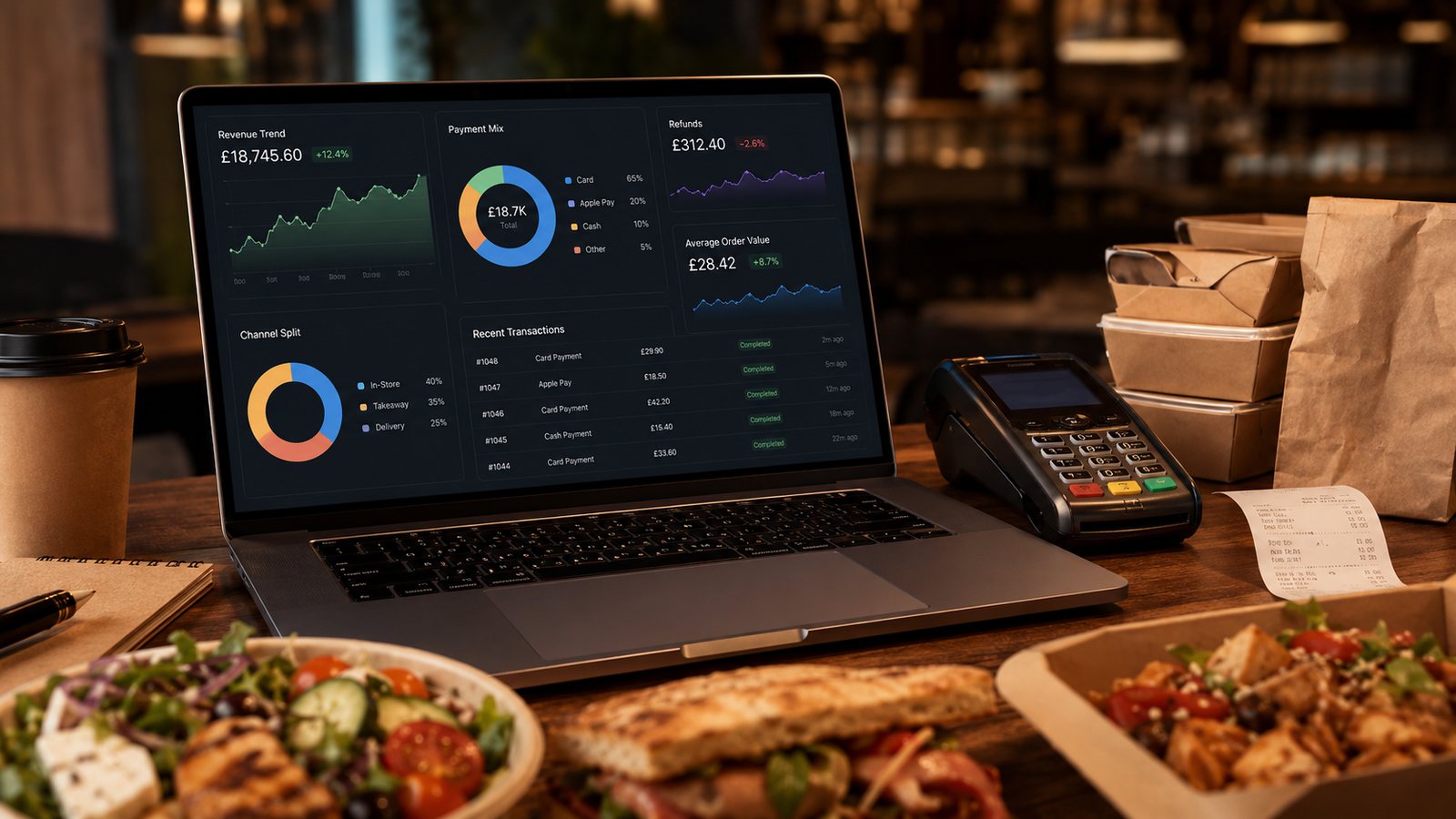
A basket that is not completed is a diagnostic signal, not automatically permission to send a reminder. The customer may have compared prices, discovered the address was outside the zone, encountered a technical fault or simply changed their mind. Recovery should begin by fixing the journey and only then consider permitted communication.
Measure abandonment at clear stages
- Basket created but checkout not started
- Checkout started but address or slot not completed
- Payment page reached but payment not submitted
- Payment attempted with declined or unknown result
- Payment succeeded but order was not accepted
These require different action. Do not send a generic “you forgot your order” message after a payment-status incident.
Fix common operational causes
| Cause | Recovery improvement |
|---|---|
| Late delivery-fee reveal | Show zone, minimum and unavoidable charges earlier |
| Unavailable item at checkout | Improve live availability and preserve valid basket items |
| Confusing modifiers | Clarify required choices and kitchen-compatible combinations |
| Account friction | Consider guest checkout and clear recovery |
| Payment uncertainty | Prevent duplicate submission and provide status checking |
| Slow mobile journey | Reduce unnecessary assets and test common devices |
Decide whether communication is allowed
An email, SMS or push reminder is direct marketing when it promotes completing the order. Check the relevant permission or products-and-services soft opt-in conditions and provide a simple opt-out. An email collected solely for a receipt or unfinished checkout is not automatically a marketing list.
Design a restrained reminder
Use one short sequence, current basket and availability, accurate total, expiry and secure return link. Do not create false scarcity or imply that an order has been placed. Stop reminders after purchase, opt-out, complaint or basket invalidation.
Handle payment edge cases
If the gateway reports an unknown outcome, do not push the customer to pay again until the transaction is checked. Link order and payment references and give support a documented process.
Measure incremental recovery
Use a holdout group. Count completed legitimate orders and contribution after messaging, discount and support costs. Monitor opt-outs and complaints. Many customers may return without a reminder.
Practical next step: divide abandonment into the five stages above for one week. Do not launch reminders until payment uncertainty and late-price disclosure are separately measured.
Protect basket security and privacy
Return links should be difficult to guess, expire appropriately and avoid revealing customer or address details to anyone who receives a forwarded message. Do not place sensitive data in the URL. Test logout, shared devices and account switching.
Use suppression at send time
The reminder system must recheck purchase, opt-out and complaint status immediately before each message. A batch built the previous day can become invalid. Keep an audit record of why the person was included and which message was sent.
Retire the automation if it creates repeated payment enquiries, complaints or very low incremental contribution. A lower abandonment percentage is not the objective if customers feel pressured or pay twice.
Related guides
- Online Ordering — the main guide for the wider topic.
- Online Ordering Data and Analytics — the broader guide that frames this implementation.
- What Data Should a Restaurant Ordering System Track? — a closely related operational control to review alongside this page.
- Conversion Rate Optimisation for Ordering — a closely related operational control to review alongside this page.
Sources and date checked
Guidance checked: 24 July 2026. Recheck official guidance and supplier documentation before changing a live system.
Operational, legal and platform requirements can change. Recheck official guidance and supplier documentation before altering a live service.
Related practical guides
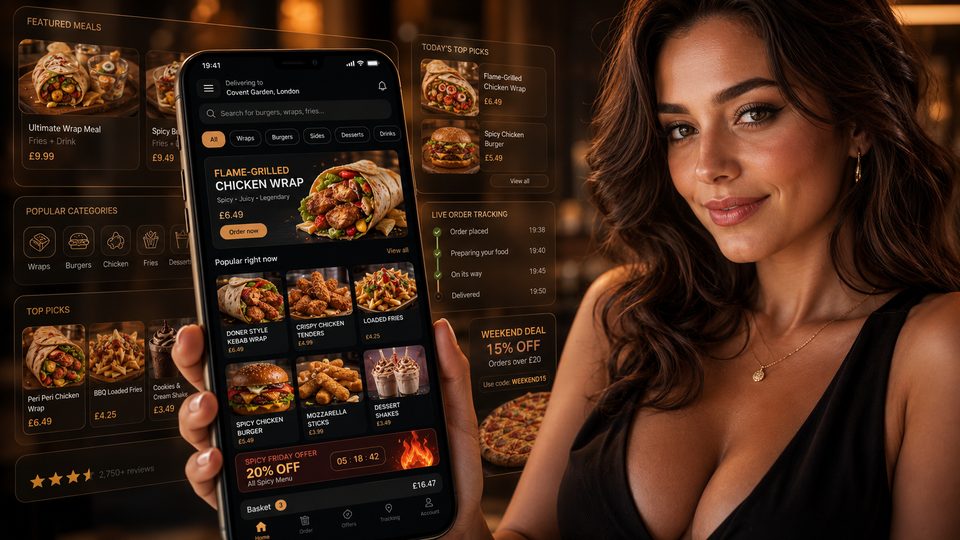 Online OrderingMarketplace Commission StructuresMarketplace cost is rarely one simple percentage. The total depends on the provider, contract, delivery model, promotions, payment treatment, ref…Read guide →
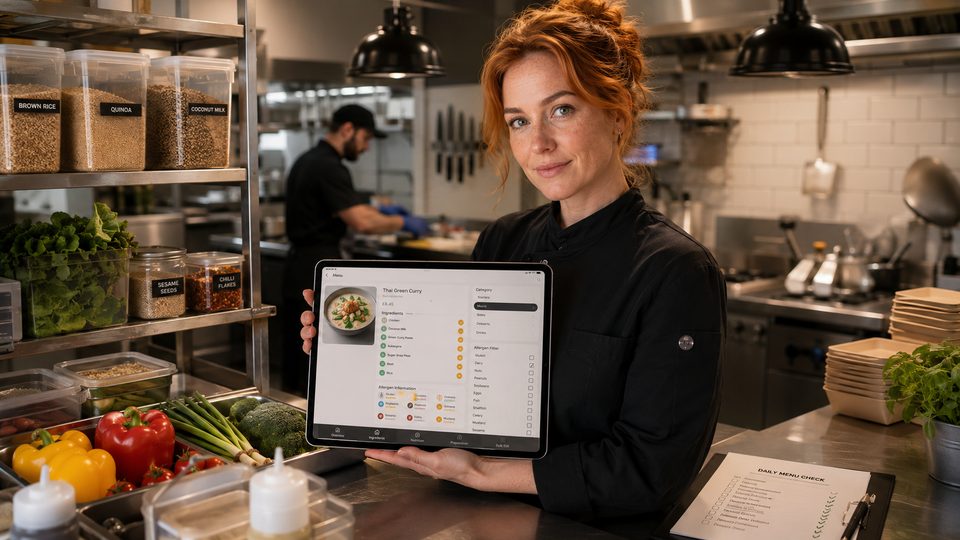 Online OrderingHow to Handle Allergens OnlineA safe online allergen process connects approved recipes, supplier specifications, menu data, trained staff, kitchen controls and delivery-stage …Read guide →Online OrderingHow to Design Checkout for TakeawayA takeaway checkout should confirm a clear order, a realistic fulfilment promise and a transparent total price with as little unnecessary effort …Read guide →Online OrderingFood Hygiene Ratings and Online OrderingA hygiene rating is an official snapshot of standards found at an inspection. Displaying it accurately can build trust, but the rating should not…Read guide →
 Online OrderingConversion Rate Optimisation for OrderingConversion-rate optimisation for takeaway ordering should remove avoidable confusion and failure, not pressure customers into unsuitable orders. …Read guide →
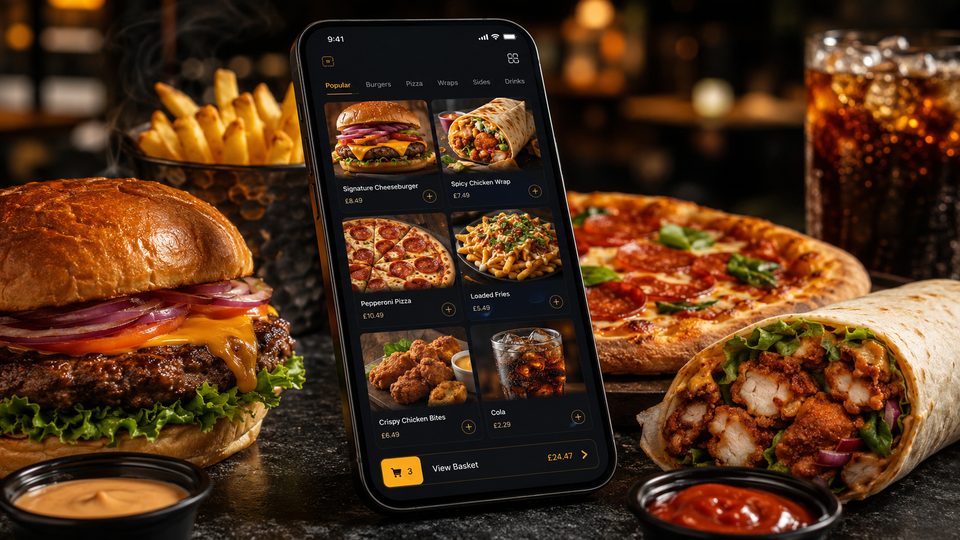 Online OrderingCollection and Click-and-Collect SetupClick-and-collect removes driver and delivery-zone complexity, but it does not remove the need for capacity control. A poor setup moves the queue…Read guide →
Connect customer ordering with operations and profit
Use the wider guide library to check the menu, kitchen, fulfilment, payment and financial implications of each decision.
Browse all practical guides