Collection and Click-and-Collect Setup
Click-and-collect removes driver and delivery-zone complexity, but it does not remove the need for capacity control. A poor setup moves the queue from the telephone to the counter: several customers arrive together, f…
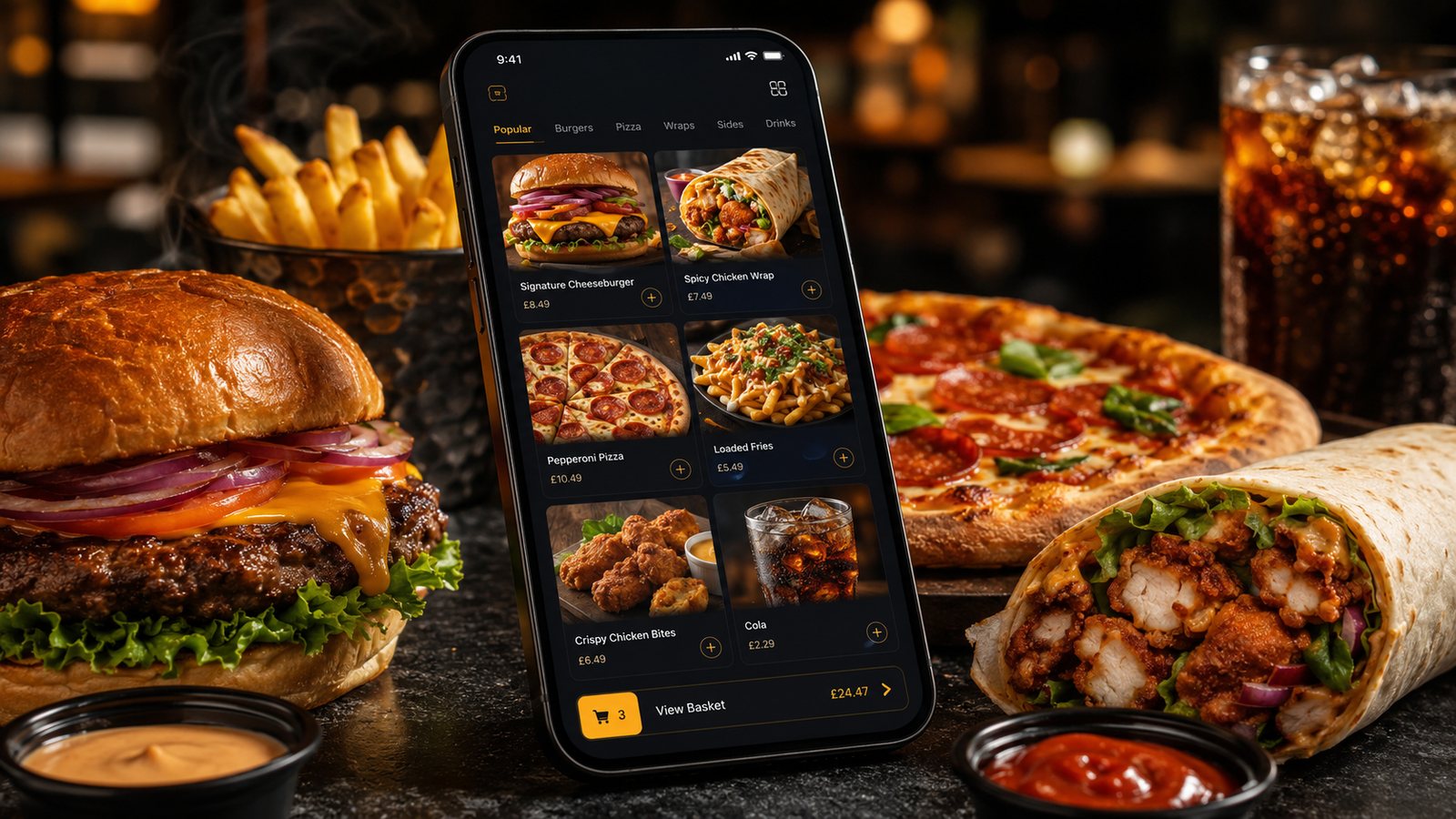
Click-and-collect removes driver and delivery-zone complexity, but it does not remove the need for capacity control. A poor setup moves the queue from the telephone to the counter: several customers arrive together, food waits too long, walk-in trade is blocked and staff cannot identify which order is ready. The collection process should control when orders enter the kitchen, where customers wait and how each handover is verified.
Define the complete collection journey
Map the process from the customer's first choice to the handover:
- The customer selects collection and sees the next realistic availability.
- The system validates opening hours, menu availability and capacity.
- The customer chooses a time or accepts an estimated ready time.
- The order reaches the correct kitchen queue.
- Staff prepare, pack and mark it ready.
- The customer receives a useful update where the system supports one.
- Staff verify the order number or name before handover.
- Late or uncollected orders follow an agreed process.
Each step needs an owner. If the system marks an order ready automatically when the kitchen has not finished it, or if nobody monitors late collections, the customer-facing promise will not match the operation.
Set times from real kitchen output
Review actual preparation times by daypart and order type. Collection capacity is affected by the same bottlenecks as delivery: cooking stations, packing and the number of complex orders arriving together.
Do not adopt a universal interval. A simple order may fit comfortably into a short window, while several family meals can occupy the same stations for much longer. Start with conservative availability and compare promised times with when bags are genuinely ready.
Choose a slot model the kitchen can operate
| Model | Strength | Risk to manage |
|---|---|---|
| Estimated ready time | Flexible for varied order sizes | Several estimates can still cluster if workload is not controlled |
| Fixed collection slots | Simple for customers and staff to understand | A slot needs an order or workload limit, not only a time label |
| Scheduled pre-orders | Useful for planned demand and group orders | Advance orders must be visible without disappearing from the live queue |
Where the platform allows it, use separate rules by day and time. The same setting is unlikely to work equally well on a quiet afternoon and a busy weekend evening.
Control the handover area
The physical collection point should be obvious from the entrance. If collection, walk-in ordering and driver pickup share one small counter, define separate positions or a clear queueing rule.
Useful elements include:
- visible collection signage;
- an order-number or name convention that protects unnecessary personal information;
- a shelf or numbered holding position for completed orders;
- space for several bags from the same order;
- a final check before food leaves the counter;
- clear instructions for customers with reduced mobility or other access needs.
Do not place paid orders where any visitor can remove them without staff involvement. A fast handover still needs a basic verification step.
Use ready notifications carefully
A ready message should be triggered by the operation, not merely by the passage of the original estimate. If staff cannot control the status accurately, an automatic notification can bring customers into the shop before the order is complete.
The message should include the order reference, collection point and any practical arrival instruction. Avoid promising that food will remain at its best for a fixed period; product quality and safe holding depend on the item and the business's own procedures.
Plan for early, late and no-show customers
Decide in advance:
- what staff say when a customer arrives before the order is ready;
- how the queue is updated when preparation is delayed;
- when the business attempts to contact a late customer;
- how long different products can be held under the business's food-safety process;
- who can approve a remake, refund or other resolution;
- how the incident is recorded.
Do not improvise by reheating or holding food beyond an agreed safe process. The digital system can record time and status, but the food business remains responsible for the actual handling decision.
Keep collection separate from delivery settings
Collection should not inherit delivery fees, driver tips, postcode fields or delivery promises. It may have its own minimum order, opening periods and menu availability, but those rules should be intentional and visible.
Where collection has a different price or promotion, make the distinction clear before the customer reaches payment. Check that the basket updates correctly when the fulfilment method changes.
Test the process with realistic orders
- Place orders for the first, middle and final available times.
- Use a simple basket and a large modified basket.
- Create several orders for the same period and observe the kitchen load.
- Mark one order ready early and another late.
- Test the customer notification and the staff view.
- Simulate an early arrival, a late arrival and a no-show.
- Verify that the correct bag is handed to the correct customer.
- Check how refunds or corrections appear in reconciliation.
Measure whether collection is working
- promised time compared with actual ready time;
- customer wait after arrival;
- orders held because the customer is late;
- wrong-order handovers and missing items;
- congestion at the counter;
- staff interventions and status corrections;
- refunds, remakes and complaints linked to collection.
A successful click-and-collect service does not merely remove delivery. It creates a separate, controlled handover channel that the kitchen and front counter can manage together.
Operational guidance to recheck
Guidance checked: 24 July 2026. Apply the business's current food-safety procedures to holding, remaking and disposing of uncollected food.
Related guides
- Online Ordering — the main guide for the wider topic.
- Website Ordering — the broader guide that frames this implementation.
- Website Ordering vs Mobile App — a closely related operational control to review alongside this page.
- How to Design Checkout for Takeaway — a closely related operational control to review alongside this page.
Operational, legal and platform requirements can change. Recheck official guidance and supplier documentation before altering a live service.
Related practical guides
 Online OrderingMarketplace Menu ManagementA marketplace menu is a live operating document. It controls what customers can buy, what the kitchen receives and what the business may later ne…Read guide →
 Online OrderingMarketplace Commission StructuresMarketplace cost is rarely one simple percentage. The total depends on the provider, contract, delivery model, promotions, payment treatment, ref…Read guide →
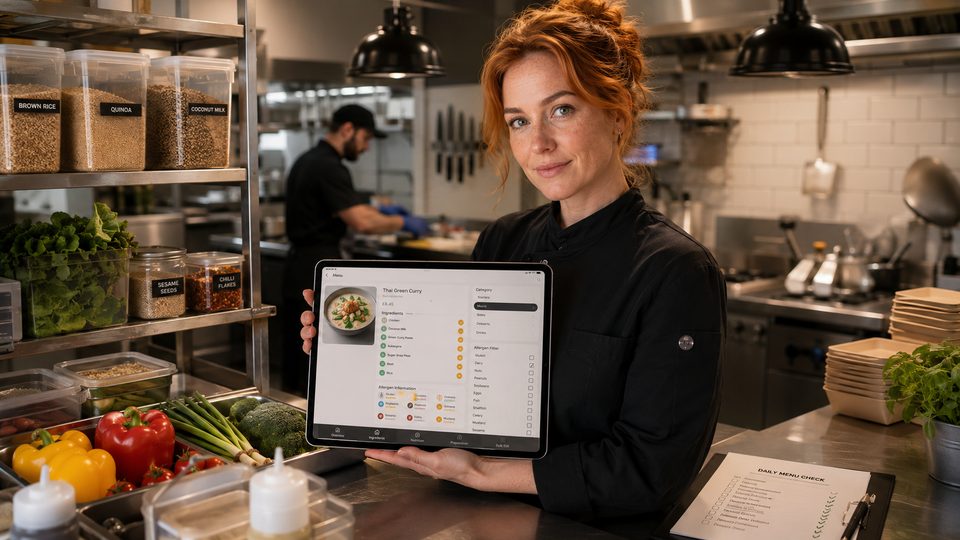 Online OrderingHow to Handle Allergens OnlineA safe online allergen process connects approved recipes, supplier specifications, menu data, trained staff, kitchen controls and delivery-stage …Read guide →Online OrderingHow to Design Checkout for TakeawayA takeaway checkout should confirm a clear order, a realistic fulfilment promise and a transparent total price with as little unnecessary effort …Read guide →Online OrderingFood Hygiene Ratings and Online OrderingA hygiene rating is an official snapshot of standards found at an inspection. Displaying it accurately can build trust, but the rating should not…Read guide →
 Online OrderingConversion Rate Optimisation for OrderingConversion-rate optimisation for takeaway ordering should remove avoidable confusion and failure, not pressure customers into unsuitable orders. …Read guide →
Connect customer ordering with operations and profit
Use the wider guide library to check the menu, kitchen, fulfilment, payment and financial implications of each decision.
Browse all practical guides