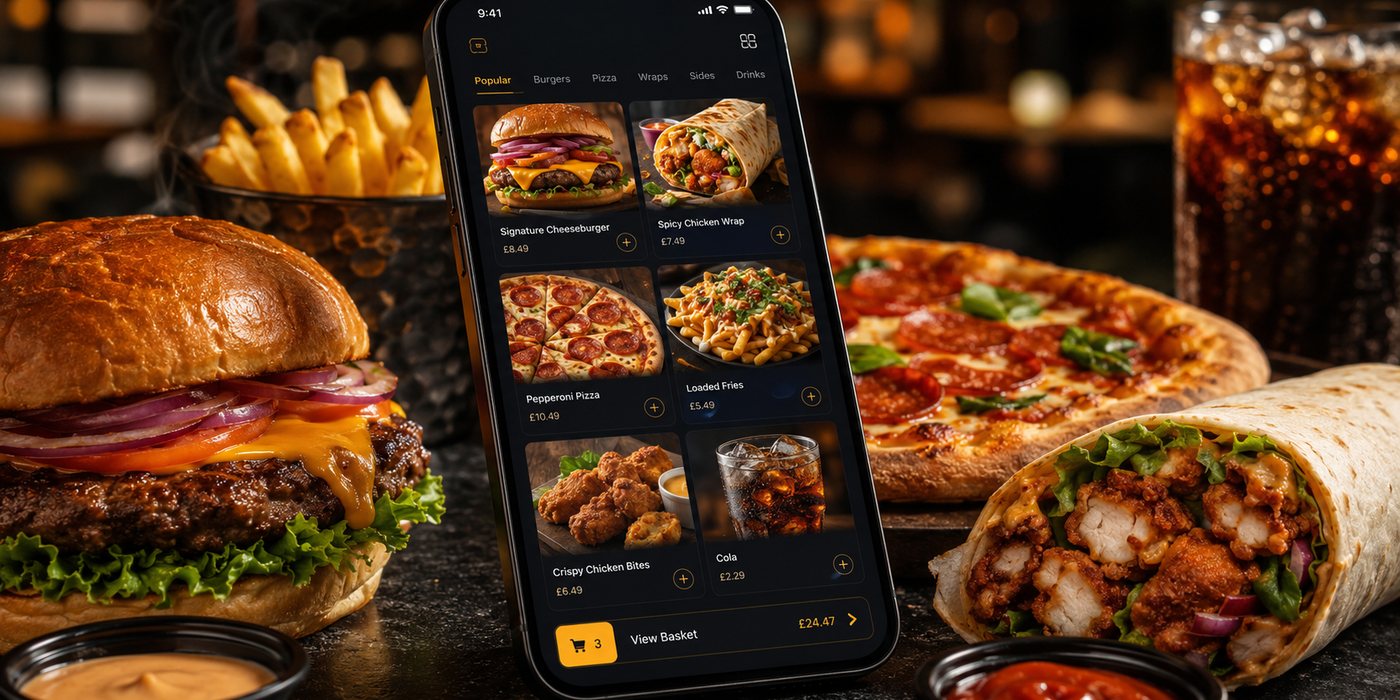
Online Menu Design Mistakes
An online menu is part catalogue, part order form and part kitchen instruction. A design can look attractive while still causing abandoned baskets, wrong modifiers, unavailable orders and packing errors. Diagnose the…
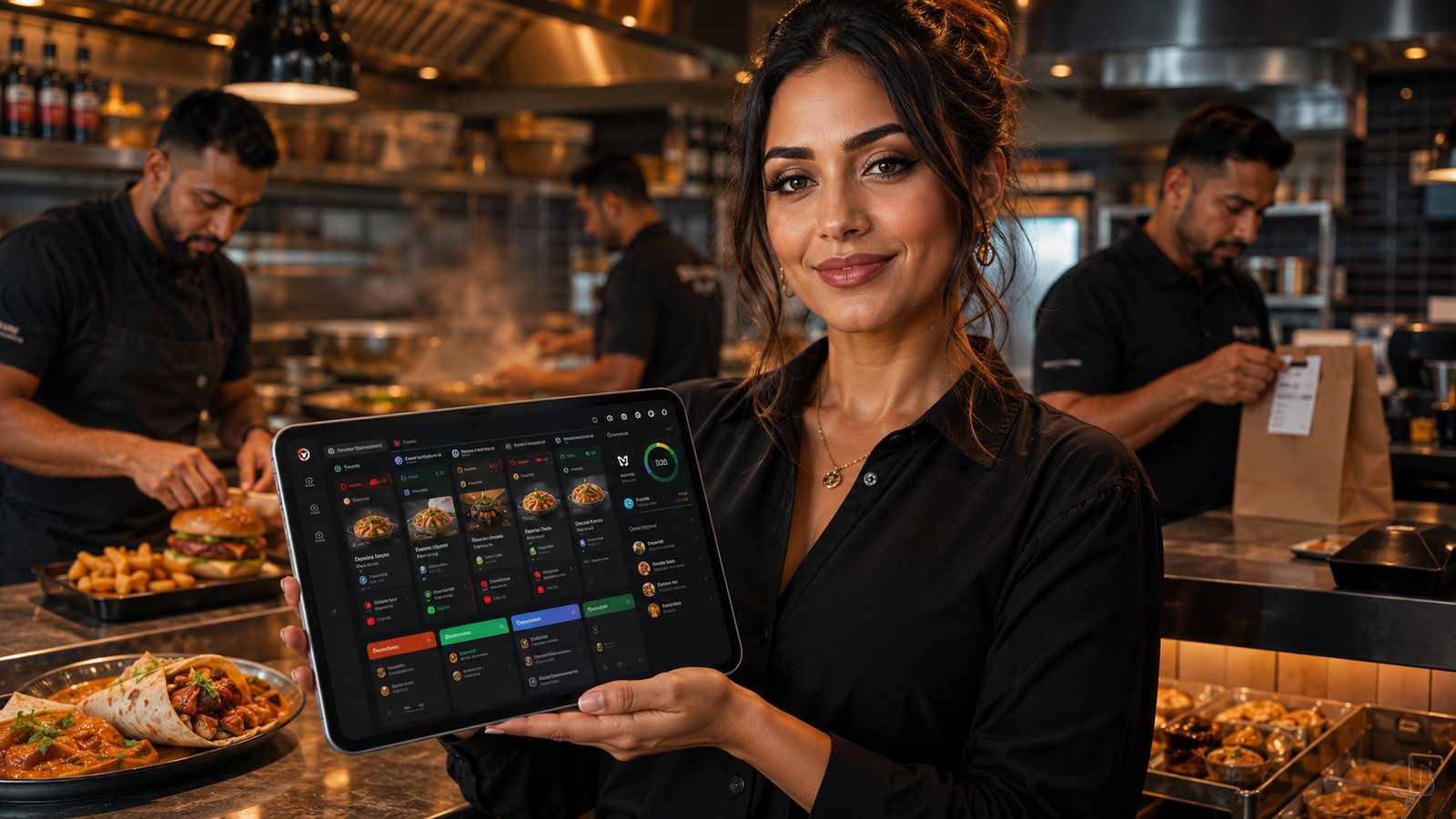
An online menu is part catalogue, part order form and part kitchen instruction. A design can look attractive while still causing abandoned baskets, wrong modifiers, unavailable orders and packing errors. Diagnose the menu by following real orders from discovery to kitchen output.
Mistake 1: categories reflect the database, not the customer
Technical groups, supplier names or excessive top-level categories force customers to understand the internal menu structure. Use clear customer tasks and familiar product groups. Test the structure on a mobile screen rather than a desktop mock-up.
Mistake 2: titles and descriptions do not support a decision
A title should identify the product. A description should clarify the meaningful difference: ingredients, size, preparation style, included sides or suitable choice. Avoid unsupported “healthy”, “allergen-free” or quality claims.
Mistake 3: prices appear late or mandatory charges are unclear
Show the base price, priced modifiers and any unavoidable charges early enough for an informed choice. The basket should explain the total before payment confirmation.
Mistake 4: modifier rules create invalid orders
| Problem | Operational consequence |
|---|---|
| No required selection | Kitchen receives an incomplete product |
| Contradictory choices | Staff must interpret the order |
| Unlimited extras | Product becomes impractical or wrongly priced |
| Free text for standard choices | Inconsistent wording and missed instructions |
| Modifier missing from kitchen output | Customer choice is lost after checkout |
Mistake 5: availability is decorative rather than operational
Do not leave unavailable items orderable with a note that staff may call later. Connect sold-out status to the real source of truth, verify each channel and define what happens to existing baskets.
Mistake 6: dietary and allergen information is treated as a badge
Labels and filters must be based on controlled information and kept current. They should not imply that cross-contact cannot occur unless the business can support that claim. Give customers a clear route to obtain information before completing a distance order and ensure relevant information accompanies delivery.
Mistake 7: photographs misrepresent the product
- Show the portion and included items accurately.
- Do not include extras that are sold separately without clear explanation.
- Keep style consistent enough to compare products.
- Optimise image size for mobile performance.
- Update images when packaging or presentation materially changes.
Mistake 8: upselling interrupts the order
Offer relevant additions at a sensible point. Avoid repeated pop-ups, preselected extras or promotions that obscure the basket total. Upselling should not create invalid kitchen combinations or slow standard orders.
Mistake 9: customer and kitchen names are disconnected
A customer-facing description can be detailed, while kitchen output needs short and stable wording. Link both to the same item ID. Test that size, flavour, modifier and removal instructions remain unambiguous at the station.
Mistake 10: the business never tests its own menu
Run regular test orders on common mobile devices and every active channel. Include:
- high-volume items;
- complex modifiers;
- delivery and collection;
- scheduled orders;
- sold-out products;
- promotions;
- allergen-information routes;
- payment failure and basket recovery.
Mistake 11: search and filters hide rather than help
Search is useful when the menu is large or customers know the item name, but it should not compensate for poor categories. Filters need controlled data and should not imply unsupported dietary safety. Test spelling, synonyms and zero-result behaviour.
Mistake 12: the menu is inaccessible or slow
- Use readable text and sufficient contrast.
- Give controls clear labels and large tap targets.
- Keep keyboard and screen-reader behaviour in scope.
- Do not rely on colour alone for availability or selection.
- Reserve image dimensions and compress media.
- Avoid forcing the customer through repeated animations or pop-ups.
Mistake 13: promotions break the base menu
Promotions should use controlled items, eligibility and effective dates. Test what happens when a discounted component is sold out, the basket changes, a code expires or a marketplace represents the offer differently. The kitchen ticket and final price must remain understandable.
Diagnostic evidence
Combine analytics with operational evidence: menu searches, abandoned baskets, customer calls, refund reasons, modifier corrections and kitchen remakes. A low-selling item may be unpopular, hard to find, wrongly priced or unavailable—do not assume the cause from one metric.
Practical next step: select the ten products responsible for the most orders, refunds or staff questions. Test their full customer and kitchen journey before redesigning the whole menu.
Official UK guidance
- Food Standards Agency: Allergen guidance for food businesses
- Food Standards Agency: Starting your food business safely
Guidance checked: 24 July 2026. Official requirements and business processes should be rechecked when the menu, recipe, packaging or sales channel changes.
Related guides
- POS and Kitchen Systems — the main guide for the wider topic.
- Menu Management in POS — the broader guide that frames this implementation.
- How to Sync Menus Across Channels — a closely related operational control to review alongside this page.
- How to Plan Menu Availability and Sold-Out Rules — a closely related operational control to review alongside this page.
Operational, legal and platform requirements can change. Recheck official guidance and supplier documentation before altering a live service.
Related practical guides
 POS and Kitchen SystemsPrinter Setup and TroubleshootingA printer failure during service can hide orders, delay one kitchen station or create duplicate tickets. Troubleshooting should follow a fixed se…Read guide →POS and Kitchen SystemsKitchen Printers vs Customer ReceiptsKitchen tickets and customer receipts may originate from the same order, but they serve different users and should not be treated as the same doc…Read guide →
 POS and Kitchen SystemsKitchen Display System GuideA kitchen display system can improve visibility and order control, but only when it fits the kitchen’s workflow. Buying screens before mapping st…Read guide →POS and Kitchen SystemsKDS for Multi-Station KitchensIn a multi-station kitchen, a KDS must coordinate separate teams without losing the order as a whole. The fryer, grill, preparation section and d…Read guide →POS and Kitchen SystemsKDS Setup and ConfigurationKDS configuration is an operational project, not a screen-installation task. The system must translate menu data into station work, show realisti…Read guide →POS and Kitchen SystemsInternet Connectivity for Takeaway OperationsTakeaway connectivity should be designed around continuity, not headline download speed. Online ordering, payment terminals, POS synchronisation,…Read guide →
Connect customer ordering with operations and profit
Use the wider guide library to check the menu, kitchen, fulfilment, payment and financial implications of each decision.
Browse all practical guides