How to Plan Menu Availability and Sold-Out Rules
An unavailable item should disappear or become clearly unavailable before the customer pays. Good availability rules reduce customer calls, refunds, substitutions and disruption in the kitchen. They also prevent staff…
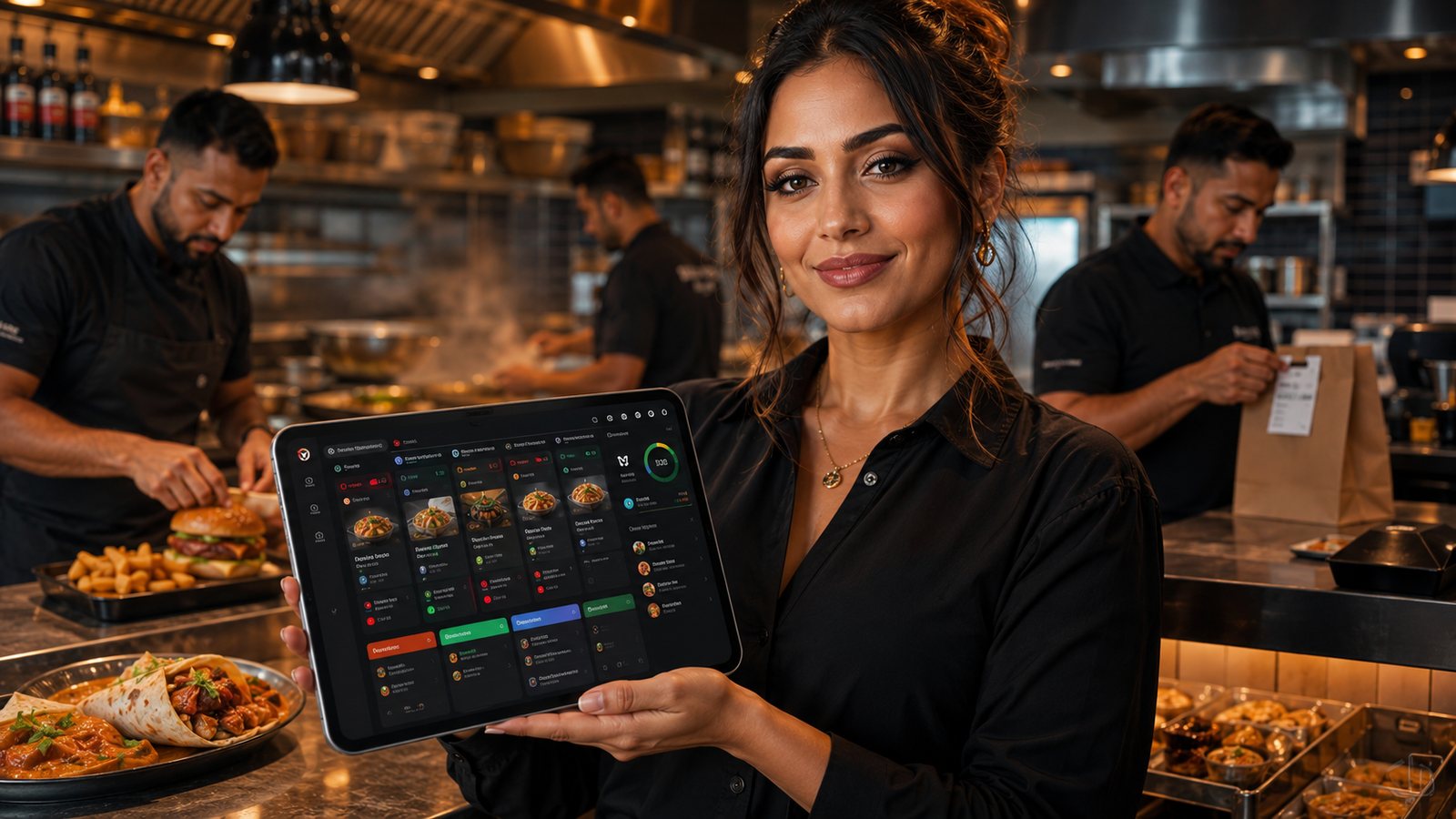
An unavailable item should disappear or become clearly unavailable before the customer pays. Good availability rules reduce customer calls, refunds, substitutions and disruption in the kitchen. They also prevent staff from promising food that a closed station or exhausted ingredient cannot produce.
Step 1: identify availability dependencies
| Dependency | Example | Control |
|---|---|---|
| Ingredient | Chicken, dough or packaging unavailable | Disable every dependent product |
| Equipment | Fryer or oven unavailable | Disable affected station output |
| Daypart | Lunch menu ends at a set time | Scheduled rule with transition buffer |
| Capacity | Kitchen cannot accept more delivery orders | Later slots, channel pause or item restriction |
| Location | One branch does not stock an item | Location-specific availability |
| Channel | Product unsuitable for delivery | Channel-specific exclusion |
Step 2: define who can change availability
Give shift managers a quick, logged method to sell out and restore items. Restrict structural menu changes to authorised roles. Staff should see whether the change reached each channel.
Step 3: choose the right level
- Item level: one product is unavailable.
- Modifier level: one size, topping or side is unavailable.
- Ingredient or component level: several products depend on the same input.
- Station level: a fryer, grill or preparation area is unavailable.
- Channel level: delivery or marketplace capacity must be paused.
Component-level rules reduce missed dependent items but require accurate product mapping.
Step 4: plan dayparts and scheduled menus
Test the boundary between menus. Decide how pre-orders behave when an item is available at ordering time but not at fulfilment time. Do not let scheduled publishing remove items from existing accepted orders without an operational review.
Step 5: manage limited stock carefully
Automatic stock deductions can help for standardised products, but recipe yields, waste and manual sales may make the displayed quantity unreliable. Use stock-based stopping only when the inputs are dependable and staff know how to correct them.
Step 6: verify propagation
- Sell out one item in the source system.
- Check direct website, app and every marketplace.
- Attempt to add the item from an old basket or cached page.
- Check staff order entry.
- Restore the item and repeat the checks.
- Record failed channels and manual fallback steps.
Step 7: communicate after an accepted order
If an accepted order contains an item that cannot be fulfilled, contact the customer promptly. Offer accurate alternatives or an appropriate refund according to the order stage and channel process. Do not substitute an item involving different ingredients or allergen risks without clear customer agreement.
Common mistakes
- selling out only on the POS while marketplaces remain live;
- disabling a main item but leaving bundles available;
- restoring products automatically without checking stock;
- using vague “subject to availability” wording instead of operational control;
- allowing every staff account to change prices and recipes;
- failing to test scheduled and pre-order behaviour.
Pre-orders and future availability
Decide whether future orders use availability at order time or fulfilment time. A product available tonight may be unavailable for tomorrow’s lunch menu. Scheduled orders should reserve real capacity and remain visible when a later menu release occurs.
Capacity is different from stock
An item can be in stock but temporarily unavailable because the relevant station, driver pool or packing process is full. Treat capacity restrictions separately so staff understand whether to restore the item, offer a later slot or pause a fulfilment method.
When synchronisation fails
- Use a documented manual sell-out process for each affected channel.
- Keep a list of channels that have and have not confirmed the update.
- Do not restore automatically until the source problem is resolved.
- Review orders accepted between the first failed update and correction.
- Reconcile refunds and substitutions caused by the incident.
Review availability performance
Track unavailable-item refunds, calls for substitutions, time taken to propagate a sell-out, products repeatedly restored incorrectly and channels with stale menus. Frequent sold-outs may require purchasing, menu or capacity changes rather than faster button pressing.
Practical next step: choose five ingredients or pieces of equipment whose failure affects several products. Build and test dependency rules for those first.
Official UK guidance
- Food Standards Agency: Allergen guidance for food businesses
- Food Standards Agency: Starting your food business safely
Guidance checked: 24 July 2026. Official requirements and business processes should be rechecked when the menu, recipe, packaging or sales channel changes.
Related guides
- POS and Kitchen Systems — the main guide for the wider topic.
- Menu Management in POS — the broader guide that frames this implementation.
- Online Menu Design Mistakes — a closely related operational control to review alongside this page.
- How to Sync Menus Across Channels — a closely related operational control to review alongside this page.
Operational, legal and platform requirements can change. Recheck official guidance and supplier documentation before altering a live service.
Related practical guides
 POS and Kitchen SystemsPrinter Setup and TroubleshootingA printer failure during service can hide orders, delay one kitchen station or create duplicate tickets. Troubleshooting should follow a fixed se…Read guide →
 POS and Kitchen SystemsOnline Menu Design MistakesAn online menu is part catalogue, part order form and part kitchen instruction. A design can look attractive while still causing abandoned basket…Read guide →POS and Kitchen SystemsKitchen Printers vs Customer ReceiptsKitchen tickets and customer receipts may originate from the same order, but they serve different users and should not be treated as the same doc…Read guide →
 POS and Kitchen SystemsKitchen Display System GuideA kitchen display system can improve visibility and order control, but only when it fits the kitchen’s workflow. Buying screens before mapping st…Read guide →POS and Kitchen SystemsKDS for Multi-Station KitchensIn a multi-station kitchen, a KDS must coordinate separate teams without losing the order as a whole. The fryer, grill, preparation section and d…Read guide →POS and Kitchen SystemsKDS Setup and ConfigurationKDS configuration is an operational project, not a screen-installation task. The system must translate menu data into station work, show realisti…Read guide →
Connect customer ordering with operations and profit
Use the wider guide library to check the menu, kitchen, fulfilment, payment and financial implications of each decision.
Browse all practical guides