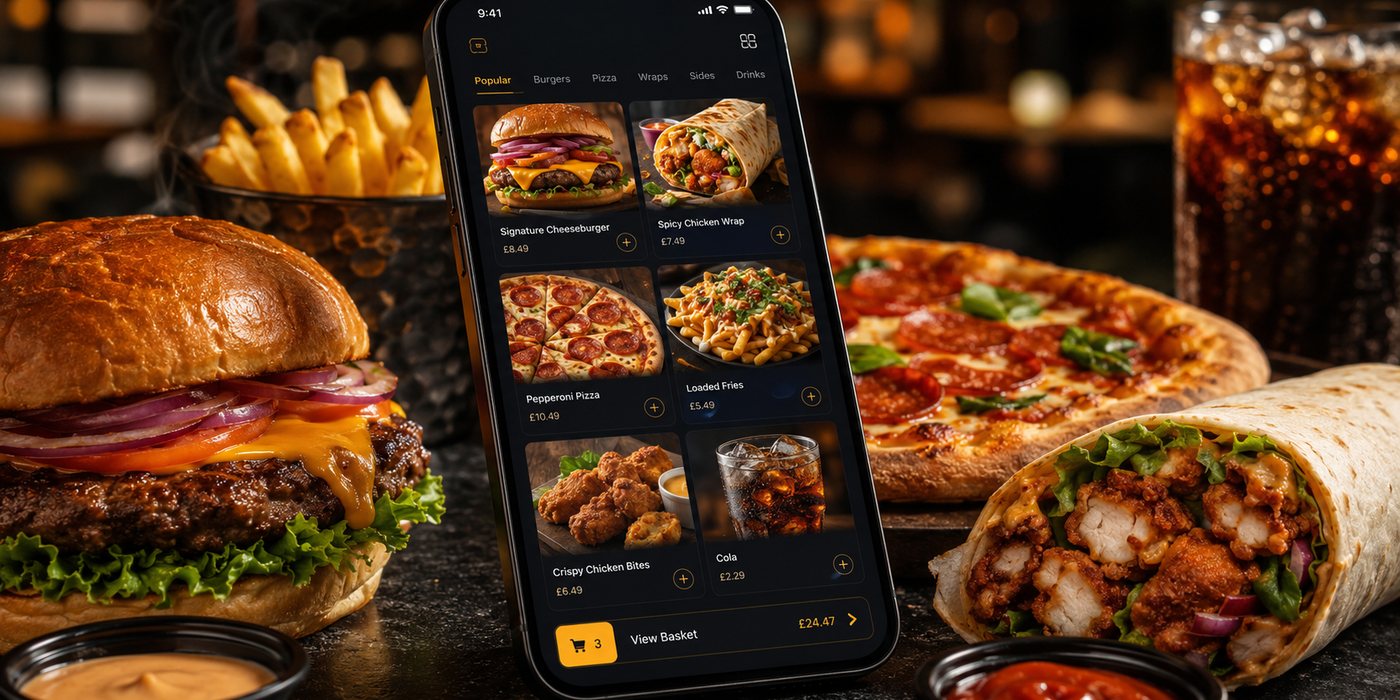
Restaurant POS Integration Guide
POS integration should move an order accurately from the customer channel into the restaurant’s operational workflow without retyping it. A connection is valuable only if it handles menu data, modifiers, payments, sta…
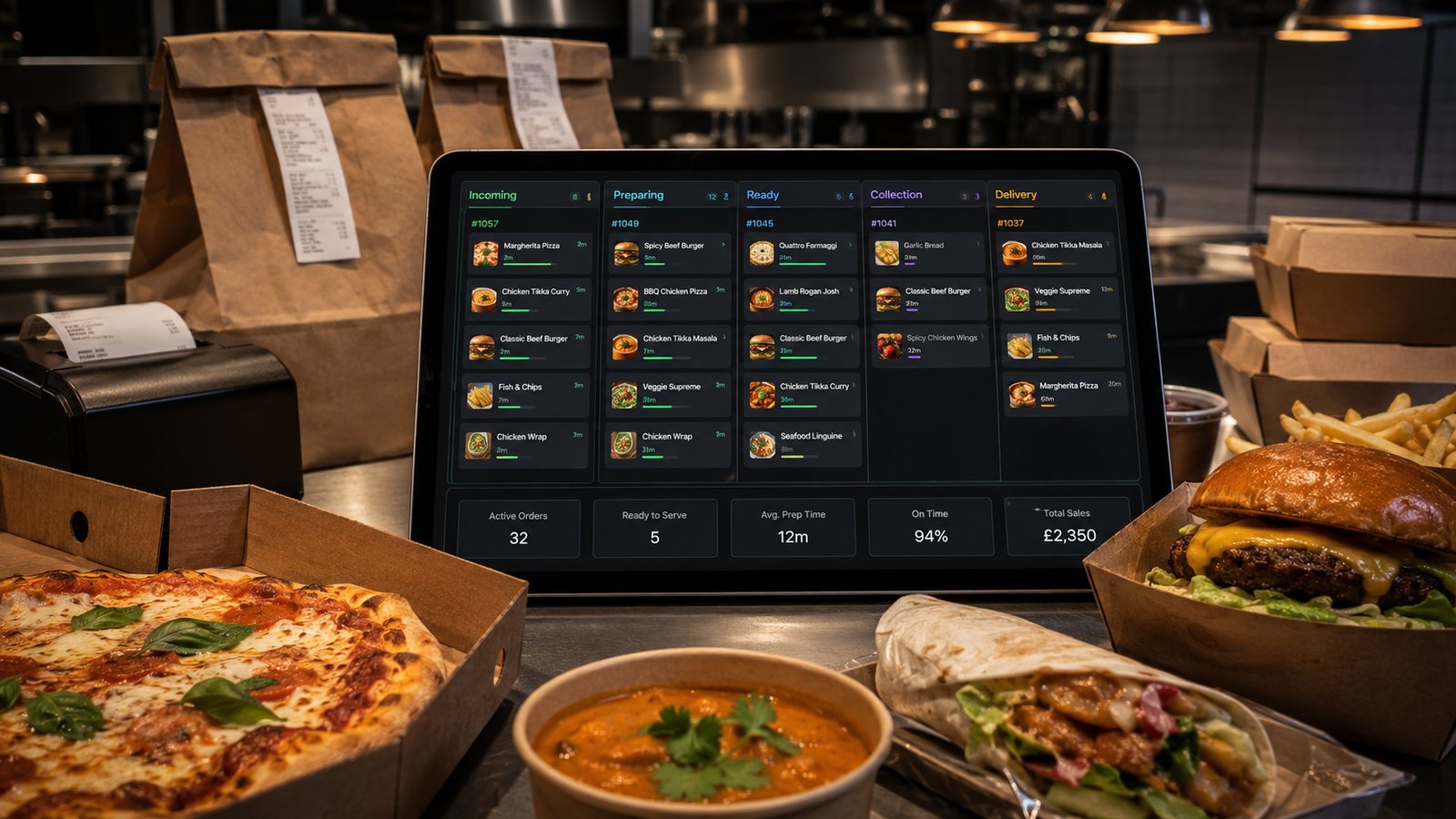
POS integration should move an order accurately from the customer channel into the restaurant’s operational workflow without retyping it. A connection is valuable only if it handles menu data, modifiers, payments, statuses, refunds and failures clearly.
Map the integration before buying it
| Data or action | Direction | Questions |
|---|---|---|
| Order | Channel to POS | Which fields, notes, discounts and fulfilment details arrive? |
| Menu | POS to channel, channel to POS or separate | Which system is authoritative? |
| Availability | Usually POS to channel | How quickly do sold-out changes propagate? |
| Status | POS to channel | Which events update the customer or driver? |
| Payment | Provider to ordering system and POS | How are failed, delayed and duplicate payments handled? |
| Refund | POS, channel or provider | Which action moves money and which only records it? |
Related guides
- POS and Kitchen Systems — the main guide for the wider topic.
- POS System Selection and Setup — the broader guide that frames this implementation.
- POS Systems for Different Takeaway Types — a closely related operational control to review alongside this page.
- How to Choose a Restaurant POS System — a closely related operational control to review alongside this page.
Define the source of truth
For every shared field, choose one controlling system. Common examples:
- POS controls menu item IDs, prices and availability;
- ordering platform controls customer checkout and delivery address validation;
- payment provider controls transaction outcome;
- delivery system controls driver status;
- accounting system controls ledger posting.
Two systems should not update the same field independently without a conflict rule.
Test menu and modifier mapping
- Stable item IDs rather than names alone.
- Required and optional modifier groups.
- Minimum and maximum selections.
- Price additions.
- Kitchen wording.
- Bundles and meal deals.
- Sold-out items.
- Delivery-only or collection-only availability.
A connection that imports only item names and totals may not be sufficient for a complex takeaway menu.
Separate payment from order acceptance
The integration must handle:
- payment declined before order creation;
- payment authorised but POS unavailable;
- order received twice after a retry;
- POS accepts order after customer session closes;
- order rejected after payment;
- refund raised in one system but not another.
Use idempotent order handling or an equivalent duplicate-protection mechanism. Staff should search by stable reference before recreating a missing order.
Route orders to the kitchen
Confirm:
- which printer or KDS station receives each item;
- how modifiers and notes are displayed;
- how delivery and collection are distinguished;
- how promised times appear;
- how reprints are marked;
- how split tickets are reunited for packing.
Integration models
| Model | Advantage | Risk to check |
|---|---|---|
| Direct native integration | One supplier relationship may simplify support | Feature depth and provider lock-in |
| Middleware or aggregator | Several channels enter one flow | Extra dependency, mapping and support boundary |
| Custom API integration | Greater control | Development, monitoring and maintenance responsibility |
| Manual tablet workflow | Low initial integration effort | Re-entry errors, device overload and weak reporting |
Monitor the connection
Useful alerts include:
- order not acknowledged;
- duplicate order;
- menu sync failed;
- unmapped modifier;
- printer or KDS route unavailable;
- payment/order mismatch;
- status update failed;
- queue backlog.
An integration that fails silently is more dangerous than one that stops visibly.
Fallback process
- Identify the failed component.
- Prevent duplicate acceptance.
- Decide whether to pause the affected channel.
- Use a controlled manual ticket if payment and order details are verified.
- Communicate a realistic time to the customer.
- Record recovered orders separately.
- Reconcile after service.
- Review the root cause with the responsible supplier.
Supplier responsibility matrix
Document who supports:
- customer checkout;
- payment gateway;
- POS;
- middleware;
- printers and KDS;
- network;
- marketplace account;
- data export.
Do not accept a support model where every provider can close the case by blaming another system.
Acceptance testing
- Simple order.
- Complex modifiers.
- Discount and delivery charge.
- Sold-out item.
- Payment decline.
- Delayed payment response.
- Duplicate retry.
- Partial and full refund.
- Printer or KDS failure.
- Internet outage.
- End-of-day export and reconciliation.
Exit questions
- Can order and menu mappings be exported?
- Who owns custom integration code?
- What notice and termination fees apply?
- How long will historic data remain available?
- Can another provider take over without rebuilding every item mapping?
A successful integration is one the restaurant can monitor, support, reconcile and eventually replace—not merely one that works during the supplier demonstration.
Field-level acceptance criteria
For each integration, document a sample payload or field list. At minimum, check:
- order and provider IDs;
- location and channel;
- items and stable item IDs;
- modifiers and quantities;
- discounts and price components;
- delivery or collection;
- promised time;
- payment status;
- customer details needed for fulfilment;
- allergen-related information and escalation flags where the system supports them.
Reject an integration that passes only the total amount while losing the detail required by the kitchen.
Version and change management
Integrations can fail after an API, menu or software update. Require:
- advance notice of breaking changes;
- test environment or controlled release;
- version support policy;
- monitoring during deployment;
- rollback;
- named responsibility for provider-to-provider coordination.
Privacy and data minimisation
Send only the customer information needed by each system. The kitchen generally does not need full contact or payment data, and a reporting tool may not need delivery instructions. Document retention and deletion across all connected providers.
Integration service levels
Define operational measures such as:
- time to acknowledge an order;
- maximum tolerated sync delay;
- failed-message alert time;
- support response during trading hours;
- recovery and replay procedure;
- availability reporting.
A general platform uptime figure does not prove that the restaurant-specific connection is healthy.
Operational, legal and platform requirements can change. Recheck official guidance and supplier documentation before altering a live service.
Related practical guides
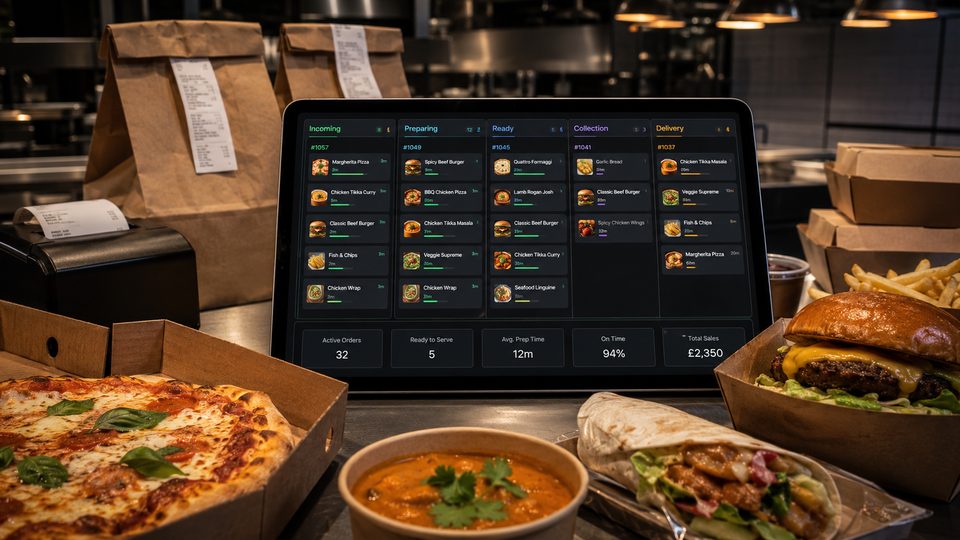 POS and Kitchen SystemsUsing POS Data to Improve OperationsPOS data is most useful when it changes a decision: staffing a Friday peak, simplifying a modifier, adjusting a collection slot or fixing a repea…Read guide →
 POS and Kitchen SystemsTill Screens and Touch DisplaysA till screen is a working surface used hundreds of times during service. Its value depends on readable layout, fast interaction, stable mounting…Read guide →POS and Kitchen SystemsRestaurant Ordering System Downtime PlanA downtime plan should help staff decide what to do in the first minutes, throughout the outage and after systems return. It must prevent duplica…Read guide →
 POS and Kitchen SystemsPrinter Setup and TroubleshootingA printer failure during service can hide orders, delay one kitchen station or create duplicate tickets. Troubleshooting should follow a fixed se…Read guide →POS and Kitchen SystemsOnline Menu Design MistakesAn online menu is part catalogue, part order form and part kitchen instruction. A design can look attractive while still causing abandoned basket…Read guide →POS and Kitchen SystemsKitchen Printers vs Customer ReceiptsKitchen tickets and customer receipts may originate from the same order, but they serve different users and should not be treated as the same doc…Read guide →
Connect customer ordering with operations and profit
Use the wider guide library to check the menu, kitchen, fulfilment, payment and financial implications of each decision.
Browse all practical guides