How to Sync Menus Across Channels
Menu synchronisation should reduce duplicate work without hiding errors. The goal is not to force every channel to look identical. The goal is to maintain controlled shared data, document valid exceptions and verify t…
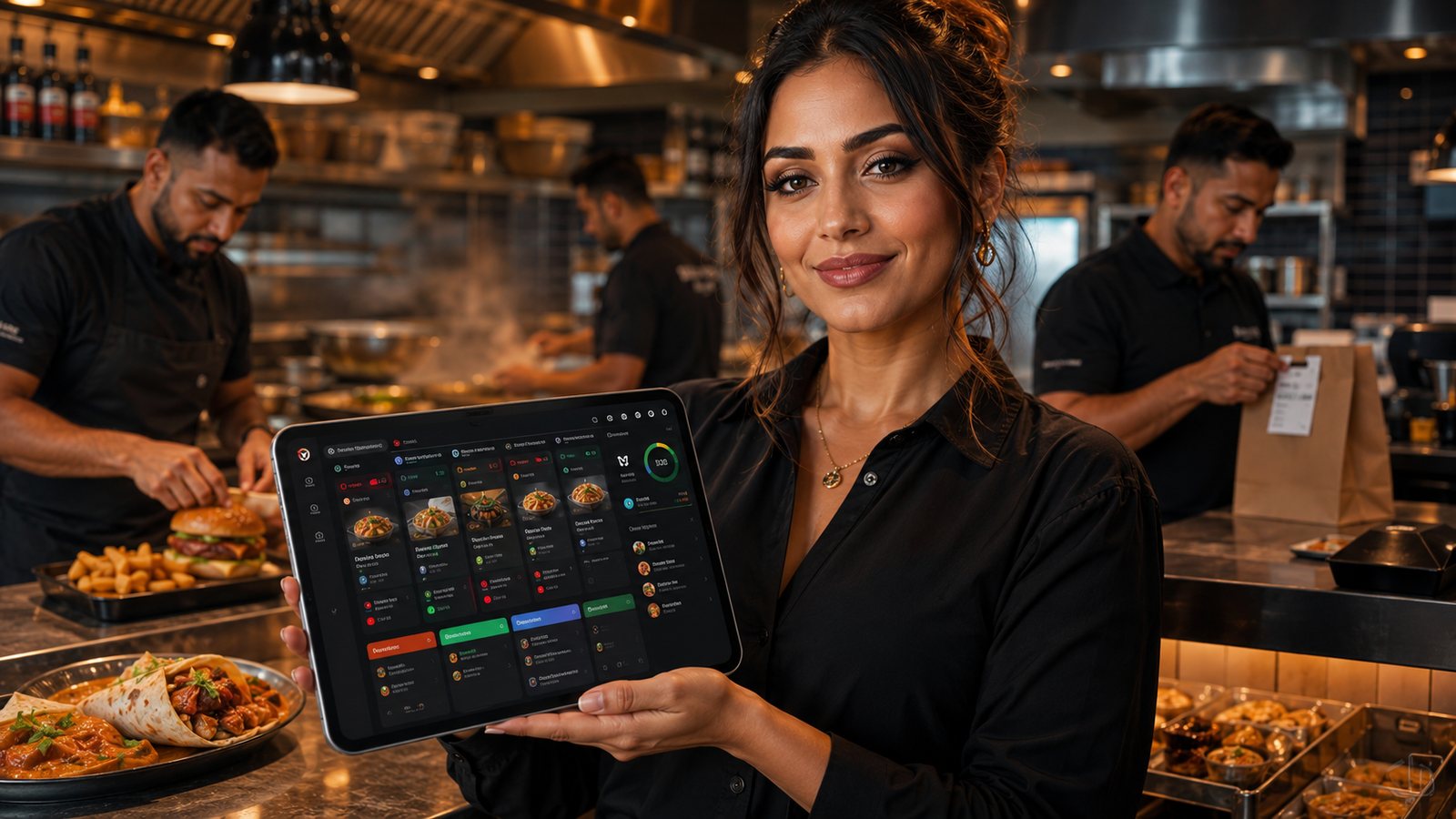
Menu synchronisation should reduce duplicate work without hiding errors. The goal is not to force every channel to look identical. The goal is to maintain controlled shared data, document valid exceptions and verify that every live channel is selling what the kitchen can fulfil.
Step 1: inventory every menu destination
- POS and staff order-entry screens;
- direct website and app;
- each marketplace;
- KDS and kitchen printers;
- customer receipts;
- loyalty and promotion tools;
- multi-location or franchise systems.
Step 2: define field ownership
| Field | Master | Allowed exception |
|---|---|---|
| Item ID | Single controlled record | Channel mapping ID only |
| Price | POS or menu platform | Approved channel-specific price |
| Description | Content record | Length-limited version |
| Availability | Operational system | Channel or location restriction |
| Modifier | Menu master | Only where channel capability differs |
| Kitchen route | POS or KDS configuration | Location-specific station |
Step 3: document integration direction
For every connection, record whether data moves one way or both ways, how often it updates and what happens after a failure. Avoid two systems both overwriting the same field.
Step 4: map complex products
Test:
- meal deals and bundles;
- half-and-half products;
- size-dependent modifiers;
- maximum and minimum selections;
- extra charges;
- channel-exclusive products;
- scheduled availability;
- items routed to several kitchen stations.
Step 5: build exception control
Keep an exception register with the field, channel, reason, approver and review date. This prevents a temporary workaround becoming an undocumented permanent difference.
Step 6: test a representative release
- Change one price, description and modifier.
- Publish one new item.
- Sell out an item and restore it.
- Change a station route.
- Verify customer display, basket, payment total, kitchen output and receipt.
- Check the audit trail and error message.
- Reverse the change.
Step 7: monitor synchronisation
The system should report failed jobs, rejected fields, stale records and partial publishing. Assign a person to act on alerts. “Last synchronised” is useful only when staff know what to do if the timestamp is old.
Step 8: perform regular audits
Use automated comparisons where possible, then manually test high-volume, high-risk and recently changed items. Review prices, modifiers, availability, descriptions, dietary information and routing.
Safe rollback
Keep a versioned export or approved previous menu. If a release creates widespread errors, pause further changes, restore the known-good version and verify every live channel before reopening affected items.
Know the limits of synchronisation
Channels may support different modifier depth, description length, tax fields, scheduled availability or images. The integration should report unsupported data rather than silently dropping it. Where a manual channel exception is necessary, give it an owner and review date.
Supplier questions
- Which system creates stable item and modifier IDs?
- How are deletions, restores and future-dated changes handled?
- Can one failed channel be republished without changing the others?
- How are partial failures and rejected fields reported?
- Does the integration preserve order-time menu details after later changes?
- Who supports the connection when the POS and marketplace disagree?
- Can mapping and change history be exported?
Incident procedure for a stale menu
- Identify affected channels and fields.
- Pause or manually restrict products that could create wrong orders.
- Preserve screenshots, logs and timestamps.
- Correct the source record or approved exception.
- Republish and verify the live basket and kitchen output.
- Review accepted orders created during the incident.
- Document the cause and prevention action.
Practical next step: create a field-level ownership and exception sheet before buying a synchronisation tool. Software cannot resolve ownership that the business has not defined.
Official UK guidance
- Food Standards Agency: Allergen guidance for food businesses
- Food Standards Agency: Starting your food business safely
Guidance checked: 24 July 2026. Official requirements and business processes should be rechecked when the menu, recipe, packaging or sales channel changes.
Related guides
- POS and Kitchen Systems — the main guide for the wider topic.
- Menu Management in POS — the broader guide that frames this implementation.
- How to Plan Menu Availability and Sold-Out Rules — a closely related operational control to review alongside this page.
- Online Menu Design Mistakes — a closely related operational control to review alongside this page.
Operational, legal and platform requirements can change. Recheck official guidance and supplier documentation before altering a live service.
Related practical guides
 POS and Kitchen SystemsPrinter Setup and TroubleshootingA printer failure during service can hide orders, delay one kitchen station or create duplicate tickets. Troubleshooting should follow a fixed se…Read guide →
 POS and Kitchen SystemsOnline Menu Design MistakesAn online menu is part catalogue, part order form and part kitchen instruction. A design can look attractive while still causing abandoned basket…Read guide →POS and Kitchen SystemsKitchen Printers vs Customer ReceiptsKitchen tickets and customer receipts may originate from the same order, but they serve different users and should not be treated as the same doc…Read guide →
 POS and Kitchen SystemsKitchen Display System GuideA kitchen display system can improve visibility and order control, but only when it fits the kitchen’s workflow. Buying screens before mapping st…Read guide →POS and Kitchen SystemsKDS for Multi-Station KitchensIn a multi-station kitchen, a KDS must coordinate separate teams without losing the order as a whole. The fryer, grill, preparation section and d…Read guide →POS and Kitchen SystemsKDS Setup and ConfigurationKDS configuration is an operational project, not a screen-installation task. The system must translate menu data into station work, show realisti…Read guide →
Connect customer ordering with operations and profit
Use the wider guide library to check the menu, kitchen, fulfilment, payment and financial implications of each decision.
Browse all practical guides