Order Timing and Prep Management
A preparation promise should be generated from real workload and fulfilment conditions, then updated when those conditions change. One fixed time for every basket and every service period is not an operating model.
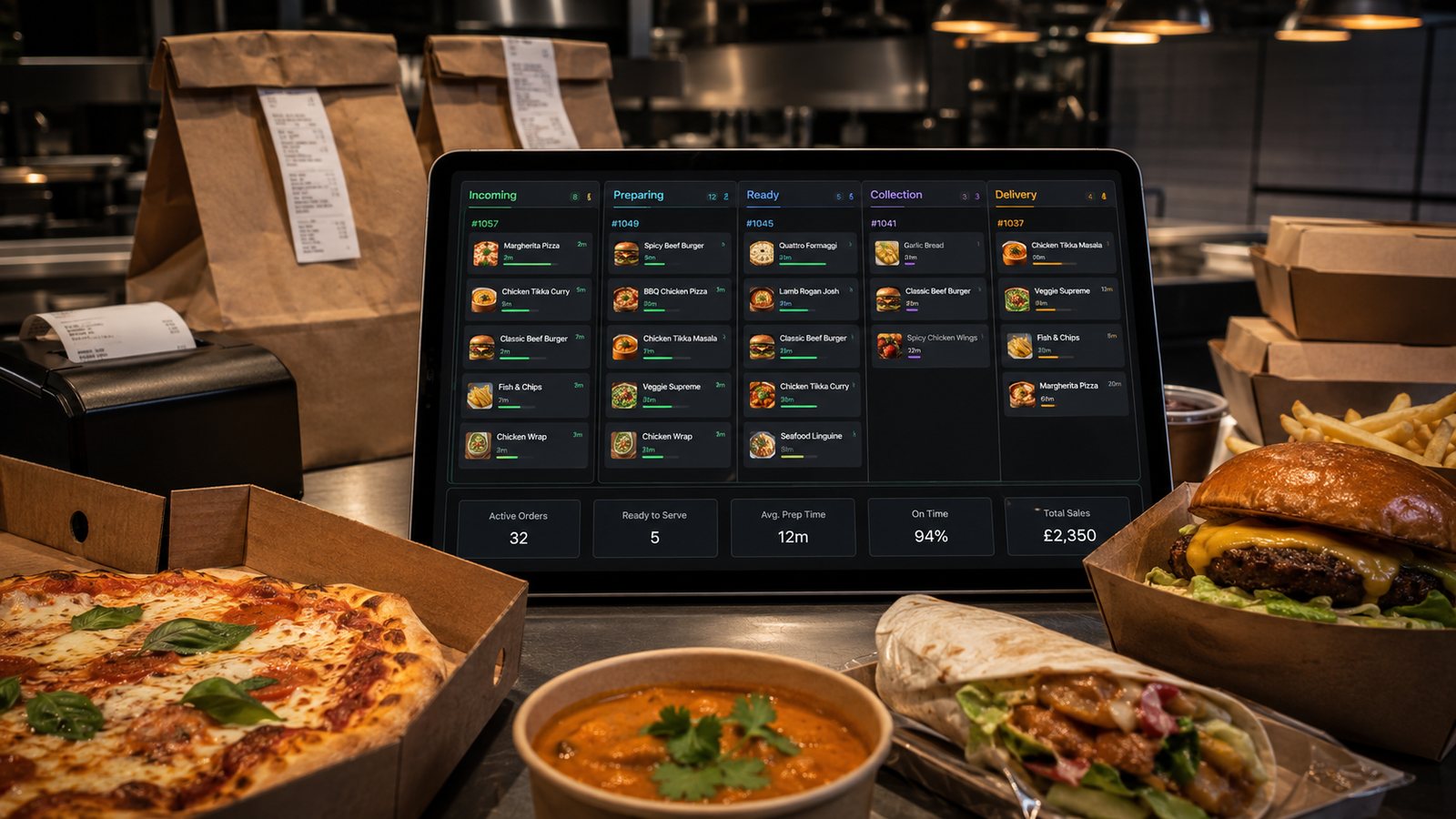
A preparation promise should be generated from real workload and fulfilment conditions, then updated when those conditions change. One fixed time for every basket and every service period is not an operating model.
Separate the timing stages
Record order acceptance, preparation start, kitchen completion, packing completion, driver or collection readiness and handover. A single total time hides the cause of delay. It also encourages the kitchen to be judged for a driver-assignment problem or a collection queue.
Build preparation profiles
| Profile input | Example effect |
|---|---|
| Long-lead item or station | Moves the order's start earlier. |
| Basket size and components | Increases assembly and packing work. |
| Modifier complexity | Adds decision and checking time. |
| Current station workload | Changes the queue before cooking begins. |
| Fulfilment type | Adds collection handling or delivery assignment and journey. |
| Food quality window | Limits how early a component should finish. |
Use ranges based on observed orders rather than assuming every item has an exact deterministic time. Review profiles after menu, equipment, staffing or layout changes.
Convert workload into a customer promise
The displayed time should include the work already committed and the relevant fulfilment steps. For delivery, separate preparation from driver assignment and journey. For collection, include packing and handover capacity. If the system cannot calculate this dynamically, use controlled time bands and change them through an authorised shift procedure.
Use capacity states
- Green: normal promise and full approved menu.
- Amber: extended promise, reduced slots or paused high-workload items.
- Red: stop accepting selected channels, zones or fulfilment types until recovery.
Define measurable triggers using queue depth, bottleneck workload and packing or driver capacity. Do not rely on the manager's intuition alone, but allow human override when data is incomplete.
Manage scheduled and advance orders
A future order reserves capacity; it is not free demand. Place it in the future workload view, confirm which menu and price version applies, and define a cut-off for customer changes. Large orders should have a separate confirmation and production plan. Recheck availability and approved allergen information when relevant details change.
Handle rush requests and exceptions
Staff should not promise a rush time without checking the bottleneck station and existing commitments. If an exception is accepted, record who approved it and how the queue was adjusted. Avoid commercial or staff incentives that reward unrealistic promises. For safety-related and allergen cases, follow the approved procedure rather than compressing checks.
Communicate delay early
When the promise becomes unachievable, tell the customer before the expected time where possible. Use a realistic revised range and a clear support route. Do not repeatedly send minor automated changes that create notification noise. The status should reflect a real operational event, not an optimistic estimate generated by the channel.
Review accuracy by order type
- Promised versus actual kitchen completion.
- Kitchen completion versus packing completion.
- Ready versus driver arrival or collection handover.
- Early and late orders, not only the average.
- Performance by basket profile, station and daypart.
- Manual overrides and their reasons.
Practical next step
Select fifty representative orders and reconstruct each timing stage. Group them by basket and fulfilment profile. Replace the single default estimate with evidence-based ranges and a documented peak-state adjustment.
Related guides
- Cross-Channel Operations — the main guide for the wider topic.
- Operational Efficiency — the broader guide that frames this implementation.
- Staffing for Digital Orders — a closely related operational control to review alongside this page.
- Reducing Kitchen Load from Online Orders — a closely related operational control to review alongside this page.
Operational, legal and platform requirements can change. Recheck official guidance and supplier documentation before altering a live service.
Related practical guides
 Cross-Channel OperationsWalk-In Orders with Digital SystemsWalk-in customers make the queue visible, but they still share the same kitchen, stock and capacity as remote orders. Counter service should be f…Read guide →Cross-Channel OperationsTelephone Orders Alongside DigitalTelephone orders can remain valuable for accessibility, complex enquiries and customers who prefer human help. The operational requirement is to …Read guide →Cross-Channel OperationsStaffing for Digital OrdersDigital demand creates an invisible queue and new control work. Staff the workload at intake, kitchen, packing, handover, support and reconciliat…Read guide →Cross-Channel OperationsReducing Kitchen Load from Online OrdersReduce digital workload by controlling product complexity, preparation, batching, capacity and information quality. Do not solve an overloaded ki…Read guide →
 Restaurant Marketing and Customer RetentionHow to Measure Repeat Order RateRepeat-order rate is only meaningful when the customer identity, eligible population and observation period are stated. A percentage without thos…Read guide →
 Delivery ManagementPackaging Costs and Margin ImpactMeasure packaging by usable order configuration and failure cost, not only by the supplier price of an individual container.Read guide →
Connect customer ordering with operations and profit
Use the wider guide library to check the menu, kitchen, fulfilment, payment and financial implications of each decision.
Browse all practical guides