How to Choose an Online Ordering System
An online ordering system should be chosen against the way the takeaway actually works, not against a supplier's feature list. The strongest option is the one that handles the real menu, the real Friday-night queue an…
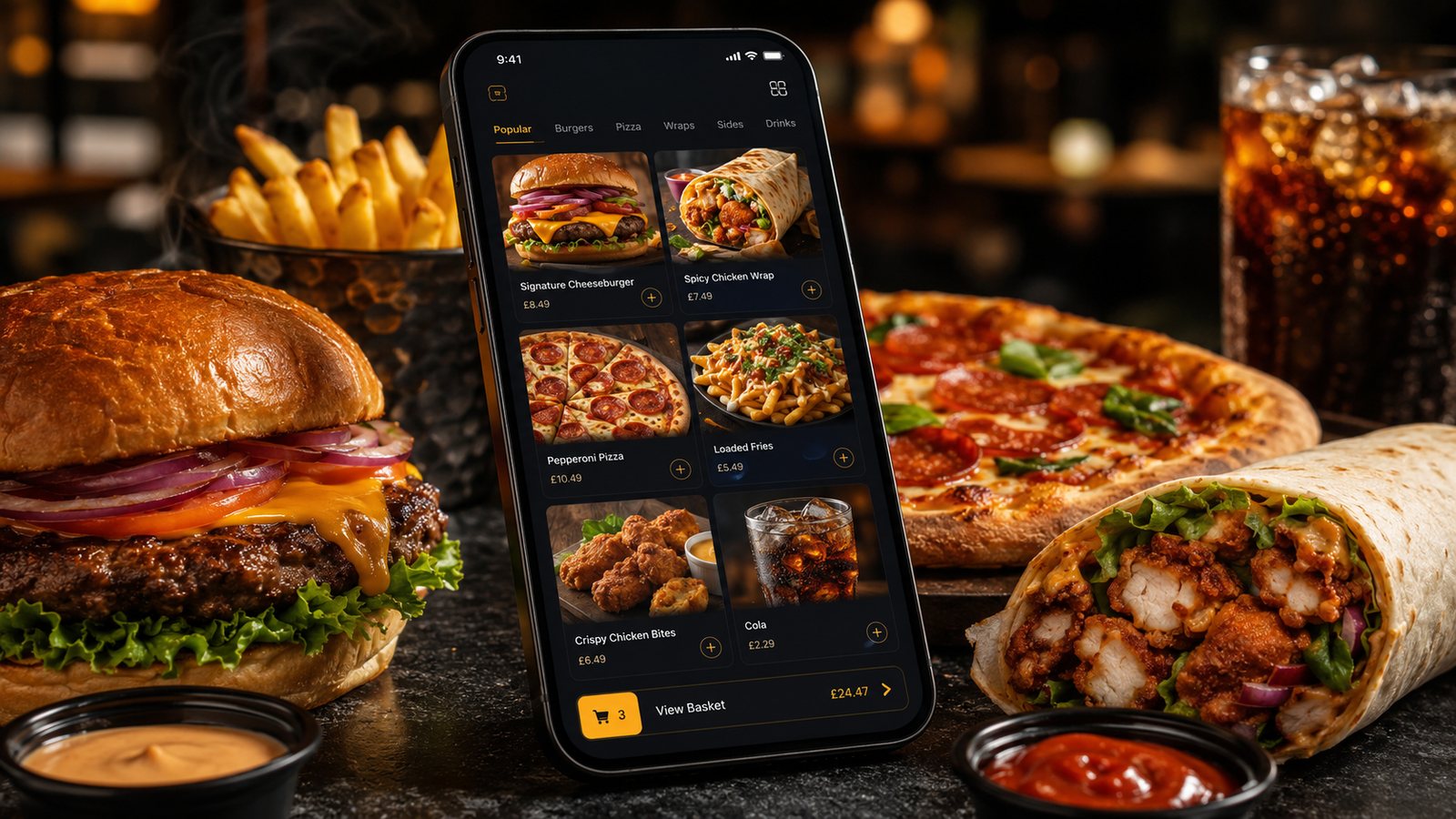
An online ordering system should be chosen against the way the takeaway actually works, not against a supplier's feature list. The strongest option is the one that handles the real menu, the real Friday-night queue and the real failure scenarios with the least manual correction.
Step 1: write an operational brief
Start by describing the current operation in plain language. This brief gives every supplier the same problem to solve and makes demonstrations easier to compare.
- Number of locations and trading names.
- Current channels: counter, telephone, website, app and marketplaces.
- Collection, own-driver delivery and third-party delivery.
- Typical and peak order volumes.
- Menu size, meal deals, modifiers and frequent special requests.
- Current POS, KDS, printers, payment terminals and accounting process.
- Who updates prices, availability and opening hours.
- How refunds, cancellations and complaints are handled.
- What must continue working if an integration or internet connection fails.
Do not describe only the ideal future setup. Include the awkward parts of the existing process. Those are the parts most likely to expose a weak system.
Step 2: separate essential requirements from attractive extras
A long wish list makes every product look incomplete. Divide requirements into three groups.
Essential on launch day
These are functions without which the operation cannot run safely or accurately. Examples may include postcode-based delivery zones, timed collection, meal-deal modifiers, item-level availability, allergen information, payment refunds, POS integration and a manual pause control.
Useful after launch
These improve efficiency or marketing but do not need to delay the first controlled pilot. Examples may include loyalty, push notifications, customer segmentation, advanced reporting and automated review requests.
Only useful if the team will operate them
A feature has no practical value if nobody has the time, permission or training to maintain it. Before paying for advanced marketing or analytics, identify who will use it, how often and what decision it will change.
Step 3: test the menu, not the presentation
Ask each shortlisted supplier to build a small but difficult section of the real menu. Include:
- a meal deal with required and optional choices;
- an item with size-based pricing;
- a modifier that changes preparation time;
- an item that becomes unavailable during service;
- a collection-only or delivery-only item;
- clear allergen information and an instruction for customers with an allergy;
- a promotion that must not combine with another offer.
Then place test orders as a customer and read the resulting kitchen ticket. A checkout can look excellent while sending ambiguous instructions to the kitchen.
Step 4: verify the complete order flow
A supplier demonstration should show the whole process, not stop at the confirmation screen.
- The customer selects a location, fulfilment method and time.
- The system validates the delivery area, minimum order and item availability.
- Payment is attempted and the customer receives a clear result.
- The order reaches the POS, KDS, printer or other agreed destination.
- Staff accept, reject or amend it according to the configured rules.
- The customer receives realistic status information.
- The collection or delivery is completed.
- The payment, fee, refund and payout appear in reconciliation records.
Ask what happens when each step fails. A supplier that cannot demonstrate the failure path has not demonstrated the system.
Step 5: assess integration properly
The word “integration” can describe very different arrangements. It may mean a fully supported two-way connection, a one-way order feed, middleware supplied by another company or simply a tablet beside the till.
For every claimed integration, ask:
- Which company owns and supports the connection?
- Which data moves in each direction?
- Where are prices and availability maintained?
- How quickly should updates appear?
- How are duplicate or missing orders detected?
- What happens during an outage?
- Is the integration included in the quoted price?
- Which versions of the POS, KDS or hardware are supported?
Request written confirmation for critical compatibility. A sales demonstration is not a substitute for a supported configuration.
Step 6: compare the full commercial model
Do not compare only the headline monthly fee. Build a cost table for the exact setup being proposed.
| Cost area | What to ask |
|---|---|
| Setup | Configuration, menu build, design, onboarding, training and migration |
| Recurring platform cost | Monthly or annual charge, location limits and minimum term |
| Order-related charges | Per-order fee, percentage fee, marketplace commission or delivery charge |
| Payments | Percentage and fixed transaction elements, refunds, chargebacks and payout timing |
| Integrations | POS, KDS, accounting, delivery and middleware charges |
| Hardware | Tablets, printers, stands, routers, replacement units and consumables |
| App-related costs | Store accounts, updates, support, push services and ownership arrangements |
| Marketing | Launch materials, paid promotion, loyalty incentives, email or SMS usage |
| Exit | Data export, notice period, migration support and early termination |
Any financial example should be treated as illustrative until it uses the business's own order mix, basket values and contract terms.
Step 7: check data access, privacy and marketing controls
Ask what information the business receives, where it is stored and how it can be exported. The answer may differ between direct orders and marketplace orders.
The system should support clear privacy information and sensible retention controls. It should not silently turn every purchaser into a marketing subscriber. Check how email, SMS and push preferences are collected, recorded and withdrawn, and confirm that staff can honour an opt-out across the relevant systems.
Step 8: examine support and operational ownership
Support matters most during service, not during onboarding. Ask for the real escalation process:
- support hours and time zone;
- telephone, chat and email availability;
- target response for a complete ordering outage;
- who supports third-party integrations;
- how planned maintenance is communicated;
- what the takeaway can fix without waiting for the supplier;
- how configuration changes are recorded and reversed.
Internally, name an owner for menu data, service times, promotions, user access and supplier communication. Without ownership, even a capable system gradually becomes inaccurate.
Step 9: test the exit before signing
A system can be suitable today and still become unsuitable later. Before signing, establish:
- contract length and renewal terms;
- notice requirements;
- ownership or licensing of the website, app, domain and design assets;
- available exports for menu, orders and customer information;
- how payment and app-store accounts are transferred;
- whether integrations can be moved to another supplier;
- what remains accessible after termination.
If an important promise is not in the agreement or written proposal, do not treat it as guaranteed.
Step 10: run a controlled pilot
Use one location, a limited service period or a capped order volume. Test normal orders and deliberate failures. Keep a log of:
- incorrect or unclear tickets;
- missed and duplicate orders;
- promised versus actual times;
- manual menu corrections;
- payment and refund issues;
- customer questions;
- staff workarounds;
- support response.
Agree the success conditions and rollback plan before the pilot begins. Do not expand simply because the ordering page is live.
A practical scoring method
Score each supplier against the same weighted criteria. A suitable starting point is:
| Criterion | Suggested importance | Evidence required |
|---|---|---|
| Order and menu accuracy | Critical | Real-menu test and kitchen output |
| Capacity and service controls | Critical | Live demonstration and pilot |
| Integration and fallback | Critical | Written compatibility and failure test |
| Total commercial cost | High | Itemised proposal and contract |
| Support | High | Service details and pilot experience |
| Data, privacy and exit | High | Contract, privacy documents and export test |
| Marketing features | Medium | Named owner and realistic use case |
The final decision should be supported by evidence from the real workflow. A lower-cost system that requires staff to correct orders manually can be more expensive in practice than a higher-priced system that reduces operational friction.
Related guides
- Online Ordering — the main guide for the wider topic.
- Getting Started with Online Ordering — the broader guide that frames this implementation.
- Restaurant Online Ordering Guide — a closely related operational control to review alongside this page.
- Moving from Telephone Orders to Digital Ordering — a closely related operational control to review alongside this page.
Official guidance checked
- Food Standards Agency: Allergen guidance for food businesses
- Information Commissioner's Office: How to write a privacy notice
- Information Commissioner's Office: Electronic mail marketing rules
Guidance checked: 24 July 2026. Supplier functionality, compatibility, contracts and charges must be confirmed for the proposed configuration.
Operational, legal and platform requirements can change. Recheck official guidance and supplier documentation before altering a live service.
Related practical guides
 Online OrderingMarketplace Visibility and RankingMarketplace visibility can affect order volume, but restaurants rarely know the full logic behind search, recommendation and sponsored placement.…Read guide →
 Online OrderingMarketplace Menu ManagementA marketplace menu is a live operating document. It controls what customers can buy, what the kitchen receives and what the business may later ne…Read guide →
 Online OrderingMarketplace Commission StructuresMarketplace cost is rarely one simple percentage. The total depends on the provider, contract, delivery model, promotions, payment treatment, ref…Read guide →
 Online OrderingHow to Handle Allergens OnlineA safe online allergen process connects approved recipes, supplier specifications, menu data, trained staff, kitchen controls and delivery-stage …Read guide →Online OrderingHow to Design Checkout for TakeawayA takeaway checkout should confirm a clear order, a realistic fulfilment promise and a transparent total price with as little unnecessary effort …Read guide →Online OrderingFood Hygiene Ratings and Online OrderingA hygiene rating is an official snapshot of standards found at an inspection. Displaying it accurately can build trust, but the rating should not…Read guide →
Connect customer ordering with operations and profit
Use the wider guide library to check the menu, kitchen, fulfilment, payment and financial implications of each decision.
Browse all practical guides