Restaurant Online Ordering Guide
Online ordering is not simply a new way to take payment. It changes how orders enter the business, how the kitchen controls capacity, how customer requests are recorded and how problems are corrected. A suitable setup…
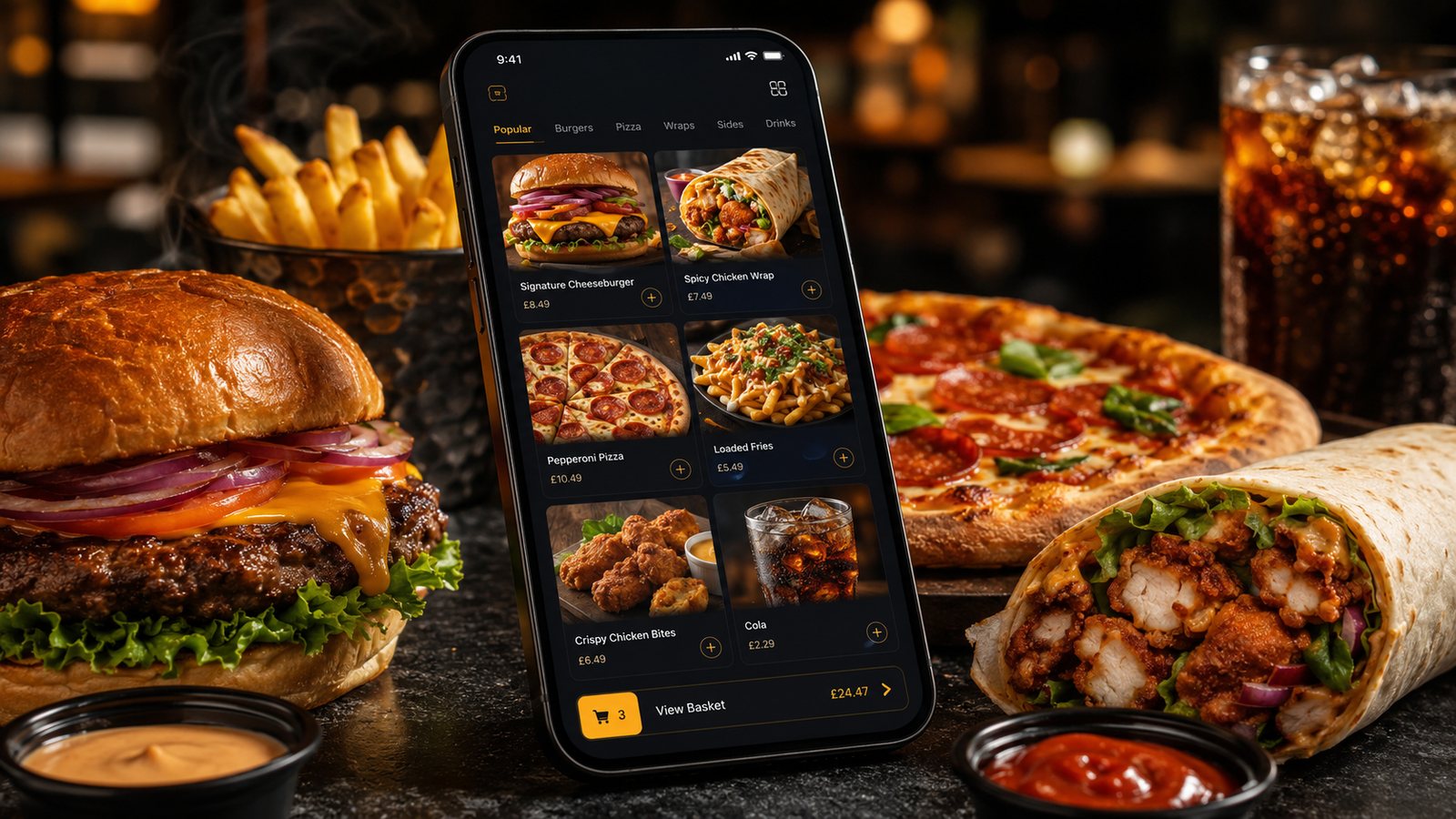
Online ordering is not simply a new way to take payment. It changes how orders enter the business, how the kitchen controls capacity, how customer requests are recorded and how problems are corrected. A suitable setup should make the operation easier to control. It should not create another queue that staff have to monitor separately.
Start with the operation, not the software
Before comparing suppliers, map one order from start to finish. Record what happens when a customer places an order, how it is accepted, where it appears, who checks it, how the kitchen sees it, how collection or delivery is managed and how the payment is reconciled. This exposes the points where an online system must fit your operation.
For a small takeaway, the most important questions are usually practical:
- Can the menu show the right prices, options, meal deals and unavailable items?
- Can staff control preparation times and stop accepting orders when the kitchen is full?
- Will orders enter the existing till or kitchen workflow, or arrive on a separate tablet or printer?
- Can collection and delivery times be managed separately?
- What happens if the internet, printer, payment service or integration fails?
- How are refunds, order changes and customer complaints handled?
A polished customer interface is useful, but it cannot compensate for a poor kitchen process. The best system is the one that staff can operate accurately during the busiest part of the week.
The main ordering-channel choices
Most takeaways use one or more of three channel types: a delivery marketplace, an ordering website and a branded app. They solve different problems, so the decision should not be reduced to commission alone.
| Channel | Main strength | Main limitation | Operational point to check |
|---|---|---|---|
| Delivery marketplace | Existing customer demand and local discovery | Commercial terms, presentation and customer relationship are controlled largely by the platform | How orders, menu updates, refunds and driver collections fit the kitchen |
| Own ordering website | Direct control over the ordering journey and brand | The business must generate its own traffic and repeat use | Mobile checkout, payments, local search, support and menu maintenance |
| Branded app | A convenient repeat-ordering route for regular customers | Customers must install and continue using it | Launch plan, updates, notifications, app-store management and ongoing cost |
| Hybrid model | Marketplace reach combined with a direct channel for suitable customers | More channels create more operational complexity | One source of truth for menu, availability, prices and order status |
Marketplace access to customer information, payment responsibilities and marketing permissions vary by provider, contract and order flow. Do not assume that every platform works in the same way. Check the current supplier agreement and document exactly what information the business receives and what it is permitted to do with it.
Build the online menu for the kitchen
A printed menu is rarely ready to import without changes. Online customers need clear categories, item descriptions, prices and choices. The kitchen needs every choice to arrive in a form that staff can understand without interpreting a free-text note.
Modifiers should reflect genuine operational choices. Examples include size, spice level, sauce, side, cooking option and removal of an ingredient. Do not add a long list of options simply because the software allows it. Each option increases the chance of an invalid combination, a pricing mistake or a slower preparation process.
Identify which system is the source of truth for each field. If the POS controls price but the marketplace controls availability, staff may update one channel and forget another. A written menu-maintenance process should state:
- where each item is created;
- where prices are changed;
- how sold-out items are removed;
- how modifiers are tested;
- who checks all channels after an update;
- what to do if synchronisation fails.
Allergen information needs its own process
For food sold online or by phone, allergen information must be available at the relevant stages of the distance-selling process. The ordering system is only one part of that responsibility. The business still needs accurate recipes, controlled menu updates, staff training and a safe way to respond when a customer asks about ingredients or possible cross-contact.
Do not rely on a generic disclaimer or assume that a note entered by the customer makes an order safe. The online information must match the food that is actually prepared. Whenever a recipe, supplier or ingredient changes, the corresponding digital information needs to be reviewed.
Current guidance should be checked before publishing or changing the process. The Food Standards Agency provides official guidance for food businesses and specific information about takeaway and distance-selling orders.
Control capacity before launch
Online orders can arrive in clusters because customers place them independently. A kitchen that copes well with telephone orders may struggle when several digital orders arrive within the same minute.
Capacity controls should be based on the real bottleneck: fryer space, grill space, packing, delivery drivers or another constrained station. Useful controls include:
- collection and delivery time slots;
- maximum orders or items per slot;
- different preparation times by daypart;
- temporary removal of slow items;
- manual pause controls for each channel;
- delivery-zone or postcode restrictions during peaks.
Do not choose a limit from a generic benchmark. Run test shifts, compare promised and actual completion times, then set a conservative starting capacity. It is easier to increase a limit than to recover from a queue of late, already-paid orders.
Plan corrections, refunds and failures
Online payment creates a clear transaction record, but it also requires a clear correction process. Staff should know what to do when:
- a customer asks to change an item after payment;
- an item becomes unavailable after the order is accepted;
- the payment is authorised but the order does not reach the kitchen;
- the kitchen receives the same order twice;
- a printer fails or a tablet loses connection;
- a delivery cannot be completed;
- a full or partial refund is required.
The supplier should explain where the payment sits, who can issue a refund, how long status updates normally take and how each adjustment appears in payout or reconciliation reports. Test these actions before launch rather than discovering the process during a complaint.
Protect customer information without confusing service and marketing
Order fulfilment and marketing are separate activities. A takeaway may need a customer's name, address and contact details to prepare or deliver an order. That does not automatically mean the business can add the customer to every marketing channel.
Customers should receive clear privacy information explaining what is collected, why it is used, how long it is kept and who it is shared with. Marketing emails, texts and push notifications need their own compliant process, including a simple way to opt out where required. Check current ICO guidance and make sure the ordering supplier's settings match the business's actual privacy notice.
Run a controlled pilot
A sensible launch starts with a limited test rather than switching every customer and channel at once.
- Build a representative menu, including meal deals, modifiers, allergens and sold-out rules.
- Place test orders for collection and delivery using different payment methods.
- Check every ticket, screen and status seen by staff.
- Test a failed payment, an unavailable item, a partial refund and a printer or connection problem.
- Run the system during a controlled service period with an agreed capacity limit.
- Record order errors, promised times, actual completion times and staff interventions.
- Fix the workflow before increasing order volume or marketing the channel heavily.
What to review after launch
Start with a small set of operational measures. Order volume alone does not show whether the channel is helping.
- orders and sales by channel;
- contribution after channel-specific costs;
- promised time compared with actual ready or delivery time;
- refunds, cancellations and remakes;
- menu or modifier errors;
- orders paused or rejected because of capacity;
- repeat use of the direct channel;
- staff time spent correcting or reconciling orders.
The correct system is not necessarily the one with the longest feature list. It is the one that produces accurate orders, supports realistic service promises and gives the business a workable process when something goes wrong.
Related guides
- Online Ordering — the main guide for the wider topic.
- Getting Started with Online Ordering — the broader guide that frames this implementation.
- Online Ordering for New Takeaway Businesses — a closely related operational control to review alongside this page.
- How to Choose an Online Ordering System — a closely related operational control to review alongside this page.
Official guidance checked
- Food Standards Agency: Allergen guidance for food businesses
- Food Standards Agency: Food safety for food delivery
- Information Commissioner's Office: How to write a privacy notice
- Information Commissioner's Office: Marketing and data protection
Guidance checked: 24 July 2026. Supplier features, contracts and commercial terms can change; confirm them directly before making a purchasing or compliance decision.
Operational, legal and platform requirements can change. Recheck official guidance and supplier documentation before altering a live service.
Related practical guides
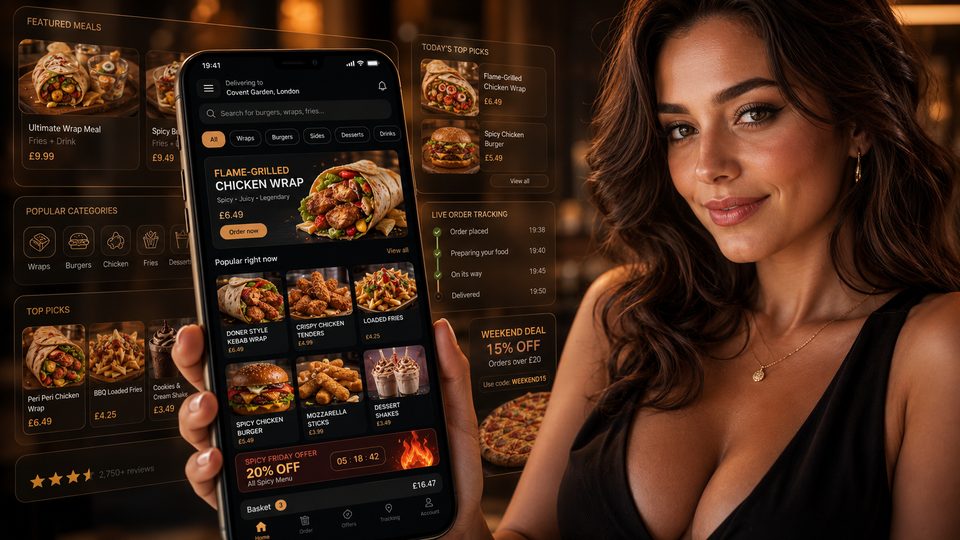 Online OrderingMarketplace Commission StructuresMarketplace cost is rarely one simple percentage. The total depends on the provider, contract, delivery model, promotions, payment treatment, ref…Read guide →
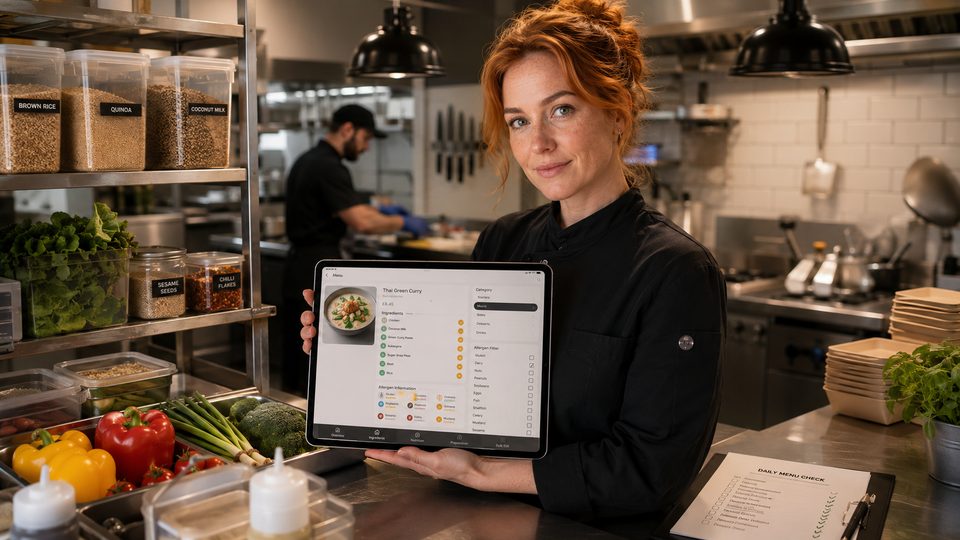 Online OrderingHow to Handle Allergens OnlineA safe online allergen process connects approved recipes, supplier specifications, menu data, trained staff, kitchen controls and delivery-stage …Read guide →Online OrderingHow to Design Checkout for TakeawayA takeaway checkout should confirm a clear order, a realistic fulfilment promise and a transparent total price with as little unnecessary effort …Read guide →Online OrderingFood Hygiene Ratings and Online OrderingA hygiene rating is an official snapshot of standards found at an inspection. Displaying it accurately can build trust, but the rating should not…Read guide →
 Online OrderingConversion Rate Optimisation for OrderingConversion-rate optimisation for takeaway ordering should remove avoidable confusion and failure, not pressure customers into unsuitable orders. …Read guide →
 Online OrderingCollection and Click-and-Collect SetupClick-and-collect removes driver and delivery-zone complexity, but it does not remove the need for capacity control. A poor setup moves the queue…Read guide →
Connect customer ordering with operations and profit
Use the wider guide library to check the menu, kitchen, fulfilment, payment and financial implications of each decision.
Browse all practical guides