How to Design Checkout for Takeaway
A takeaway checkout should confirm a clear order, a realistic fulfilment promise and a transparent total price with as little unnecessary effort as possible. Removing fields is useful, but speed is not the only object…
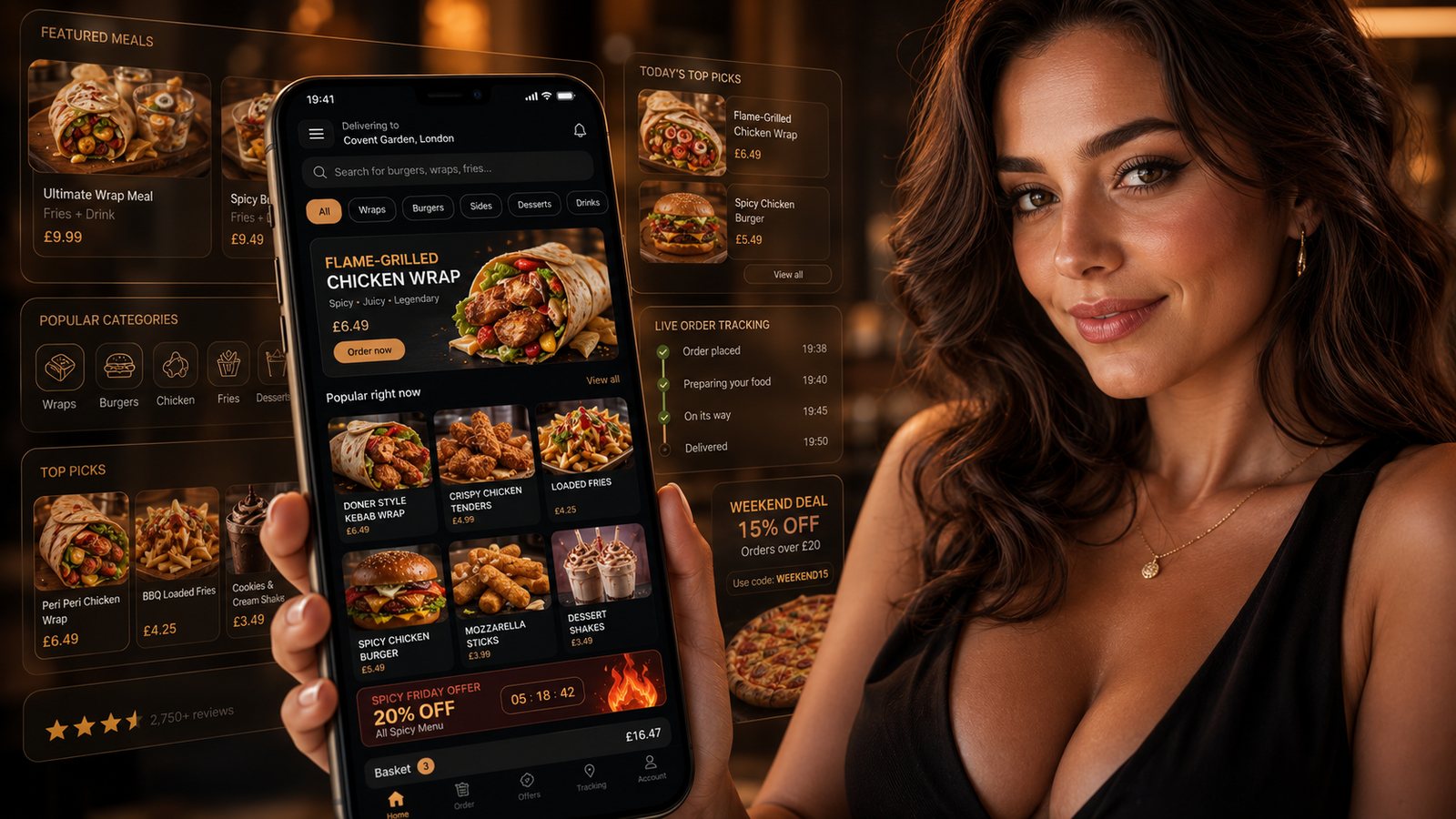
A takeaway checkout should confirm a clear order, a realistic fulfilment promise and a transparent total price with as little unnecessary effort as possible. Removing fields is useful, but speed is not the only objective. The checkout also has to prevent address mistakes, invalid modifier combinations, duplicated payments and orders the kitchen cannot complete on time.
Start the checkout before the basket
Important choices should not be postponed until the final screen. As early as practical, establish:
- whether the order is for delivery or collection;
- whether the customer's postcode or address is serviceable;
- the next realistic time or available slot;
- the minimum order and any applicable charge;
- whether the business is currently accepting orders.
This prevents a customer spending time building a basket that cannot be fulfilled.
Show the total price clearly
Mandatory charges should not appear as a surprise late in the journey. Show the customer the relevant delivery fee, service charge, minimum-order consequence and other unavoidable amount when the price can be calculated. The basket and payment screen should display a clear total and explain any component that can genuinely vary.
Current CMA guidance on price transparency should be checked when setting up charges, promotions or minimum-order logic. A supplier template does not remove the takeaway's responsibility for what customers see.
Separate delivery and collection flows
A collection customer should not have to work through delivery-address fields. A delivery customer needs postcode validation, a complete address, contact information and a place for useful access instructions.
| Collection checkout | Delivery checkout |
|---|---|
| Collection time or slot | Validated delivery area and address |
| Collection point and arrival instructions | Delivery fee, minimum and expected time |
| Customer name and contact route | Customer name, contact route and useful access details |
| Order number for handover | Order number and delivery status process |
If one page handles both flows, hide irrelevant fields cleanly and preserve the customer's basket when they switch. Test the behaviour on a small screen and with browser back navigation.
Make the basket an accuracy checkpoint
Before payment, show:
- item names and quantities;
- every selected modifier and removal;
- price changes caused by options;
- delivery or collection selection;
- address or collection point;
- promised time or slot;
- discounts and charges;
- the final amount.
Allow customers to edit an item without losing the rest of the basket. Highlight required choices before the payment step, and prevent contradictory combinations rather than asking the kitchen to interpret them.
Use guest checkout as the default starting point
A first-time customer should not have to create a detailed profile simply to place an order. Guest checkout can collect the information required for fulfilment, while account creation, saved preferences and loyalty membership remain optional.
If the system offers an account, explain the practical benefit and do not make the customer repeat information already entered. Password rules and verification should be proportionate and should not erase the basket if something fails.
Collect only useful information
Every field should have an operational purpose. For a collection order, a full home address is normally unnecessary. For delivery, ask for information that helps the driver complete the handover, but avoid open-ended requests that collect more personal detail than staff need.
Provide a visible privacy notice or a clear link at the point where information is collected. Explain how order data is used, who may receive it and how long it is kept.
Keep marketing permission separate
Order confirmations, receipts and status updates are service communications. Promotional emails, texts and push notifications are a separate activity. Do not pre-tick a marketing box or imply that marketing is required to place the order.
Use clear wording and record the choice made. An email address supplied for an e-receipt does not by itself provide permission for later promotional email.
Handle allergen information before payment
For non-prepacked food sold at a distance, written allergen information should be available before the food is ordered and again when it is delivered. The checkout should not hide this information behind a vague disclaimer or rely on a free-text note.
Provide a visible route to current allergen information and explain how customers can ask a question. Any note indicating an allergy must reach the business's agreed process; it must not generate an automatic promise that cross-contact has been prevented.
Design payment states that prevent duplication
A slow payment response can lead a customer to press the button repeatedly. The interface should show that the payment is being processed, prevent duplicate submission and provide a useful outcome if confirmation is delayed.
Test the following states:
- payment declined;
- authentication not completed;
- payment authorised but order creation delayed;
- customer refreshes or returns to the previous page;
- connection lost during payment;
- basket price changes before authorisation;
- duplicate order suspected.
The customer message should explain what is known and what to do next. Do not tell them to pay again unless the system has reliably established that the first attempt failed.
Confirm the order in useful language
The confirmation should include the order number, item summary, payment status, delivery or collection details, expected time and a contact route for a genuine problem. Avoid a vague “success” screen that disappears without leaving a reference.
If the promised time changes after acceptance, the business needs a deliberate notification process. Do not rely on staff remembering to call only when the delay becomes severe.
Test the checkout as an operational system
- Test delivery and collection on several phones and browsers.
- Use valid, invalid and boundary postcodes.
- Order a simple item, a complex meal deal and an item with removals.
- Test sold-out changes and capacity pauses.
- Complete and abandon payments at different stages.
- Check the customer message, payment record and kitchen output.
- Test a refund, correction and duplicated-order scenario.
- Ask somebody unfamiliar with the menu to complete an order without assistance.
The checkout is ready when it produces a complete, readable and fulfilable order — not merely when the payment provider returns an approval.
Related guides
- Online Ordering — the main guide for the wider topic.
- Website Ordering — the broader guide that frames this implementation.
- Collection and Click-and-Collect Setup — a closely related operational control to review alongside this page.
- Website Menu Presentation — a closely related operational control to review alongside this page.
Official guidance checked
- Competition and Markets Authority: Providing clear and accurate information about prices
- Food Standards Agency: Distance selling and pre-ordering allergen information
- Information Commissioner's Office: Privacy notices and cookies
- Information Commissioner's Office: Plan direct marketing
Guidance checked: 24 July 2026. Payment behaviour and checkout controls differ by supplier; test the exact live configuration.
Operational, legal and platform requirements can change. Recheck official guidance and supplier documentation before altering a live service.
Related practical guides
 Online OrderingMarketplace Menu ManagementA marketplace menu is a live operating document. It controls what customers can buy, what the kitchen receives and what the business may later ne…Read guide →
 Online OrderingMarketplace Commission StructuresMarketplace cost is rarely one simple percentage. The total depends on the provider, contract, delivery model, promotions, payment treatment, ref…Read guide →
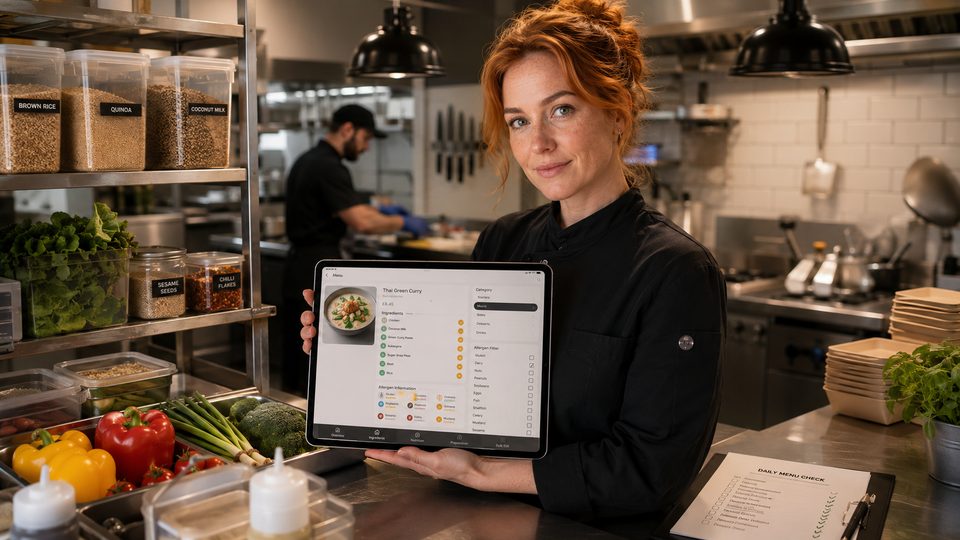 Online OrderingHow to Handle Allergens OnlineA safe online allergen process connects approved recipes, supplier specifications, menu data, trained staff, kitchen controls and delivery-stage …Read guide →Online OrderingFood Hygiene Ratings and Online OrderingA hygiene rating is an official snapshot of standards found at an inspection. Displaying it accurately can build trust, but the rating should not…Read guide →
 Online OrderingConversion Rate Optimisation for OrderingConversion-rate optimisation for takeaway ordering should remove avoidable confusion and failure, not pressure customers into unsuitable orders. …Read guide →
 Online OrderingCollection and Click-and-Collect SetupClick-and-collect removes driver and delivery-zone complexity, but it does not remove the need for capacity control. A poor setup moves the queue…Read guide →
Connect customer ordering with operations and profit
Use the wider guide library to check the menu, kitchen, fulfilment, payment and financial implications of each decision.
Browse all practical guides