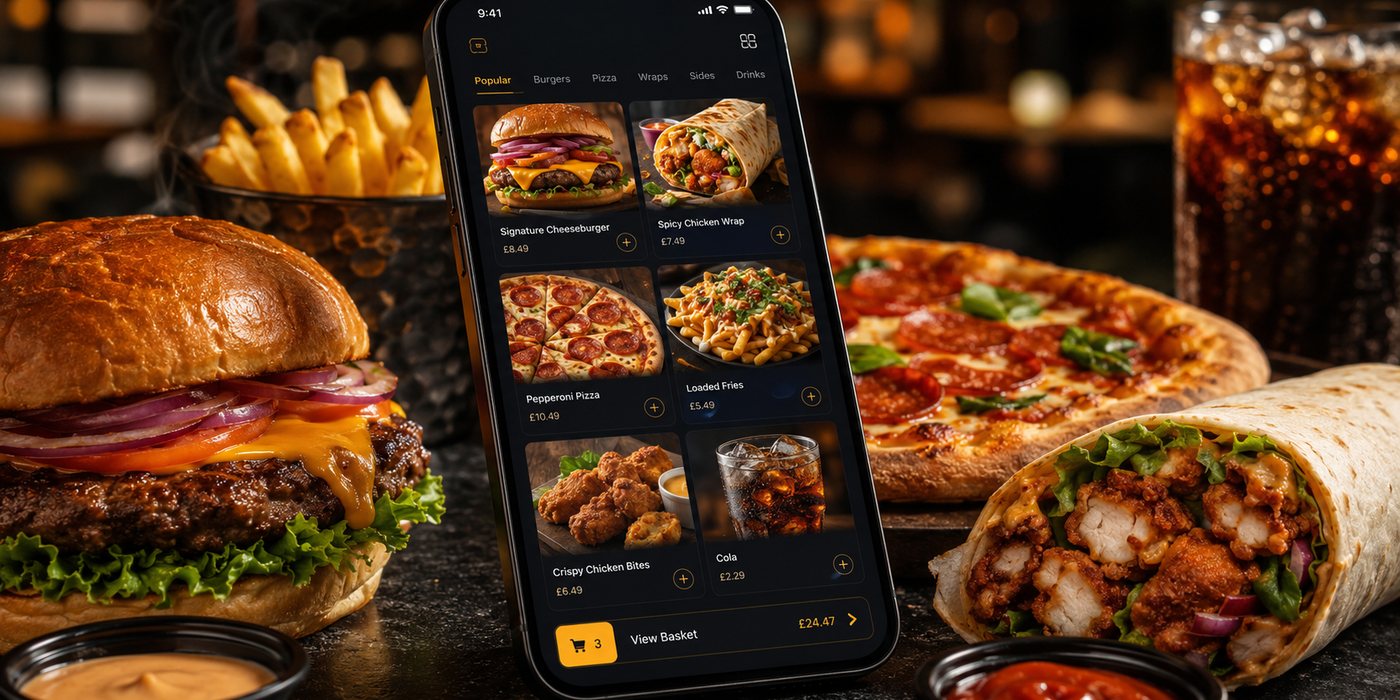
Online Ordering for New Takeaway Businesses
A new takeaway does not need a marketplace listing, ordering website, branded app and loyalty programme on its first day. It needs one dependable way to receive an order, take payment, control preparation time and cor…
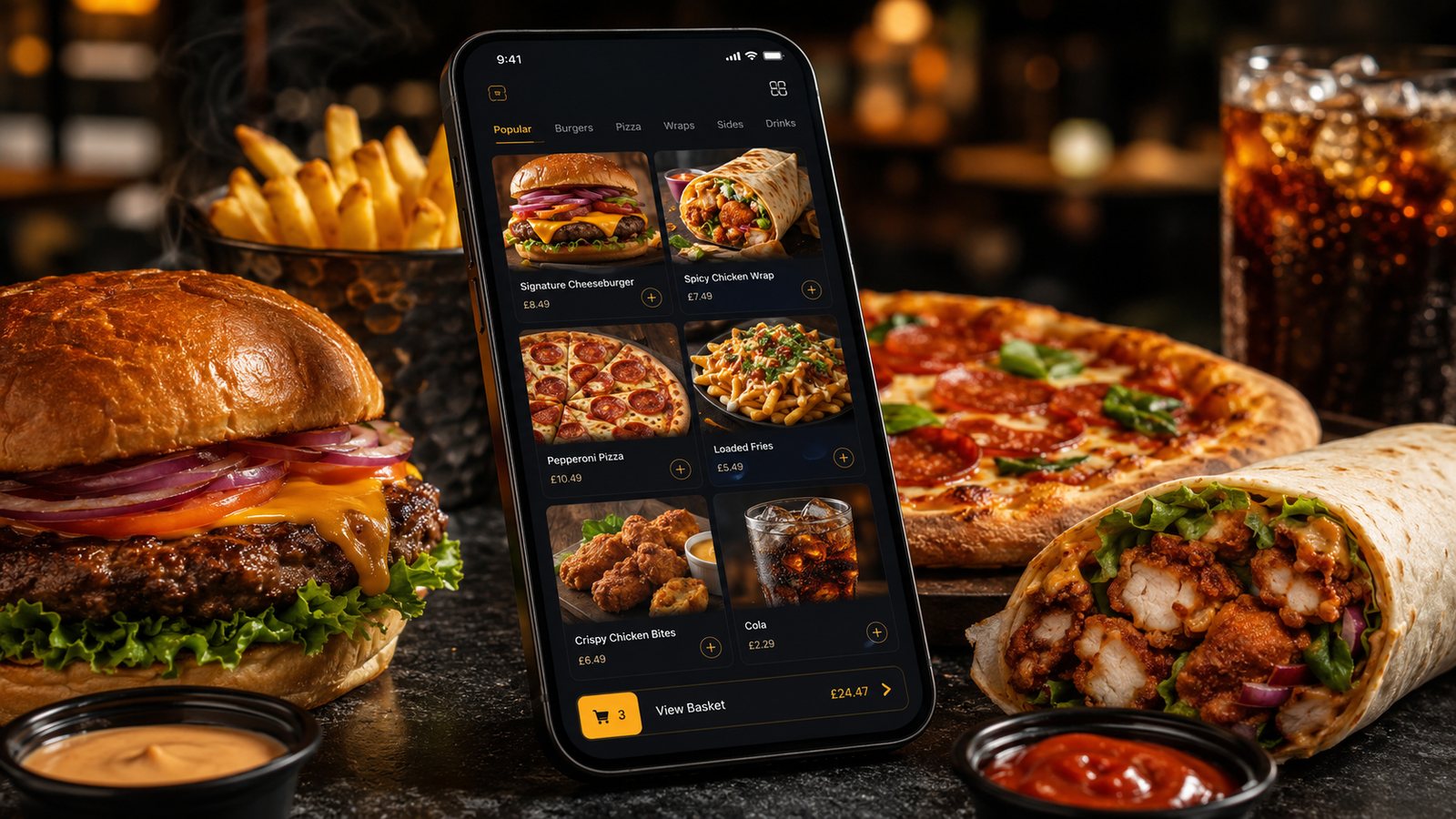
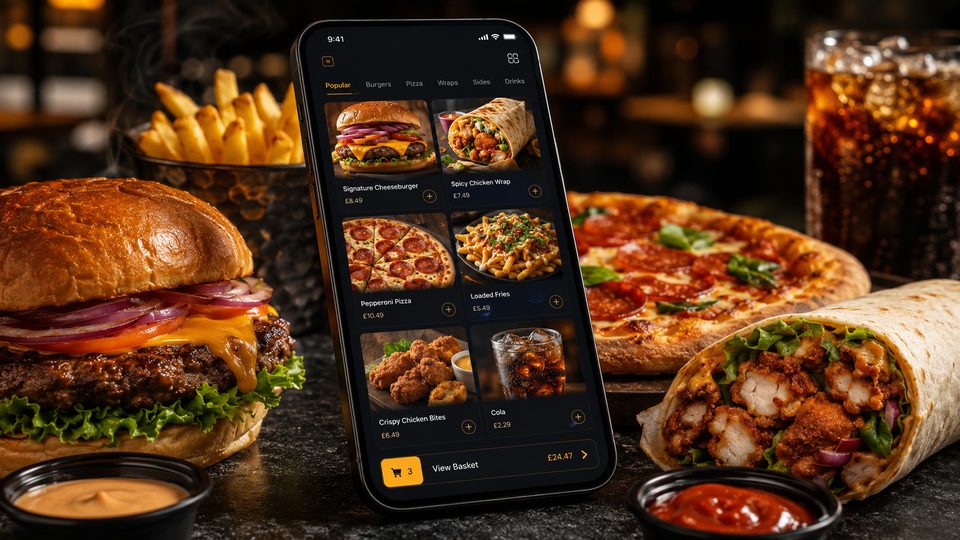
A new takeaway does not need a marketplace listing, ordering website, branded app and loyalty programme on its first day. It needs one dependable way to receive an order, take payment, control preparation time and correct a problem. Adding more channels before that process is stable increases the chance of menu errors, missed tickets and confusing end-of-day totals.
Related guides
- Online Ordering — the main guide for the wider topic.
- Getting Started with Online Ordering — the broader guide that frames this implementation.
- Moving from Telephone Orders to Digital Ordering — a closely related operational control to review alongside this page.
- Restaurant Online Ordering Guide — a closely related operational control to review alongside this page.
Choose the first channel from the source of demand
The right starting point depends on how customers are expected to find the business.
- Marketplace first: useful where the business has little existing local awareness and needs access to people already browsing for delivery or collection.
- Website first: more realistic where the business already has local footfall, an established audience, strong search visibility or another reliable way to send people directly to the menu.
- App later: usually easier to justify after repeat direct demand is visible and the business can explain why customers should install and retain it.
A hybrid model may become sensible, but it does not have to launch all at once. Every extra channel creates another set of prices, opening hours, availability, status settings, payment reports and support contacts unless the systems are genuinely integrated.
Build a minimum viable digital operation
The first release should cover the tasks that determine whether an order can be completed safely and accurately:
- a mobile-friendly menu with clear item names and prices;
- valid modifiers for size, sides, sauces and other genuine choices;
- accurate allergen information and a process for keeping it current;
- separate delivery and collection availability where both are offered;
- postcode or zone validation for delivery;
- a payment process that staff can reconcile;
- a clear place where the order appears in the kitchen;
- controls for preparation time, sold-out items and pausing orders;
- a documented fallback if the system or connection fails.
Features such as points, push notifications, extensive personalisation and complex promotions should not distract from this core. They can be added after the order flow is dependable.
Launch a smaller menu than the final ambition
A new operation is still learning its real preparation times, popular combinations and stock pressure. Launching every planned item can make that learning harder. Start with the products the kitchen can produce consistently, then add dishes once staff understand the flow.
Pay particular attention to:
- meal deals that require several choices;
- items shared across categories;
- products with many removals or substitutions;
- options that change the selling price;
- items that become unavailable quickly;
- ingredient or recipe changes that affect allergen information.
Place test orders for realistic combinations. A single plain item does not test the same workflow as a family order with modifiers, drinks, sides and different preparation stations.
Set realistic service promises
Do not copy preparation times from a supplier demo or a competitor. Use test services to estimate how long orders take when the kitchen is quiet and when several arrive together. Delivery promises must also account for packing, driver availability, travel and handover, not only cooking.
Begin with capacity that the team can meet. A slightly longer but dependable promise is more useful than a short estimate that repeatedly changes after payment. Make sure an authorised member of staff can adjust times or pause a channel immediately during service.
Keep the launch hardware simple and visible
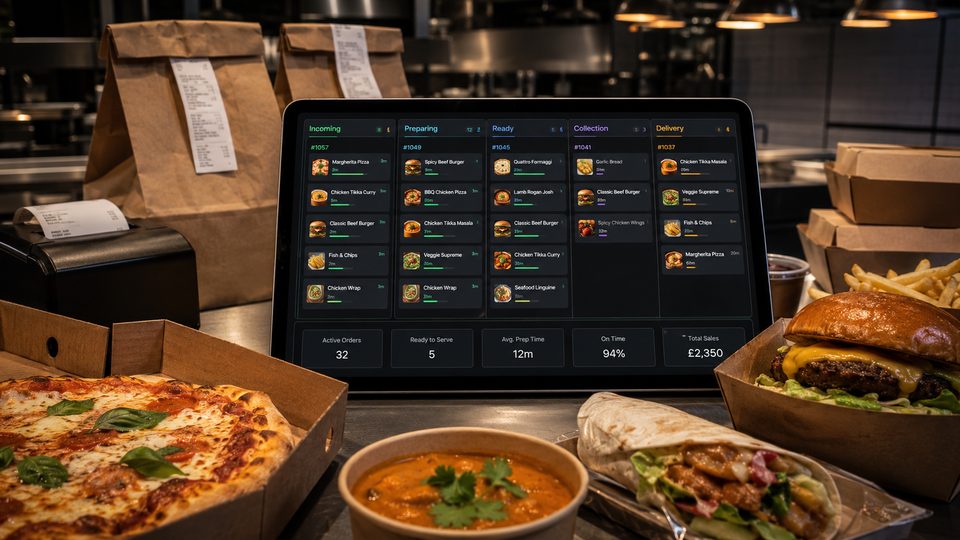
Decide exactly where orders will appear. A tablet left behind the counter with the volume low is not an operating process. The device or printer should have a fixed position, a power supply, a reliable connection and a named person responsible for accepting and routing orders.
If the online channel does not integrate with the POS or kitchen display, document the manual steps. Staff may need to accept the order, enter it into the till, print or write a kitchen ticket and match the payment later. Count this work when comparing suppliers; a low headline fee can become expensive if each order requires repeated handling.
Understand the full cost before signing
| Cost area | Questions to ask |
|---|---|
| Setup | Is menu entry, design, training, hardware or integration charged separately? |
| Ongoing software | Is the fee fixed, per location, per device or linked to order volume? |
| Per order | Are commission, transaction and card-processing charges shown separately? |
| Support | Is evening and weekend help included, and which incidents are chargeable? |
| Marketing | Who is responsible for acquiring direct customers and what budget is required? |
| Exit | Can menus, orders and permitted customer records be exported in a usable format? |
Ask for a written schedule of charges and check how unavoidable fees are presented to customers. UK price-transparency rules require businesses to provide clear and accurate pricing information; a supplier's checkout configuration should support that requirement rather than introduce mandatory charges late in the journey.
Prepare privacy and marketing choices before collecting data
The checkout will collect personal information needed to fulfil the order, such as a name, contact detail and delivery address. The business should explain what it collects, why it uses it, who receives it and how long it is kept.
Do not combine essential order communication with optional marketing. A customer may need an email or text confirming the order without agreeing to future promotions. Configure marketing choices separately and make sure the wording matches the business's real practices.
Use a controlled opening sequence
- Complete the core menu and place internal test orders.
- Run a staff-only simulation covering payment, kitchen output, collection and delivery.
- Open the channel with conservative availability and a named manager watching the flow.
- Record menu errors, late orders, customer questions and manual corrections.
- Fix repeated problems before adding another channel or promoting the service heavily.
- Review the first complete payout and reconcile it against orders, refunds and charges.
Measure what proves the operation is stable
Early success is not simply the number of online orders. Review:
- the proportion completed within the promised time;
- missing items, incorrect modifiers and remakes;
- failed or duplicated payments;
- orders requiring manual contact;
- staff interventions per order;
- refunds and cancellations;
- support incidents;
- contribution after channel-specific costs.
Only add complexity when the current process is understood. A new takeaway benefits more from one channel that staff trust than from a long feature list that nobody can control on a busy evening.
Official guidance checked
- Food Standards Agency: Starting your food business safely
- Food Standards Agency: Allergen guidance for food businesses
- Competition and Markets Authority: Providing clear and accurate information about prices
- Information Commissioner's Office: Privacy notices and cookies
Guidance checked: 24 July 2026. Food-law requirements vary within the UK in some areas; check the guidance that applies to the location of the business.
Operational, legal and platform requirements can change. Recheck official guidance and supplier documentation before altering a live service.
Related practical guides
 Online OrderingMulti-Location Restaurant Ordering Systems: What ChangesMoving from one takeaway location to several changes more than the number of kitchens. Identity, menu governance, pricing, capacity, support, pay…Read guide →Online OrderingMarketplace Visibility and RankingMarketplace visibility can affect order volume, but restaurants rarely know the full logic behind search, recommendation and sponsored placement.…Read guide →
 Online OrderingMarketplace Menu ManagementA marketplace menu is a live operating document. It controls what customers can buy, what the kitchen receives and what the business may later ne…Read guide →
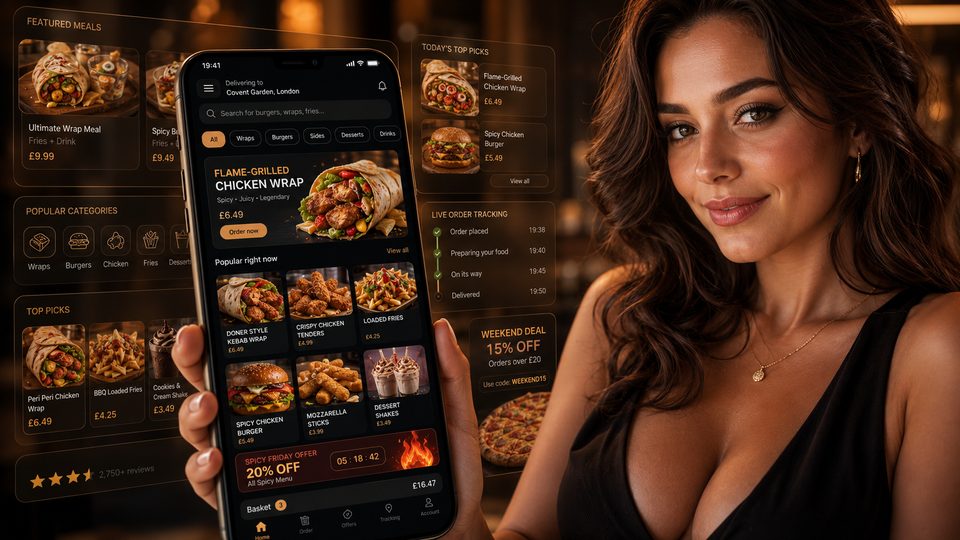 Online OrderingMarketplace Commission StructuresMarketplace cost is rarely one simple percentage. The total depends on the provider, contract, delivery model, promotions, payment treatment, ref…Read guide →
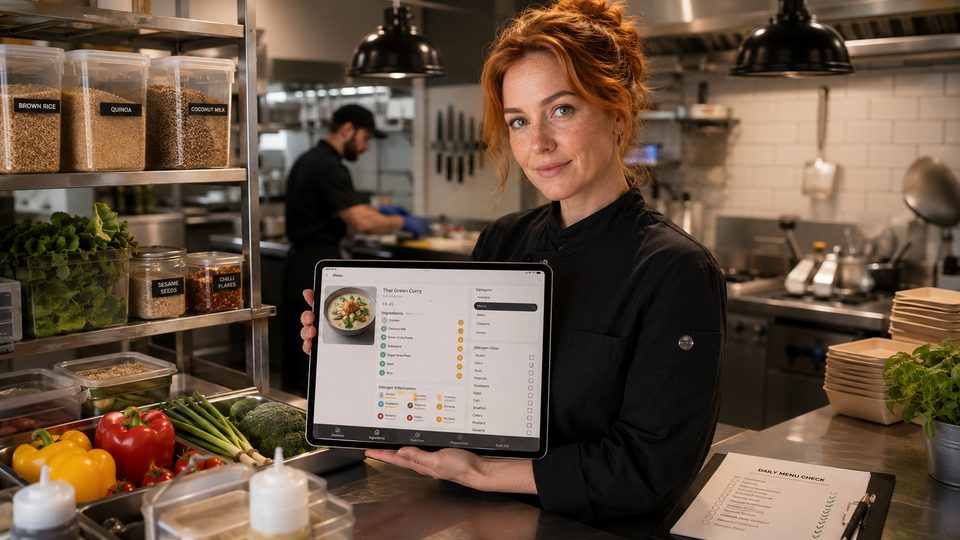 Online OrderingHow to Handle Allergens OnlineA safe online allergen process connects approved recipes, supplier specifications, menu data, trained staff, kitchen controls and delivery-stage …Read guide →Online OrderingHow to Design Checkout for TakeawayA takeaway checkout should confirm a clear order, a realistic fulfilment promise and a transparent total price with as little unnecessary effort …Read guide →
Connect customer ordering with operations and profit
Use the wider guide library to check the menu, kitchen, fulfilment, payment and financial implications of each decision.
Browse all practical guides