Backup and Recovery for POS Data
A backup is useful only if the business knows what it contains, how often it is created and how to restore it. Cloud hosting may protect some transaction data, but it does not automatically protect every menu configur…
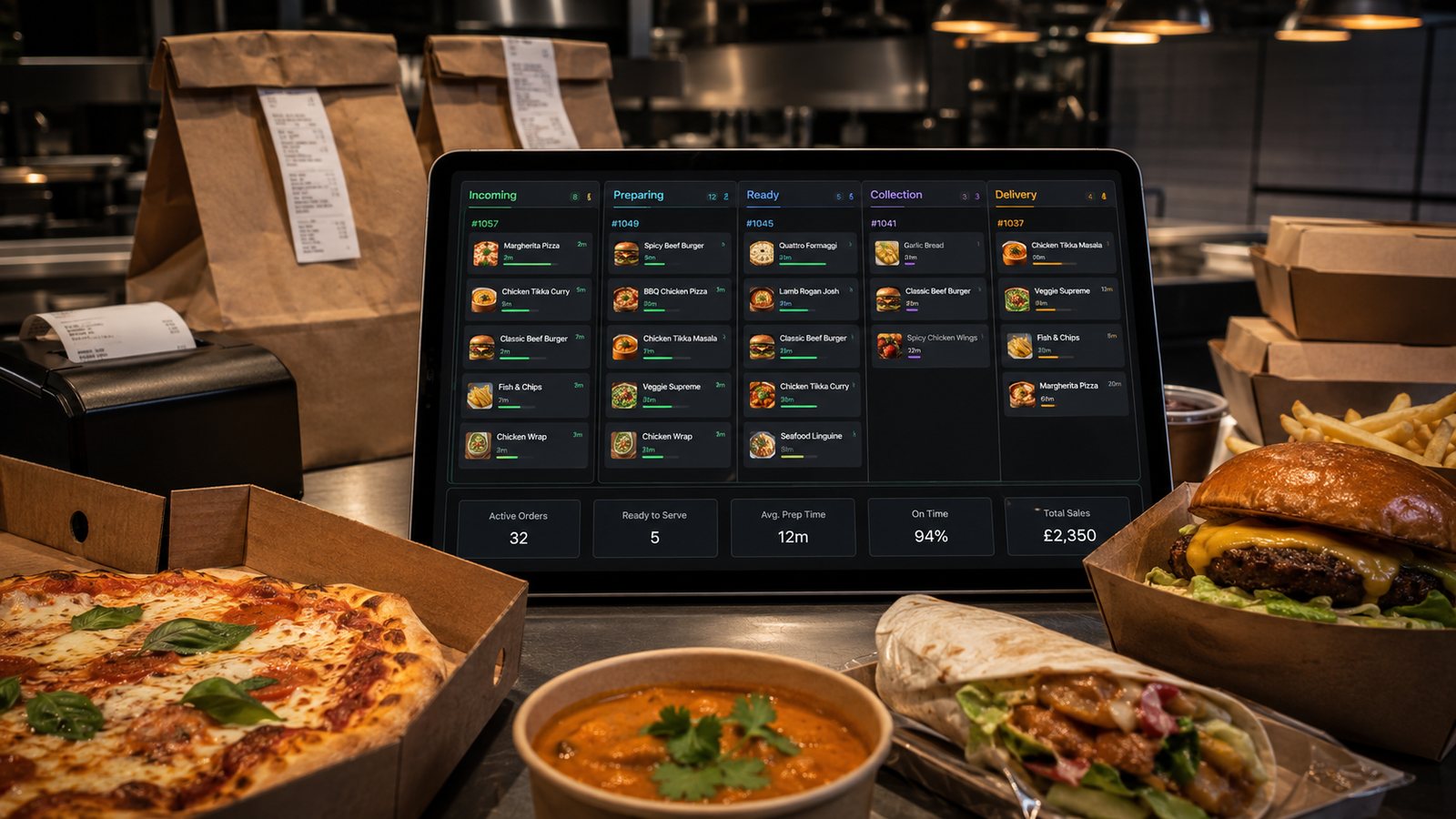
A backup is useful only if the business knows what it contains, how often it is created and how to restore it. Cloud hosting may protect some transaction data, but it does not automatically protect every menu configuration, integration mapping, local file or report the operation relies on.
Identify data that must be recoverable
| Data | Why it matters |
|---|---|
| Orders and refunds | Customer service, reconciliation and accounting |
| Menu and modifier configuration | Correct selling and kitchen routing |
| Availability and schedules | Operational control after restoration |
| Users and permissions | Secure staff access |
| Integration mappings | Order, menu and payment connections |
| Reports and exports | Tax, management and audit needs |
| Hardware and network settings | Faster device replacement |
Ask what the supplier actually backs up
- Which systems and fields are included?
- How frequently are copies created?
- How long are they retained?
- Are backups separated from the live environment?
- Are they encrypted and access-controlled?
- Can one location, device or configuration be restored independently?
- Who can request a restore?
- What are the recovery objectives and support hours?
- Can the business export its own copy in a usable format?
Separate backup from export
A provider’s internal backup supports service recovery. A customer export supports business continuity, migration and record retention. The business may need both. Schedule exports that match accounting, operational and contractual requirements.
Set recovery priorities
- Restore safe order intake.
- Restore current menu, prices and availability.
- Restore kitchen routing and output.
- Restore payment and refund visibility.
- Restore reporting and historical detail.
- Reconcile activity that occurred during the outage.
Test restoration
A useful test proves more than file download:
- restore into a test or replacement environment;
- confirm record counts and recent transactions;
- open menus, modifiers and routing;
- verify users and permissions;
- run a sample report and export;
- test an order through the restored configuration;
- record time, failures and manual steps.
Plan for device replacement
Keep a current inventory of hardware, operating-system versions, licences, credentials held in an approved password system, printer routes, network settings and supplier contacts. Do not store unprotected passwords or payment secrets inside the recovery document.
Control backup access and retention
Backups may contain customer and staff personal data. Limit access, document retention and securely remove expired copies. When changing suppliers, confirm how live data, backups and former support access are handled.
Recovery checklist
- incident owner appointed;
- scope and last known-good time identified;
- active orders protected;
- restore approved and logged;
- data and configuration validated;
- channels reopened in a controlled order;
- manual activity entered or reconciled;
- root cause and recovery performance reviewed.
Define recovery objectives in business terms
The recovery point objective describes how much recent data could be lost; the recovery time objective describes how long the operation can tolerate before the service or record is restored. Agree these for orders, menus, reporting and configuration rather than accepting one vague supplier promise.
Supplier exit and data portability
- available export formats;
- order-level detail and stable identifiers;
- refund and audit history;
- menu, modifier and routing configuration;
- user and permission records where appropriate;
- time allowed to retrieve data after termination;
- deletion of live and backup copies;
- assistance and cost for migration.
Backup failure indicators
Monitor missed exports, incomplete files, unusual file size, failed encryption, expired storage credentials and supplier notifications. Assign a person to review alerts. An automated task that nobody checks can fail quietly for months.
Practical next step: request the supplier’s written backup and restore process, then perform one controlled recovery test. If restoration cannot be demonstrated, the backup has not been proven.
Related guides
- POS and Kitchen Systems — the main guide for the wider topic.
- System Reliability and Fallback — the broader guide that frames this implementation.
- Restaurant Ordering System Downtime Plan — a closely related operational control to review alongside this page.
- Internet Connectivity for Takeaway Operations — a closely related operational control to review alongside this page.
Operational, legal and platform requirements can change. Recheck official guidance and supplier documentation before altering a live service.
Related practical guides
 POS and Kitchen SystemsKitchen Printers vs Customer ReceiptsKitchen tickets and customer receipts may originate from the same order, but they serve different users and should not be treated as the same doc…Read guide →
 POS and Kitchen SystemsKitchen Display System GuideA kitchen display system can improve visibility and order control, but only when it fits the kitchen’s workflow. Buying screens before mapping st…Read guide →POS and Kitchen SystemsKDS for Multi-Station KitchensIn a multi-station kitchen, a KDS must coordinate separate teams without losing the order as a whole. The fryer, grill, preparation section and d…Read guide →POS and Kitchen SystemsKDS Setup and ConfigurationKDS configuration is an operational project, not a screen-installation task. The system must translate menu data into station work, show realisti…Read guide →POS and Kitchen SystemsInternet Connectivity for Takeaway OperationsTakeaway connectivity should be designed around continuity, not headline download speed. Online ordering, payment terminals, POS synchronisation,…Read guide →
 POS and Kitchen SystemsHow to Sync Menus Across ChannelsMenu synchronisation should reduce duplicate work without hiding errors. The goal is not to force every channel to look identical. The goal is to…Read guide →
Connect customer ordering with operations and profit
Use the wider guide library to check the menu, kitchen, fulfilment, payment and financial implications of each decision.
Browse all practical guides