Internet Connectivity for Takeaway Operations
Takeaway connectivity should be designed around continuity, not headline download speed. Online ordering, payment terminals, POS synchronisation, KDS screens and driver systems often use modest bandwidth, but they dep…
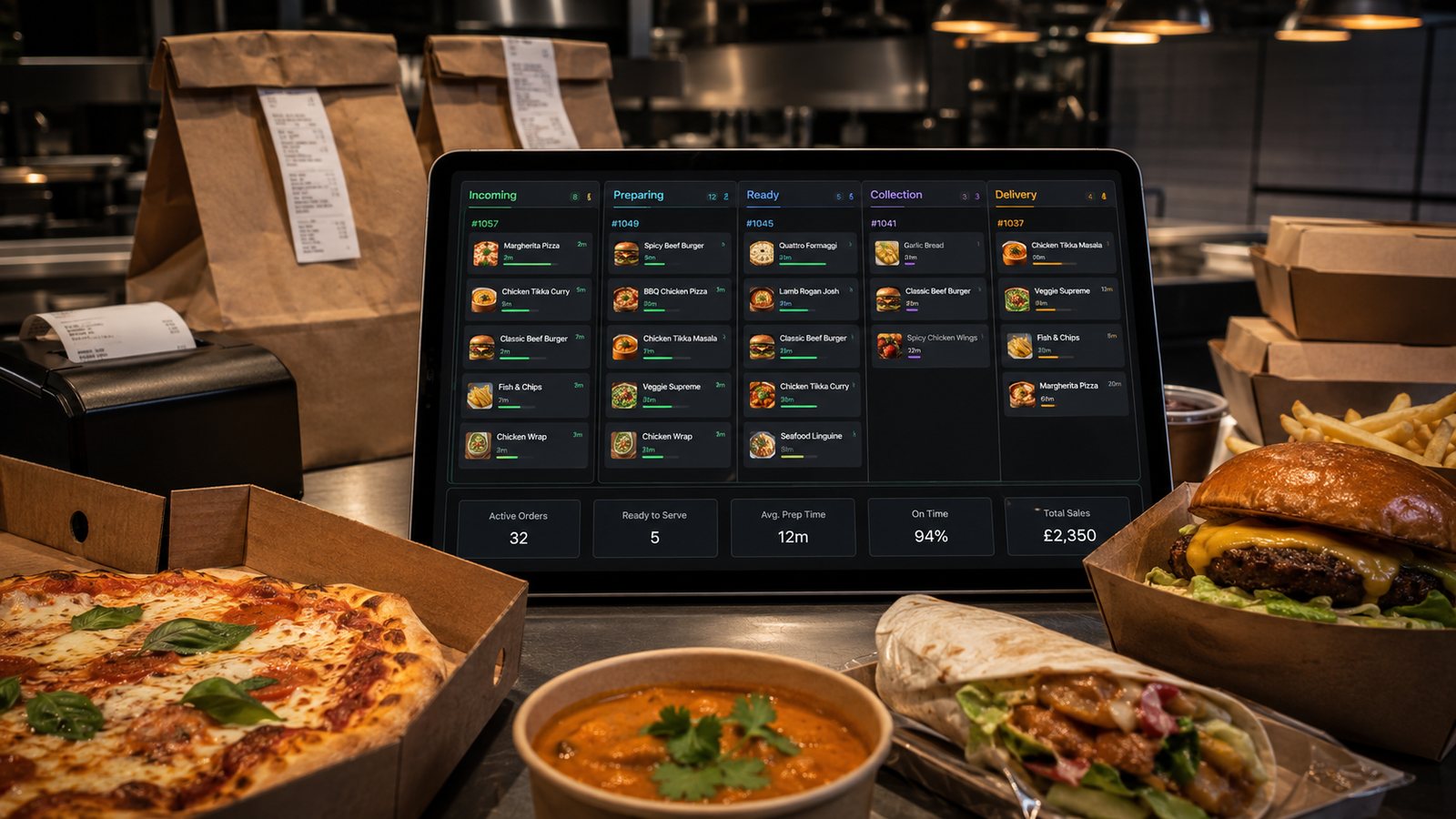
Takeaway connectivity should be designed around continuity, not headline download speed. Online ordering, payment terminals, POS synchronisation, KDS screens and driver systems often use modest bandwidth, but they depend on stable latency, reliable upload and a network that can fail over predictably.
Inventory connections and critical devices
- primary broadband service and router;
- secondary 4G, 5G or alternative fixed connection;
- POS terminals and local controller;
- payment terminals;
- KDS screens and printers;
- marketplace tablets;
- staff and guest Wi-Fi;
- cameras, music and other competing traffic.
Separate business-critical traffic
Use managed network equipment where the operation justifies it. Keep guest access separate from POS and payment devices. Restrict administrative access, change default credentials and document who can alter router or firewall settings.
Choose a failover model
| Model | Strength | Limitation |
|---|---|---|
| Router with mobile failover | Automatic or fast switching | Must be tested with all applications |
| Separate mobile router | Independent hardware and provider | May require manual device movement |
| Second fixed connection | Can provide stable capacity | May share local infrastructure with primary line |
| Phone hotspot | Useful emergency tool | Weak control, battery and device limits |
Choose a different network or infrastructure path where possible. A backup using the same local fault domain may fail at the same time.
Confirm application behaviour
Ask suppliers:
- what works offline;
- whether queued orders resend after reconnection;
- how duplicate messages are prevented;
- whether the IP address or network change affects terminals;
- how long sessions remain active;
- which ports, DNS or VPN services are required;
- how staff can see that failover is active.
Prefer wired connections for fixed critical devices
Use Ethernet for routers, controllers, printers and fixed screens where supported and practical. Wi-Fi remains useful, but heat, walls, neighbouring networks and device movement can make it less predictable. Survey the premises during real operating conditions.
Protect power as well as data
A backup SIM does not help if the router and network switch lose power. Consider protected power for the equipment required to keep critical services alive long enough for a safe response. Test how devices restart after power returns.
Run failover tests
- Record active orders and payment states.
- Disconnect the primary service safely.
- Confirm failover timing.
- Place direct and marketplace test orders.
- Test terminals, POS, KDS and printers.
- Restore the primary connection.
- Check for duplicate or delayed messages.
- Review logs and staff instructions.
Monitor and maintain
- connection uptime and latency;
- mobile data allowance and SIM status;
- router firmware and support status;
- failed failover tests;
- coverage changes;
- new devices added without review;
- supplier changes to network requirements.
Performance requirements
Ask each supplier for documented connectivity requirements. Measure latency, packet loss, upload stability and Wi-Fi coverage as well as download speed. Test during peak trading when neighbouring networks and customer devices are active.
Network documentation
- simple diagram of router, switch, access points and critical devices;
- device names, locations and connection type;
- primary and backup provider details;
- administrative access held securely;
- support contacts and service identifiers;
- approved restart and failover sequence;
- last successful failover test.
Changes that require retesting
Retest after a new router, broadband provider, terminal, KDS screen, VPN, firewall rule, access point, POS update or site refurbishment. A network that worked for the old system may not support the new route or device behaviour.
Practical next step: test the current backup connection during a controlled period with a complete order and payment flow. A signal icon alone does not prove operational failover.
Related guides
- POS and Kitchen Systems — the main guide for the wider topic.
- System Reliability and Fallback — the broader guide that frames this implementation.
- Backup and Recovery for POS Data — a closely related operational control to review alongside this page.
- Restaurant Ordering System Downtime Plan — a closely related operational control to review alongside this page.
Operational, legal and platform requirements can change. Recheck official guidance and supplier documentation before altering a live service.
Related practical guides
 POS and Kitchen SystemsPrinter Setup and TroubleshootingA printer failure during service can hide orders, delay one kitchen station or create duplicate tickets. Troubleshooting should follow a fixed se…Read guide →
 POS and Kitchen SystemsOnline Menu Design MistakesAn online menu is part catalogue, part order form and part kitchen instruction. A design can look attractive while still causing abandoned basket…Read guide →POS and Kitchen SystemsKitchen Printers vs Customer ReceiptsKitchen tickets and customer receipts may originate from the same order, but they serve different users and should not be treated as the same doc…Read guide →
 POS and Kitchen SystemsKitchen Display System GuideA kitchen display system can improve visibility and order control, but only when it fits the kitchen’s workflow. Buying screens before mapping st…Read guide →POS and Kitchen SystemsKDS for Multi-Station KitchensIn a multi-station kitchen, a KDS must coordinate separate teams without losing the order as a whole. The fryer, grill, preparation section and d…Read guide →POS and Kitchen SystemsKDS Setup and ConfigurationKDS configuration is an operational project, not a screen-installation task. The system must translate menu data into station work, show realisti…Read guide →
Connect customer ordering with operations and profit
Use the wider guide library to check the menu, kitchen, fulfilment, payment and financial implications of each decision.
Browse all practical guides